

Wireless Switch Pro Controller for Nintendo Switch/Lite/OLED, Bluetooth Gaming Controller for iPhone/Android/Phone/PC/Steam/Mac/iOS/iPad/TV with Programmable/Vibration/Motion Control/Turbo/Wakeup/RGB
$24.99


Price: $24.99
(as of Jan 11, 2025 21:32:00 UTC – Details)
Product Description

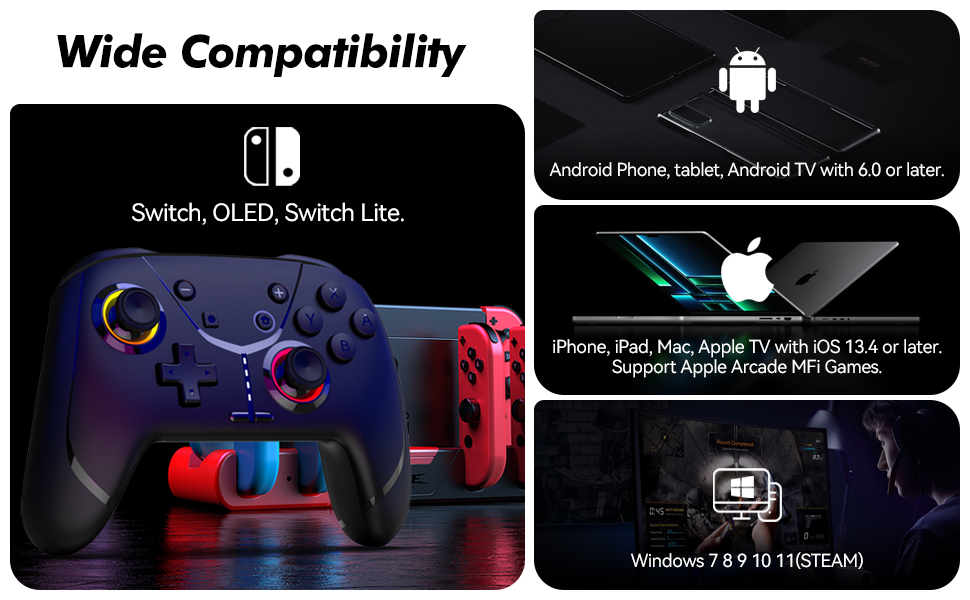
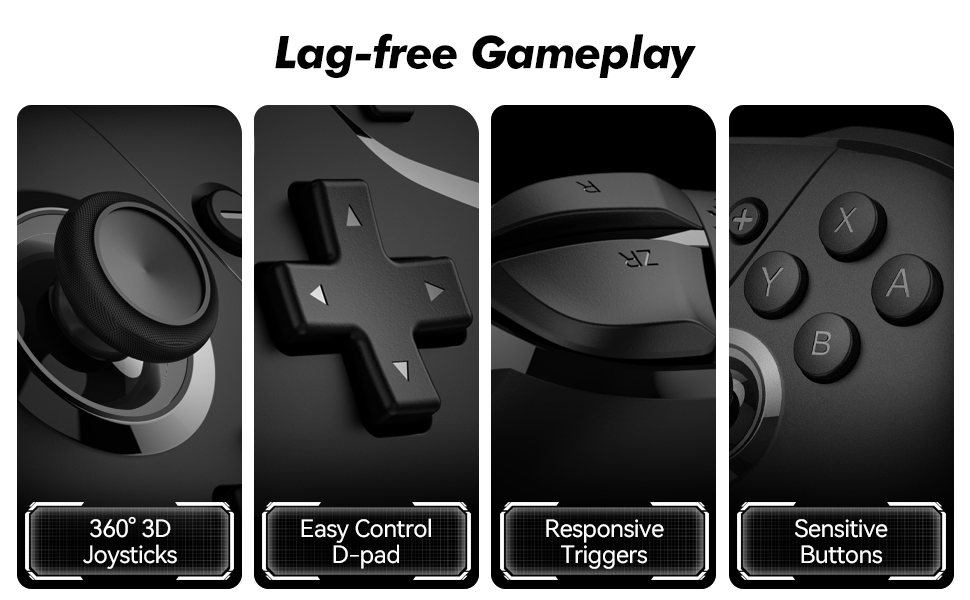
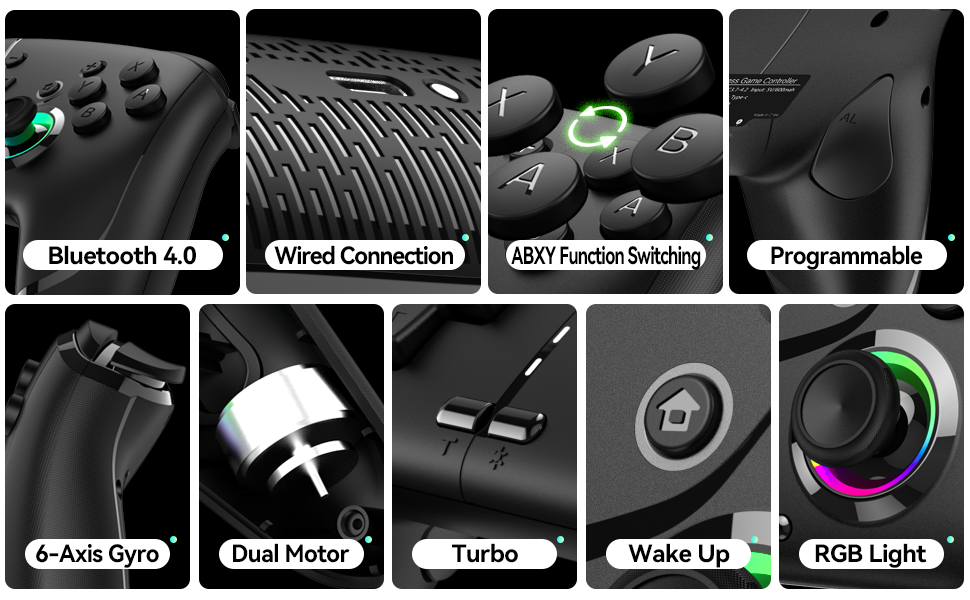
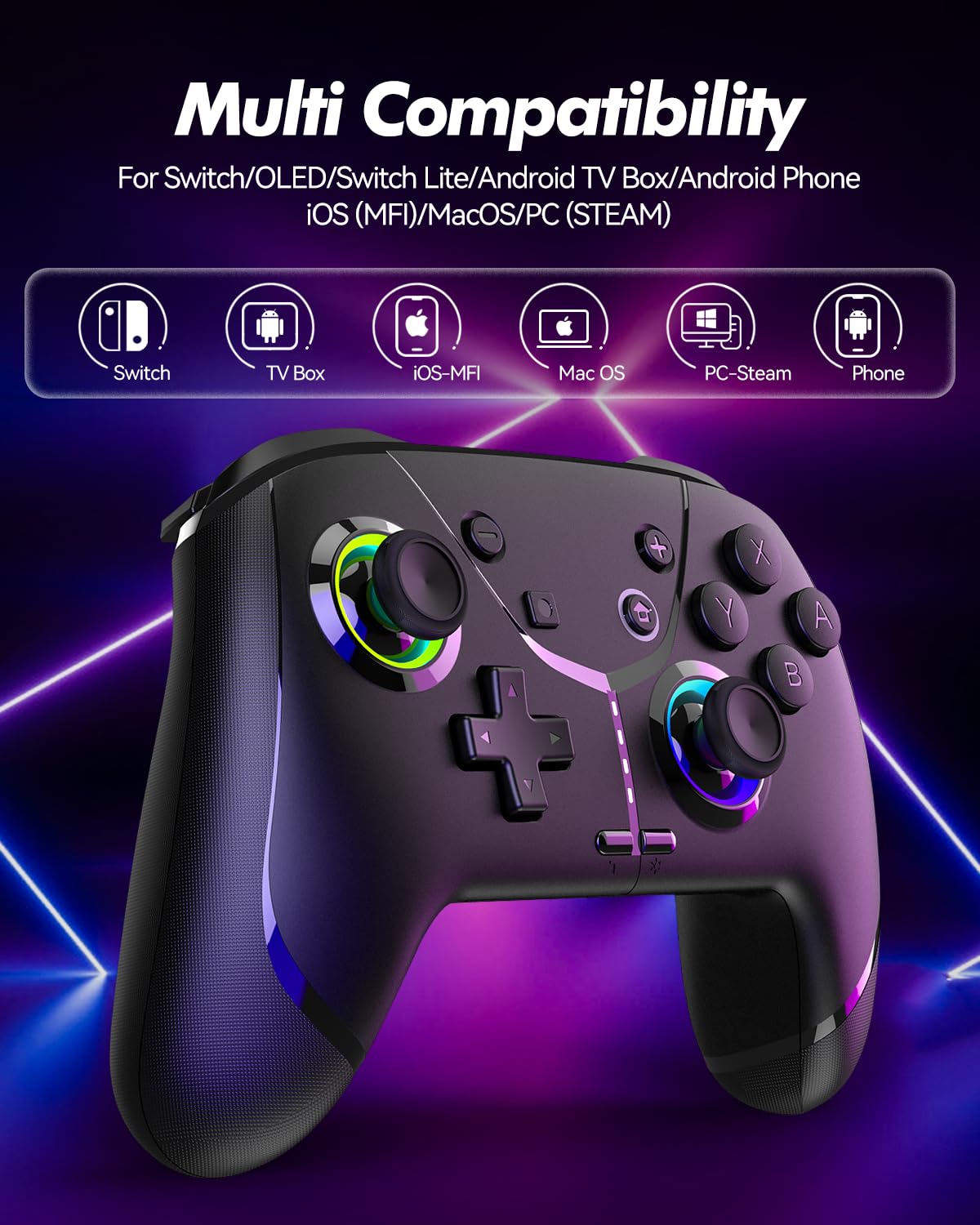
Wide Compatibility: The Switch controller works with Nintendo Switch/Lite/OLED, Apple devices (iPhone, iPad, Mac, TV, Apple Arcade MFi Games), Android devices (phone, tablet, Android TV, TV boxes), PC/Laptop (Windows 7 8 9 10 11), and Steam
Fast Bluetooth Connection: The Nintendo Switch controller can be easily paired with Switch, mobile phone(iOS/Android), Mac, tablet, PC or TV (Android/Apple/Fire Stick) with a built-in Bluetooth via Bluetooth connection
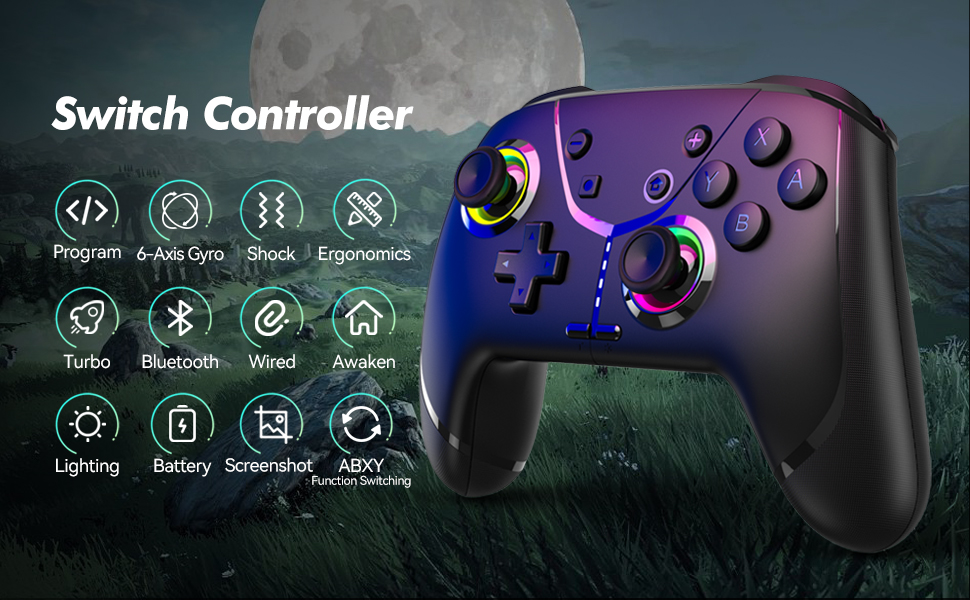
Programmable: The Bluetooth gaming controller features 2 programmable buttons that can map A/B/X/Y/L/R/ZL/ZR/Left Joystick/Right Joystick/D-pad/+/- to AR/AL and record up to 30 seconds of the gaming operation, which makes it even easier to win the game
Motion Controls: With the 6-axis gyro sensor, this game controller allows you to use the motion controls to aim or do other movements when you are playing games on a Switch, mobile phone, PC, or even on TV
Adjustable Vibration: The Nintendo Pro controller comes with asymmetric dual motors that provide 4 adjustable vibration intensities (100%/70%/50%/0%), giving you the best immersive gaming experience
2 Turbo Modes: The Android controller with auto and manual turbo, providing 3 adjustable turbo speeds (5/10/15 shots/s), instantly helping you enjoy the game to the fullest
Remap ABXY: The phone controller has ABXY function switching that lets you freely switch between the Nintendo Switch layout and Xbox layout without removing the buttons
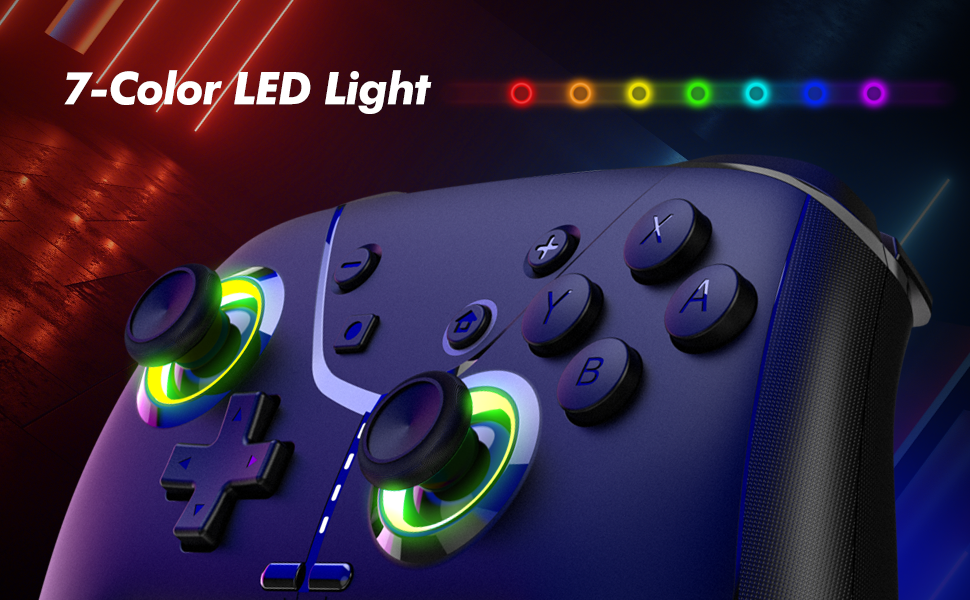
Additional Features: Enjoy this PC gaming controller with other functions, such as cool RGB light, wake-up, screenshot, ergonomic design, and a built-in 800 mAh rechargeable battery for up to 15-20 hours of gameplay
Customers say
Customers appreciate the video game controller’s design and feel. They find it visually appealing with vibrant lighting options and RGB colors. The ergonomic design provides comfort during extended gaming sessions. Many customers like its compatibility, though some have issues with stick drift. Opinions vary on functionality, connectivity, button layout, and ease of use.
AI-generated from the text of customer reviews
9 reviews for Wireless Switch Pro Controller for Nintendo Switch/Lite/OLED, Bluetooth Gaming Controller for iPhone/Android/Phone/PC/Steam/Mac/iOS/iPad/TV with Programmable/Vibration/Motion Control/Turbo/Wakeup/RGB
Add a review
Related Products


$24.99
Ilmar Saar –
Great for Gaming⦠Eventually (Maybe)
Well, I bought this with high hopes of dominating CPUUserBenchmark wait queue game, only to find out that game controllers arenât supported. Classic. I tried some diagnostic tools, and it said it was operating perfectly. So, I guess if I ever get into gaming, Iâm all set! For the price (thanks, Black Friday), I decided to keep it. Now it just sits there, looking cool and ready for action whenever I finally decide to switch from benchmarking to actually gaming. Until then, it’s my trusty, very fashionable paperweight.
robert –
Works fine on iMac
I have a iMac with an M1 chip running Sonoma. Controller works just fine. I set it up just as the instructions stated. Only tricky thing was that you need to pair up with the Mac as soon as the controller starts flashing, if the controller stops flashing it won’t pair up, the controller flashing time is relatively short, so be ready to make the connection as soon as flashing starts. Other than that works great.
Christina C. –
Intermittent transmission disrupted
Iâd like to give this remote 5 stars but itâs near impossible. I wanted a remote that would connect to my 2019 iMac so I could play Asphalt Legends on my computer. The first day I used it, it worked like a charm. Didnât intermittently disconnect and the hand feel was great. The next day I used it (full charge) every time I played the game it would intermittently drop signal DURING GAME PLAY. This is highly annoying and I was very disappointed. I even tried disconnecting the controller entirely and reconnecting it and it still had the same problem. I donât sit far from the computer while playing the game literally I sit infront of my desk and the remote will disconnect at the most inconvenient times. I am highly disappointed in this product. If it doesnât work well with Apple products you shouldnât be marketing it towards Apple consumers because this remote works when it wants to. I even waited to write this review to see maybe it would stop but it hasnât. Please work on this issue and fix the problem. DO NOT PURCHASE THIS PRODUCT IF YOIR USING IT ON A APPLE/MAC product!!!!
John doe –
Great controller would recommend it.
So only reason I gave it a 4 star is because the direction could be a bit more helpful but other than that I got this controller to play games on my phone I use android and it works just fine the led lights are pretty cool also trying to figure out how to change the lights but it over all is a five star controller
Jblakeburn –
A controller that does it all
Hereâs my take on this versatile gaming controller:First off, I have to say, I was pleasantly surprised by how many devices this thing works with. It connects to just about everythingâSwitch, Apple gadgets, Android, PC, even Steam. If youâve ever been annoyed by controllers that only work with one system, this is a nice change of pace. Pairing it via Bluetooth was a breeze, too. It was quick, and I didnât have to fiddle around to get it to work.What really stood out to me were the programmable buttons. At first, I wasnât sure if Iâd even use them, but they ended up being super handy for repetitive moves in action games. You can map them to pretty much any button and even record up to 30 seconds of gameplay. Once I figured it out, it was like having an extra edge without doing much extra work. There are several additional features I have yet to explore. Recommed!
Nicholas Stratton –
Great Price and Perfect for my 3 y/o’s Switch!
The controller handles just like a Nintendo Pro Controller but with a few added features. The RGB colors are a nice touch, and of course loved by a toddler. Includes a charging cable (USBC) like all, and when charging shows the level of charge via lights. With some additional programming and the normal feel of a controller — I’m happy with this purchase.
Sheldon –
Connects to m2 macbook air but has random input glitches
Was skeptical when I first bought due to the mixed reviews and was unsure if it would even connect to my mac (m2 macbook air, sonoma 14.5), but if you press the home button and the ‘A’ button it shows up as an xbox controller and connects fine. During the first day of use it had stick drift and triggers wouldn’t work properly unless I turned off and on again. The stick drift was about once every minute and the trigger issue only happened once. It’s fine for casual gaming not ideal for any competitive gaming. if you want my advice get the normal xbox controller, its def worth the money…
Timothy T. Schofield –
works as advertised
The buttons don’t match the pattern of Xbox, but works on tesla cars just fine.
Julio Fortis –
Estaba un poco dudoso de la calidad de este control pero en realidad me sorprendió, muy buen agarre, los botones tienen buena sensibilidad y es compatible con emuladores y juegos en PC.