

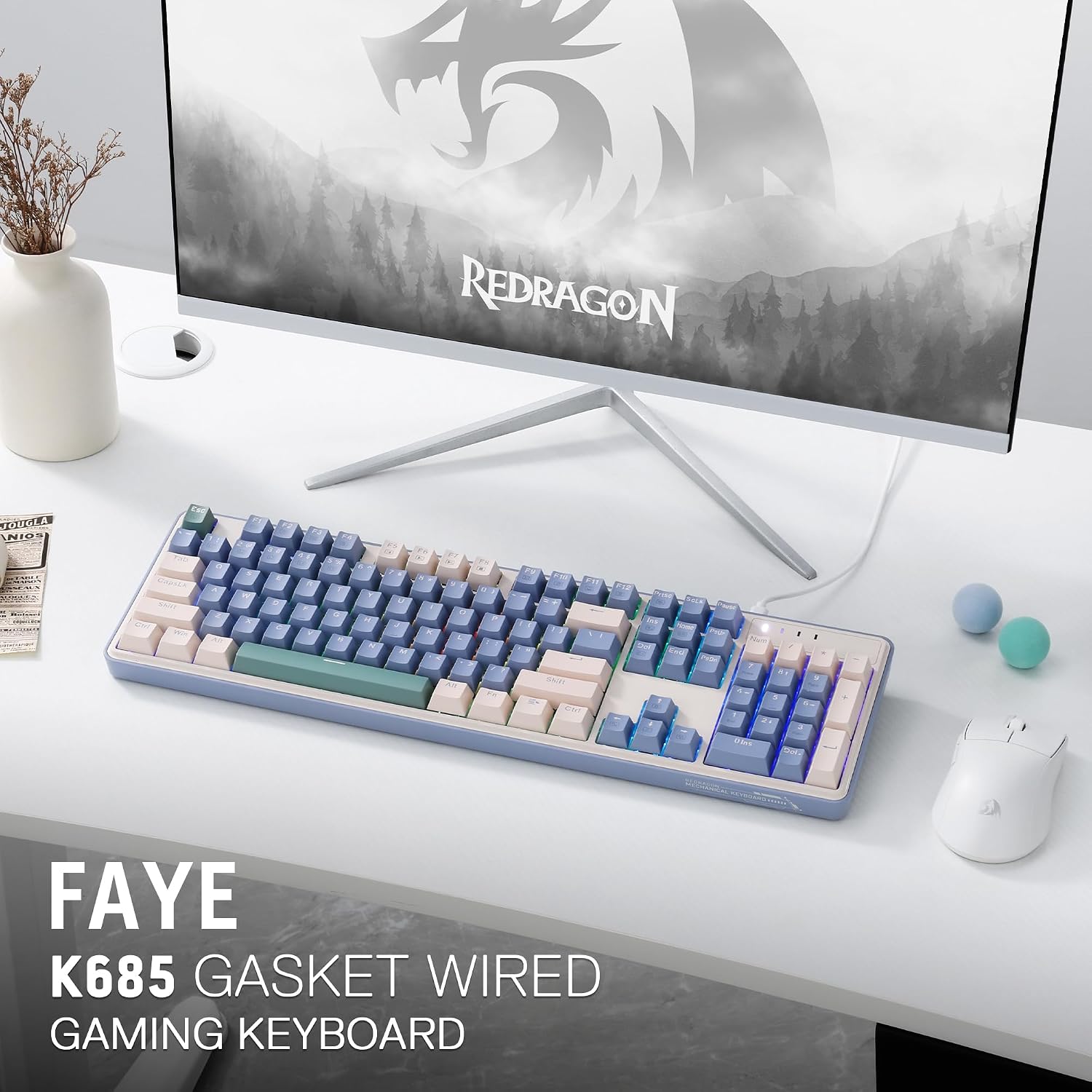
Redragon K685 104 Keys Wired Gasket RGB Gaming Keyboard, 100% Layout Mechanical Keyboard w/Hot-Swap Socket, Sound Absorbing Pads & Linear Custom Switch, Vintage Blue
Original price was: $59.99.$42.99Current price is: $42.99.



Price: $59.99 - $42.99
(as of Jan 16, 2025 18:52:22 UTC – Details)
Product Description


 Find Your Angle
With a two-level stand design, K685 offers 3 angles for your choice. Find the best choice you prefer, for max efficiency and wrist fatigue care.
 Pro Software Supported
Expand your options using the available software to design your own new modes and effects found on redragonshop.
Redragon EPIC KB
Add to Cart
Add to Cart
Add to Cart
Add to Cart
Add to Cart
Add to Cart
Add to Cart
Customer Reviews
4.1 out of 5 stars
47
4.4 out of 5 stars
138
4.5 out of 5 stars
99
4.6 out of 5 stars
4,765
4.5 out of 5 stars
99
4.7 out of 5 stars
172
4.1 out of 5 stars
1,921
Price
$42.99$42.99
$69.99$69.99
$46.99$46.99
$84.99$84.99
$46.99$46.99
$74.99$74.99
$64.99$64.99
Dimension
17.5 x 5.1 in
13.9×4.9 in
13.7 x 4.9 in
17.3 x 6.0 in
13.7 x 4.9 in
15.3 x 5.5 in
17.2×5.8 in
Weight
0.80 kg
0.90 kg
0.73 kg
1.17 kg
0.73 kg
0.92 kg
0.73 kg
Switch
Custom Switch (Dragon Chant)
Red Switch
Red Switch
Red Switch
Red Switch
Custom Switch (Litsea)
Red Switch (Low profile)
Keys
104
87
78
104
78
98
104
Extra G Keys
0
0
4
5
4
0
5
Connection
Wired
Wired/BT/2.4Ghz
Wired
Wired/BT/2.4Ghz
Wired
Wired/BT/2.4Ghz
Wired/BT/2.4Ghz
RGB
✔
✔
✔
✔
✔
✔
✔
Software
✔
✔
✔
✔
✔
✔
✔
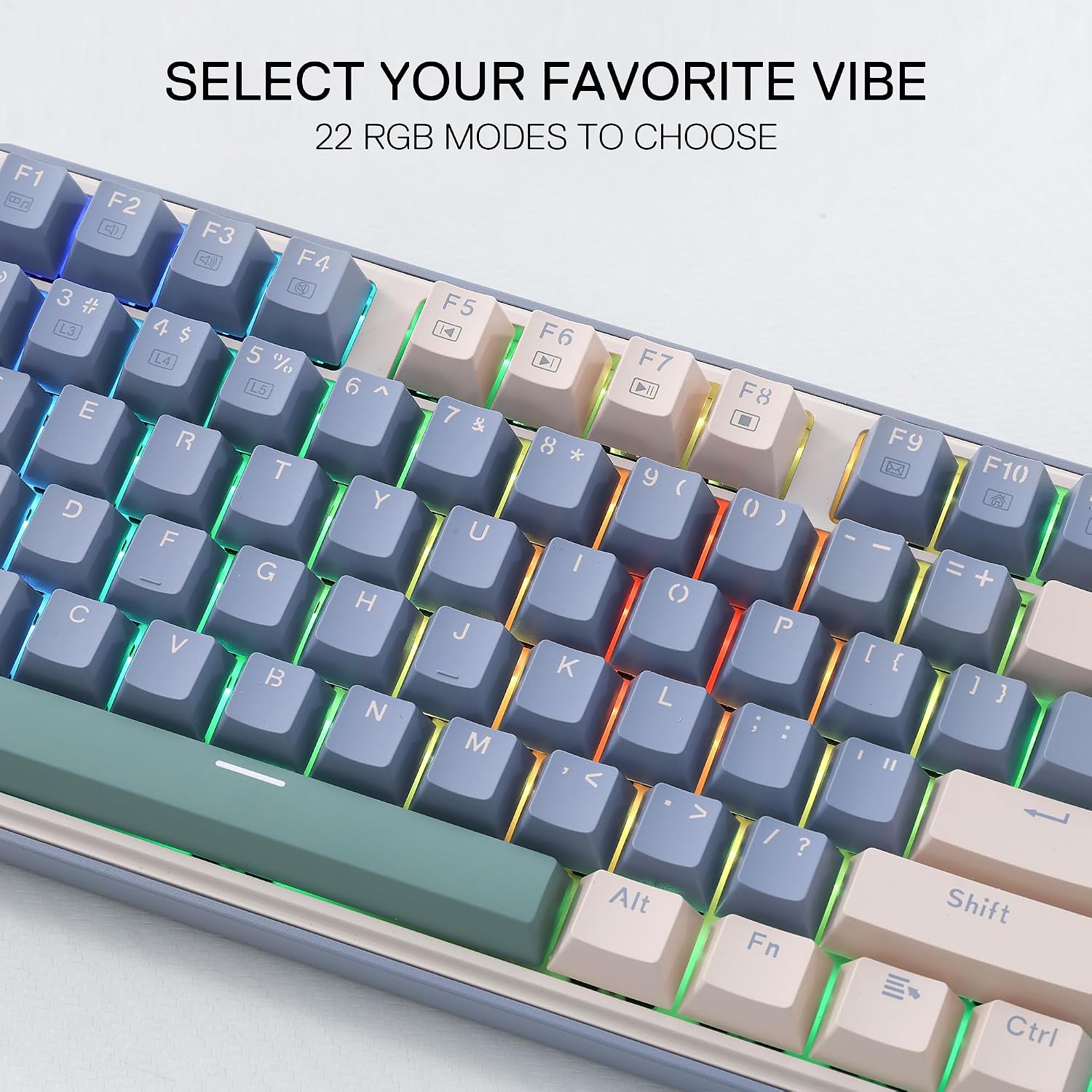
GASKET Design – The body structure differs from traditional screw fixing by using precision-locked covers with gaskets to assist with noise reduction and flexibility. It provides even feedback while the vertical cushioning reduces rigid noise, delivering a crisp, clean and softer typing feel.
Noise Dampening X 3 – Equipped with a 3.5mm PO sound-absorbing pad and 2 dampening foams, along with the silicone gasket. Significantly reduce the sound resonance between the metals and reduce the hollow noise. Creating a clear and creamy switch traveling sound ONLY.
Full-Size 104 Keys – With the original 100% standard layout, return to the most classic and rooted time of mechanical keyboard, suits everyone in any way.
Custom Dragon Chant Switch – With thick-lubed custom linear switches combo with a gasket form factor, K685 features cushioned rich linear travel with silky creamy and cozy typing feedback.
Pro Software Supported – Expand your options using the available software to design your own new modes and effects found on redragonshop. Macros with different keybindings or shortcuts for more efficient work and gaming.
12 reviews for Redragon K685 104 Keys Wired Gasket RGB Gaming Keyboard, 100% Layout Mechanical Keyboard w/Hot-Swap Socket, Sound Absorbing Pads & Linear Custom Switch, Vintage Blue
Add a review
Related Products


Original price was: $59.99.$42.99Current price is: $42.99.
The Puntiff –
Pretty impressive for the price.
Redragon did quite a bit to be customer-friendly with this keyboard. They threw in a few extra switches. I also really like the battery strength indicator; just hit Fn-Menu and see how many green lights out of ten you have. The instructions were straightforward. (I’d have preferred a bit larger print, but I’ve certainly seen worse.) And if you don’t mind the stock OEM profile keycaps, they’re labelled well with icons for the extra functions, and both Win/Mac labels for the keys like Ctrl, Alt, etc. Also, the lights for caps lock, etc. are big enough to be easily noticed. It’s even a bit quieter than I expected for a budget keyboard with OEM caps.For performance, I haven’t detected any lag yet when typing with the 2.4GHz wireless. When I was changing the keycaps, I took the keyboard to another room. I forgot to turn the wireless mode off, and when I got back to my computer, there were all sorts of strange characters on my monitor that proved that the wireless will over several meters of distance and through a wall.As for the switches, if you like the feel of stock red switches, these seem as good as any other.
Jose Antonio Caraballo –
Keyboard
I have been using RedDragon for a while my fiance said she wanted to get a nice simple keyboard for work it just needed to have 3 things look pretty be wireless and have a numpad there is nothing she does not like about it it’s perfect
Galika –
Lag time
I have used this keyboard for about a week and find the when typing I have lag time. I am not sure if this is the keyboard but signing in with my paswords can be problematic at times as I type fast and the keyboard does not keep up.
Ferngully –
Solid Product
I purchased this mainly for a build where the color of the case matched what I was going for. Surprised that this has 2.4gh and rgb which is a plus. Not very sure about the software but for what it will be used for, it will do just fine.
Pen Name –
I normaly don’t pay much for a keyboard, but…
I can feel the quality. Also the blue goes well with my Sonic themed PC.
Nick B –
So quiet! So smooth!
I’ve been a computer geek long enough to remember when all keyboards were mechanical keyboards. I went through the dark ages when keyboards primarily used membrane and butterfly switches, and other sorts of nonsense, so I’ve enjoyed riding this new wave of mechanical keyboards for a few years now.I love the feel of clicky blue switches and prefer a full sized keyboard. My hands are on the larger side – I can palm a basketball and am a natural on guitar – and I like having a number pad. Since I work from home and share an office, my daily driver is compromise between feel and sound with a barebones Logitech K845 sporting the brown tactile switches which still clack in the metal chassis. I also have an RK68 with brown switches, which is a bit quieter with its plastic chassis, but with that I tend to miss the number pad and “royally kludge” some key combos when trying to use special characters or change the settings.I was intrigued when I saw this Redragon K685 PRO full-sized mechanical keyboard with the quiet linear red switches in a decidedly patriotic blue and white colorway. Does it go with my black and grey desk aesthetic? No. Does it remind me a bit of Captain Steve Rogers? Yes. Did I set the LEDs all to red to round it out? Yes.Unboxing, I was startled at how heavy the keyboard was. This thing weighs twice as much as my K845. It’s got a plastic case, so there must be a lot going on inside. The product details show a plastic key guide and two layers of sound dampening foam pads above and below the PCB – and wow, do they work. The sound is so much different! It has a satisfying “thok” with a slight “tick” as the keys bottom out under my heavy hand, and overall it is much quieter. You can’t hear me typing away from the next room, or when on Zoom calls which is where this really shines. My other keyboard cut through like an ice pick to the ear drums of anyone on a call with me.As far as feel, it took half a day to get accustomed to the slightly taller case and the difference between the tactile switches on my other keyboard and the linear switches on this one. I must have typed my password in wrong a dozen times throughout the day. I do miss the bump of brown, but I do feel my typing is a bit smoother and faster now. It’s like when you play guitar to a metronome slowly and deliberately at a slower BPM, working your way up to your fastest comfortable speed, then come back to it the next day playing even faster and more effortlessly.In terms of features, I like how this keyboard can be wired (USB-C to USB-A cable included), or wireless via dongle or Bluetooth. I also like the Windows/Mac switch. If my wife tires of the chiclets and realizes she needs a real keyboard, I can just flip a switch and hand this to her, then buy another…Yeah, I love this keyboard.
Ramstetter Family –
A beautiful and reliable keyboard with a lot of functionality
This keyboard probably has the best RGB rainbow wave I’ve ever sseen. Most just flash different colors every second, but this one does a non-stop wave and the colors are seamless. Sometimes I just sit there and watch it while a game is loading or whatever. It’s really nice!As far as style goes it’s got an old 90s vibe to it. I almost feel as if that’s intentional, bringing life to a retro block style. With the ability to easily change out the keys for different ones, you could honestly just make it your own.There are multiple ways to connect to this keyboard as well. Bluetooth, wireless 2.4g, and wired (cable is provided) and apparently this is supposed to work on both Mac and PC (though I’ve only tried with PC). This makes for a nice amount of versatility if it does become your primary keyboard. You’re using it to play games in your office one minute, then removing the cord to take it to the next room to scroll things on the TV or laptop. Quick, easy, almost seamless transition.As far as ergonimcs go, the definition has always been if the item is adjustable to fit your needs… and while it is adjustable (there are kickstands in the back for height as well as the ability to easily change out all of the keys for maybe shorter or longer keys?) I’ve always looked at the ergonmics category for comfort as well. After all, that’s what ergonomic adjustments are for: bodily comfort. The keys and the style are bulky and large so I could see someone who might have carpal tunnel or other pains in their hand struggling a bit here. That’s why I removed one star.I think all of this said, they could probably cut the price a bit (truly, we did not fall into this economy, it has been created by greed. There’s no reason we can’t cut the price on this keyboard when similar ones were selling for almost half a few years ago) but other than that it’s a great primary device for anyone needing a new keyboard. And not just for gaming either, I use this one on my work computer as well.
zkkn –
I like the simplistic design, and the keys feel nice and smooth as well. One problem I have is that the keys are not as quiet as I expected, they are definitely quieter than my previous cherry red switch keyboard, but not to the extend I was hoping, I guess thatâs a flaw all mechanical keyboards have.
Teddy –
Bon, j’ai par habitude de regarder brièvement les photos et surtout m’attarder sur la description du produit (car les photos peuvent être trompeuse parfois) et bah pour le coup là c’était l’inverse, il n’est jamais spécifier que le clavier est en QWERTY, ni en AZERTY évidemment.Passer ceci, on met le clavier en fonction AZERTY, on change 3-4 touches et voilà , mais bon, il reste quand même des touches (pas forcement utilisé en “gaming”) qui diffèrent. Pour le prix, c’est dommage de pas faire ce genre de précision.A part ça, le clavier est de bonne qualité, ça ce sent, les switch red sont parmi les meilleurs pour moi, il est vrai qu’il ne fait pas autant de bruit quâun clavier mécanique ‘traditionnel’, ça reste agréable. Plusieurs niveau.Concrètement ce clavier sans fil à tout pour être un très bon clavier, sauf qu’il est en QWERTY
Asmita Basu –
The spacebar is a bit weird, but otherwise its really comfortable to type on. not very noisy.
ððµï¸ð A.a ððµï¸ð –
J’ai reçu cet article gratuitement dans le cadre du programme des testeurs d’Amazon.__________________________En commandant cet article? vous recevrez un clavier QWERTYEt ce n’est pas précisé dans le titre du produit ! Seule la photo le montre…Lorsqu’on branche le clavier il est paramétré AZERTY, il faudra changer les touches de place à l’aide de l’outil fourni. Le hic, c’est que les touches de ponctuation ne correspondront pas (voir photos).Sinon, il est beau, il est bien lourd, il est silencieux, il est très agréable à l’utilisation.Il possède deux niveaux de pieds.Mon fils ne l’utilise que pour jouer donc la ponctuation ne le traumatise pas vraiment, mais si vous chercher un vrai clavier AZERTY (pas un clavier bidouillé), il ne faudra pas commander celui-là .
ryan rossman –
Soft keys, major lag, connection issues. Save the coin and buy a Logitech or anything other than this.