

MSI Katana 17 Gaming Laptop, 17.3″ 144 Hz FHD Display, Intel i7 13620H Processor, GeForce RTX 4060, 32 GB DDR5 RAM, 2 TB SSD, USB-Type C, Windows 11 Pro
$1,579.99


Price: $1,579.99
(as of Jan 17, 2025 21:55:08 UTC – Details)
MSI Katana 17 Gaming Laptop
Statement: Original Seal is opened for upgrade ONLY. If the computer has modifications, then the manufacturer box is opened for it to be tested and inspected and to install the upgrades to achieve the specifications as advertised.
Features
Brand: MSI
Operating System: Windows 11 Pro
Processor Model:Intel 13th Gen i7-13620H
Processor Cores: 10
Graphics Controller Model:NVIDIA GeForce RTX 4060 Graphics
Graphics Type:Dedicated
Screen Size:17.3 Inches
Maximum Resolution:1920 x 1080 pixels
Processor Speed (up to): 4.90 GHz
Memory: Up to 32 GB DDR5 RAM
Hard Drive:Up to 2 TB SSD
Wireless Connectivity: Wi-Fi, Bluetooth
Color:Black
Dimension: 14.15 x 9.86 x 0.9 inches, 4.37 pounds
Ports:
1 x RJ45
1 x USB-C 3.2
2 x USB-A 3.2
1 x USB-A 2.0
1 x HDMI Output
1x Headphone/Microphone Combo Jack
13Gen Intel i7 13620H: The MSI Katana 17 Gaming Laptop includes 13th Gen. Intel Core i7 processor is here. With improved hybrid core architecture, up to 6 Performance-cores and 4 Efficient-cores, for better multitasking works and running demanding games.
NVIDIA GeForce RTX 4060 Graphics: MSI Katana 17 Gaming Laptop includes a dedicated NVIDIA GeForce RTX 4060 graphics, backed by 8GB GDDR6 dedicated video memory for an ultrafast, advanced GPU to fuel your games, offering exceptional gaming performance, ray tracing support, and realistic visuals.
17.3″ FHD Display: With the 17.3″ FHD IPS 144Hz display, your entertainment just got pushed to the very edge. Get expansive, 1920×1080(Full HD) resolution, vibrant images with awesome colors, and intuitively control your PC right from the screen.
Upgrade storage: MSI Katana 17 Upgrade Up to 32 GB DDR5 RAM to run your games and photo and video editing applications smoothly at the same time, as well as multiple programs and browser tabs and easy to handle high-profile gaming. Up to 2 TB SSD storage boots up in seconds, accessing files faster, and leaving room for file loading with lightning-fast SSDs.
Windows 11 Pro: Enjoy the latest features and security enhancements with Windows 11 Pro. Experience a sleek and modern interface, enhanced productivity tools, and advanced security features for a seamless computing experience.
Customers say
Customers appreciate the notebook computer’s speed, quality, and functionality. They find it powerful and lightweight, perfect for gaming and work. The keyboard and trackpad are described as amazing. The software for performance management is easy to navigate and use for those not familiar.
AI-generated from the text of customer reviews
6 reviews for MSI Katana 17 Gaming Laptop, 17.3″ 144 Hz FHD Display, Intel i7 13620H Processor, GeForce RTX 4060, 32 GB DDR5 RAM, 2 TB SSD, USB-Type C, Windows 11 Pro
Add a review
Related Products


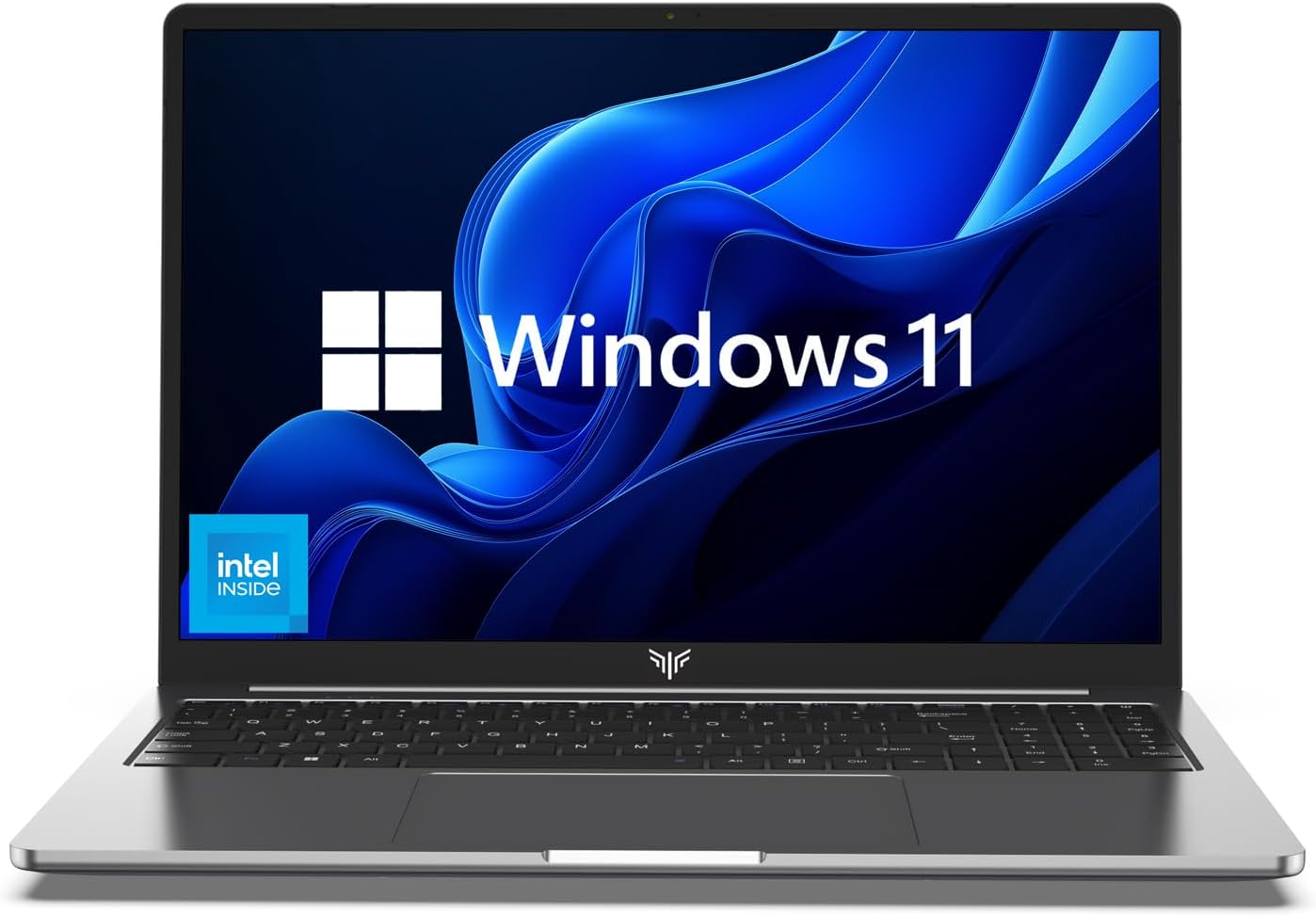


$1,579.99
Moritz Schoonewolf –
A review from two perspectives:
From a work perspective:- don’t expect a huge battery life, especially if you’re a gamer and occasionally use it for work. you will have to change a 100 settings to get it to old for 9 hours. With the dragon center, setting the mode from extreme performance to balanced or battery mode with power saving already on, helps bring the battery life from 2 hours to 4-5.- Its awesome for work, the keys are amazing and the trackpad is silky smooth. The computer as a whole is ultra fast. But the wifi chip is so weak, you will have to use a LAN cable or sit very close to the router.- I have nothing else to say from this perspectives honestly really liked working on this and I would enjoy it more if I had a longer battery life so that I can work longer.Gamer Perspective:- Upgradability is SHIT, the screws are all different sizes, so you will have to buy a whole set of precision screwdrivers. I wanted to upgrade my storage to 2TB, and getting the screws off was a huge challenge. Even more so was getting the under panel off of the computer to be able to see inside the laptop. You need some suction cup or something, which not everybody just has lying around.- then the screws for the RAM and PCIE slots are so small and tightly bound, you can hardly get them off without damaging your computer for life.- But if you do that right, it’s smooth sailing from there. However, I did have to tweak SOO MANY Nvidia control panel, msi dragon center, steam properties, battery performance, graphics card, and other settings to get my laptop to perform to its maximum potential while plugged in and gaming.-You also have to make sure in your Nvidia panel that your primary graphics card is your RTX Nvidia card. Otherwise, it might use your integrated graphics and you will get shitty fps.- once I did that, it’s awesome. Now my laptop is ready for gaming and work. To start gaming, all I do is plug in all my cables (mouse, LAN, charging cable, headset & mic), go to msi dragon center, turn on gaming mode, add all the games to gaming more in advance, change from balanced mode to extreme performance mode also in he psi dragon center, and change the battery preference from power saving to performance mode.- When I’m done gaming, I do the above steps in reverse order. Now it’s good for work.- Overall, I get around 80-300 fps depending on the game on all ultra settings. 80 for something like Insurgency Sandstorm, Squad, GTA V, and 144 on R6, and 280-300 on CS:GOYou’ll love this laptop. Buy it.
Cecil –
SERVICE
Just amazing service!!From order to final delivery just 6 days!! Int. shipping, custom clearance, everything included…As for the machine itself, what an amazing machine. I use it for work purposes, gaming on the sideline. Super fast, it runs the most taxing simulation tasks in no time. Gaming… I bought a cooling pad as well, but why bother – Ghost Recon Wildlands, on a 33″ screen, Ultra high graphics settings, the second fan doesn’t even engage – this is just an incredible machine..
Brent –
Great performance and display, always use a lap desk with cooling fans
Here’s my experience with this laptop:Display: The 300hz display is true to its word, I compared my 144hz monitor next to the 300hz screen to see if I noticed any differences and I have to say, even though the difference is subtle, it’s noticeable; image movement on-screen appeared more fluid and natural. Again this is only a subtle difference but a nice addition nonetheless.Performance: I tested my FPS performance on World of Warcraft and I set everything to ultra and uncapped my FPS; I hovered around 120 FPS with no screen tearing or dips in performance.I run mine in ultra performance mode on the MSI Dragon Software. The laptop is overclockable as well and even has an automatic overclocking setting for those inexperienced with such; in other words with the changing of 1 setting it uses optimal overclock settings that I think are pre-set. Don’t worry, if you like overclocking yourself, there’s plenty of options to do so in the BIOS – but you must enable overclocking in your BIOS. YouTube had a pretty straight forward video for enabling overclocking.Battery: It’s hard for me to say anything about this as I only use mine for hardcore gaming while plugged in with optimal power settings for keeping it plugged in.Temperature: One thing to understand, all laptops will heat up if you’re using them, especially on the charger. Make sure to buy a lap desk with cooling fans, the temperature will rise a lot depending on how performance intense the game is and what mode you have it in. There’s no reason to not put it in ultra performance mode if the temperature is going to rise regardless. I bough a 2 fan cooling lap desk that’s honestly not super efficient and it keeps my laptop cool enough in Ultra Performance mode that it’s cool to the touch and the fans dont even have to pickup in speed. Bottom line – buy a lap desk and always use it when gaming on this laptop.Camera: I don’t use the built-in camera so I can’t say anything about this.Bonuses: A microfiber cloth came with the laptop to clean any smudges.PROS:⢠Performance is great for a laptop⢠The 300hz display is amazing⢠Built in Wi-Fi with an ethernet port for hard-wiring⢠There is a large peformance-curve for all types of users, plenty of options ranging from your casual internet surfer to your hardcore gamer and the BIOS has tons of options for anyone wanting to customize further.⢠The default Dragon software for performance management is easy to navigate and use for those not familiar with the settings.⢠Easy to clean smudges with the included cleaning cloth and some alcohol.CONS:⢠Without a lap desk with cooling fans this thing gets very hot⢠It smudges very easily when touching it anywhere⢠The charger gets VERY hot around the black cubed area so make sure to keep it exposed to the air. (Although this might be good in the winter for your feet).My overall verdict: Although this laptop heats up fast, the pros outweigh the cons drastically; temperature is very easily fixed with a lap desk. I would recommend this laptop to anyone looking for desktop performance in a laptop.
Amazon Customer –
Awesome!! Rugged Performance
Great product but a little noisy on the fans and short battery life. Other than that I love it as I have with all my MSI laptops. Have only purchased MSI for Engineering and 3D Modeling and have had exceptional performance from all laptops I have deployed from them for that purpose.
W Dale –
Work horse!
This is a portable work station. Make no mistake about it. It is NOT a Series 9 (got mine to accept and run 16 GB if RAM) nor AirBook; nor is it meant to be. It is fast and so far, handles all that I have thrown at it, including Pyware v10, with ALL the latest updates.Games? No problem!Productivity suites? Puh-leese! Piece of cake!Get yourself a GOOD carrying case for this laptop, accept what it is designed for, hang on to your other uber thin and light laptop and you will be happy.
Joe –
Worth the price of admission!
This laptop is EXPENSIVE. I’m sure you noticed, your reading this review to see if its even worth the money. Well, IT IS. This thing is an absolute MONSTER of a machine. I can run Warzone, or Cyberpunk at ultra settings and it doesn’t skip a beat. But the more important thing, its future proof. 32 GB of ram is 4x the amount any game will require in 2021, this GTX 3080 is so rare and hard to find for good reason, its a must have for any build going forward. I love this laptop. Like ABSOLUTELY love it.