
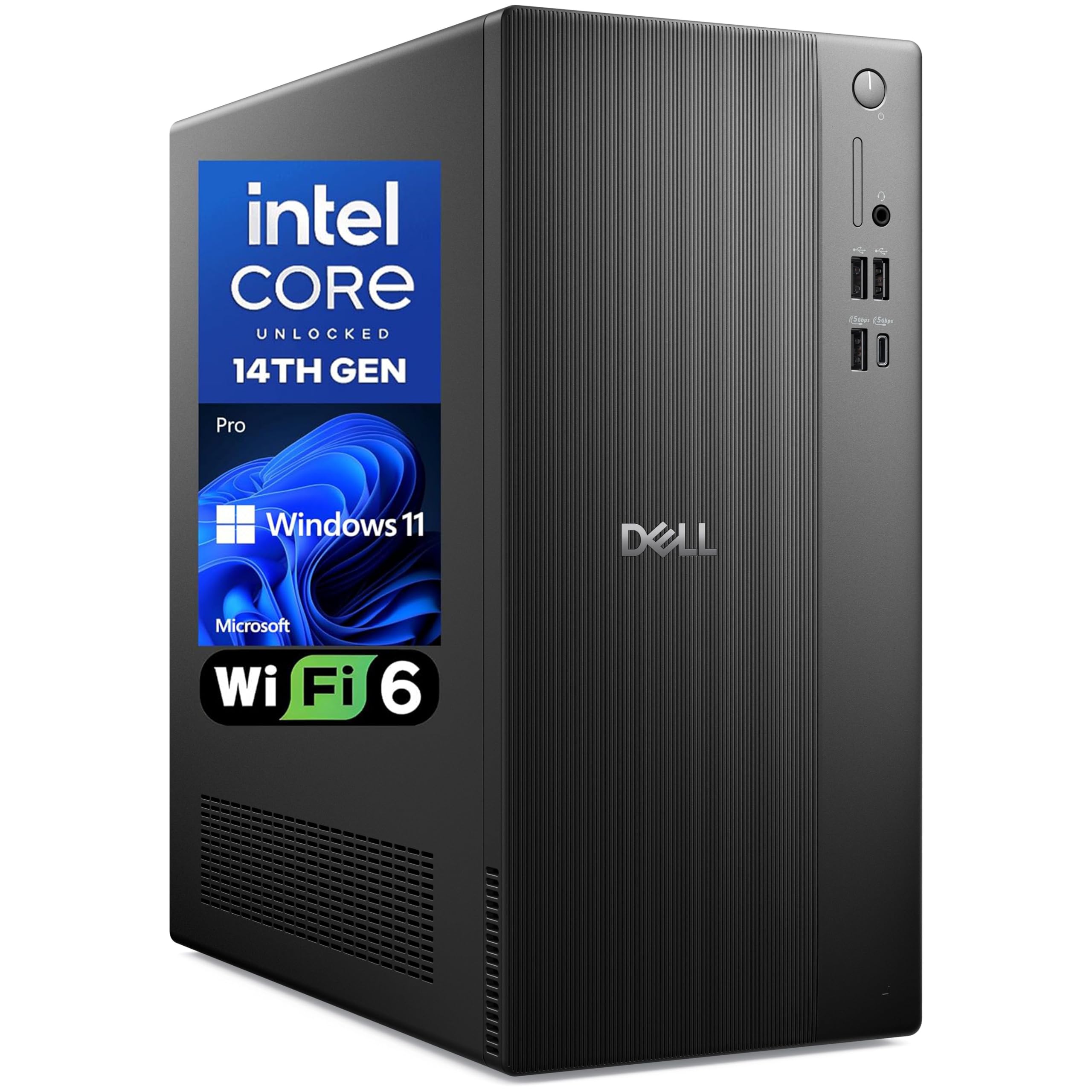
The Long-Term Outlook for the Dell Pro 2027 Desktop Tower
Understanding what you actually pay for when you invest in a pre-built desktop and how this system performs after the first year.
Hidden Costs of Ownership
Investing in a Dell Pro 2027 Desktop Tower involves looking beyond the initial purchase. While the upfront specs are strong, the true cost of ownership depends on how well the machine integrates into your existing peripherals. Because this is a proprietary desktop system, you should account for the cost of future software subscriptions and potential peripheral upgrades. Since the system uses a space-saving chassis, repairs outside of warranty often require proprietary Dell components, which can be more expensive than standard off-the-shelf parts.
Life After the Novelty Fades
After a year of daily usage, the novelty of a clean, fast boot will fade. What you will notice then is how the machine handles dust accumulation in its compact case and how the thermal management holds up under constant use. The inclusion of DDR5 RAM is a major benefit here, as it future-proofs the system against memory-heavy software updates that typically slow down older DDR4 machines. However, the 512GB SSD will eventually fill up. You should consider whether you rely on cloud storage or if you will eventually need an external drive to offload older files.
- DDR5 memory speed prevents early degradation in multitasking performance.
- Standardized physical security features reduce the need for aftermarket cable locks.
- Compact dimensions limit potential for extensive physical hardware upgrades.
What the Specs Do Not Tell You
The specification sheet rarely mentions the acoustics or the longevity of the included cooling fans. In a dense, compact tower like the Dell Pro 2027 Desktop Tower, the cooling system is designed for a specific thermal envelope. If you consistently push the processor to its limits, you may hear the fans spinning at higher speeds, which can become a nuisance in a quiet office. Additionally, while the 14th Gen Intel processor is efficient, keep in mind that office-grade desktops often have limited internal clearance for airflow.
Who Should Skip It
You should skip this machine if you are an enthusiast who enjoys upgrading internal components. If you want to swap out your graphics card later or add liquid cooling, this chassis is not for you. Similarly, if you work in an environment where you need to move your computer frequently, the lack of mobility inherent in a tower design makes it a poor candidate compared to a laptop. Do not buy this machine hoping to turn it into a powerhouse workstation through later modifications, as the form factor is intentionally restrictive. Check the live price on Amazon to ensure it fits your budget for a fixed, long-term workstation solution.
The bottom line
Ready for the Dell Pro 2027 Desktop Tower 16GB DDR5 RAM 512GB SSD, Windows 11 Pro | 14th Gen Intel Core, Copilot AI, Wifi 6, Bluetooth, ...?
The live price and today's availability are on the Amazon listing.
Buy it on Amazon