
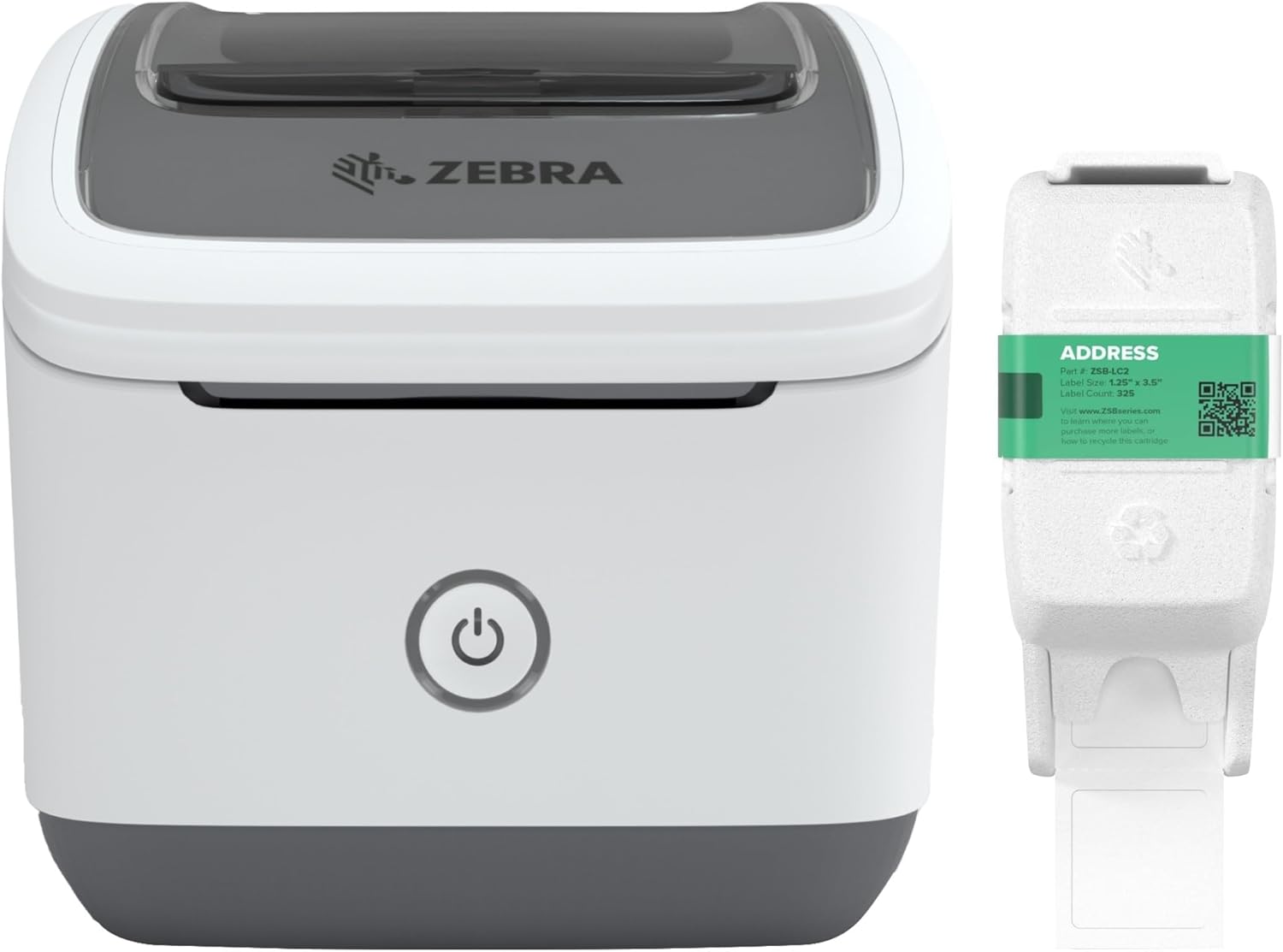
ZEBRA ZSB Series Thermal Label Printer 2″ – 300 dpi, Wi-Fi Printing, Barcodes, Address, Product & Custom Labels, Print from Anywhere, Up to 2″ Ideal for Home & Office, Small Label Printer
$88.88



Price: $88.88
(as of Jan 09, 2025 12:39:55 UTC – Details)
Product Description




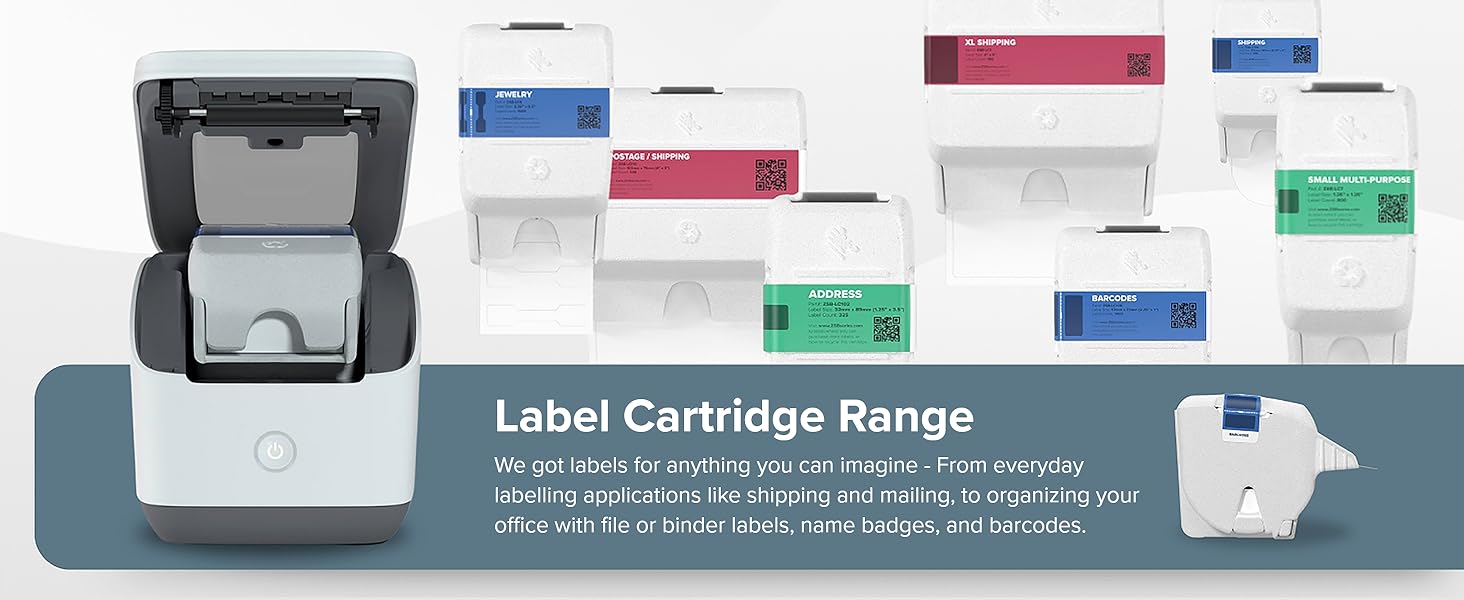
Our ZSB Label Range
Add to Cart
Add to Cart
Add to Cart
Add to Cart
Add to Cart
Add to Cart
Customer Reviews
4.5 out of 5 stars
424
4.5 out of 5 stars
424
4.5 out of 5 stars
424
4.5 out of 5 stars
424
4.5 out of 5 stars
424
4.5 out of 5 stars
424
Price
$19.99$19.99
$18.99$18.99
$24.99$24.99
$18.99$18.99
$29.99$29.99
$19.99$19.99
Label Size
2.25″ x 1″
1.25″ x 1.25″
2″ x 2″
1.25″ x 3.5″
2.25″ x 0.5″
2.25″ x 3.5″
Number of Labels Per Cartridge
1000 Labels
800 Labels
450 Labels
325 Labels
1500 Labels
260 Labels
Label Material
Coated premium thermal paper
Coated premium thermal paper
Coated premium thermal paper
Coated premium thermal paper
Coated premium thermal paper
Coated premium thermal paper
What’s in the Box
1 Label Cartridge
1 Label Cartridge
1 Label Cartridge
1 Label Cartridge
1 Label Cartridge
1 Label Cartridge
Printer Compatibility
ZSB-DP22 & ZSB-DP24 Printer
ZSB-DP22 & ZSB-DP24 Printer
ZSB-DP22 & ZSB-DP24 Printer
ZSB-DP22 & ZSB-DP24 Printer
ZSB-DP22 & ZSB-DP24 Printer
ZSB-DP22 & ZSB-DP24 Printer
What is the ZSB Series?
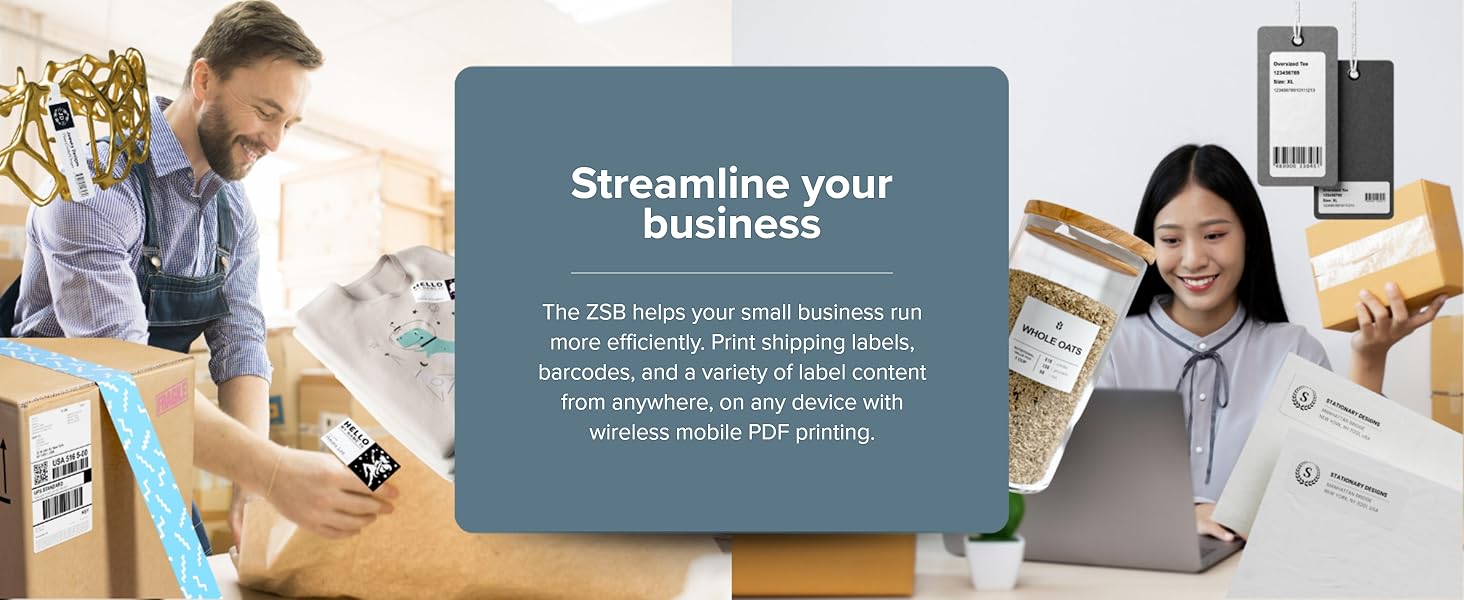
The ZSB Series is a new type of label printing solution, specifically designed for small businesses who need a frustration-free way of designing and printing labels.
What barcode types are supported by the ZSB Series?
We support 14 different barcode types, including common barcode types such as Code 39, Code 128, Interleaved 2 of 5, Universal Product Codes (UPC), International Article Number (EAN), PDF417, and Quick Response (QR) Codes.
Can I print shipping labels from online retailers like Amazon and Shopify?
The ZSB Printer Drivers allow labels to be printed from any application that runs on the web, including retailers like Amazon and Shopify.
Is the ZSB Series Mobile App available for both iOS and Android devices?
Yes, for versions iOS 12.2 and later, and Android 8.1 and later.
What is AirPrint?
AirPrint is an Apple technology that helps create full-quality printed output without the need to download drivers. It’s easy to print photos and documents from your Mac, iPhone, or iPad. Features include easy discovery and automatic media selection.
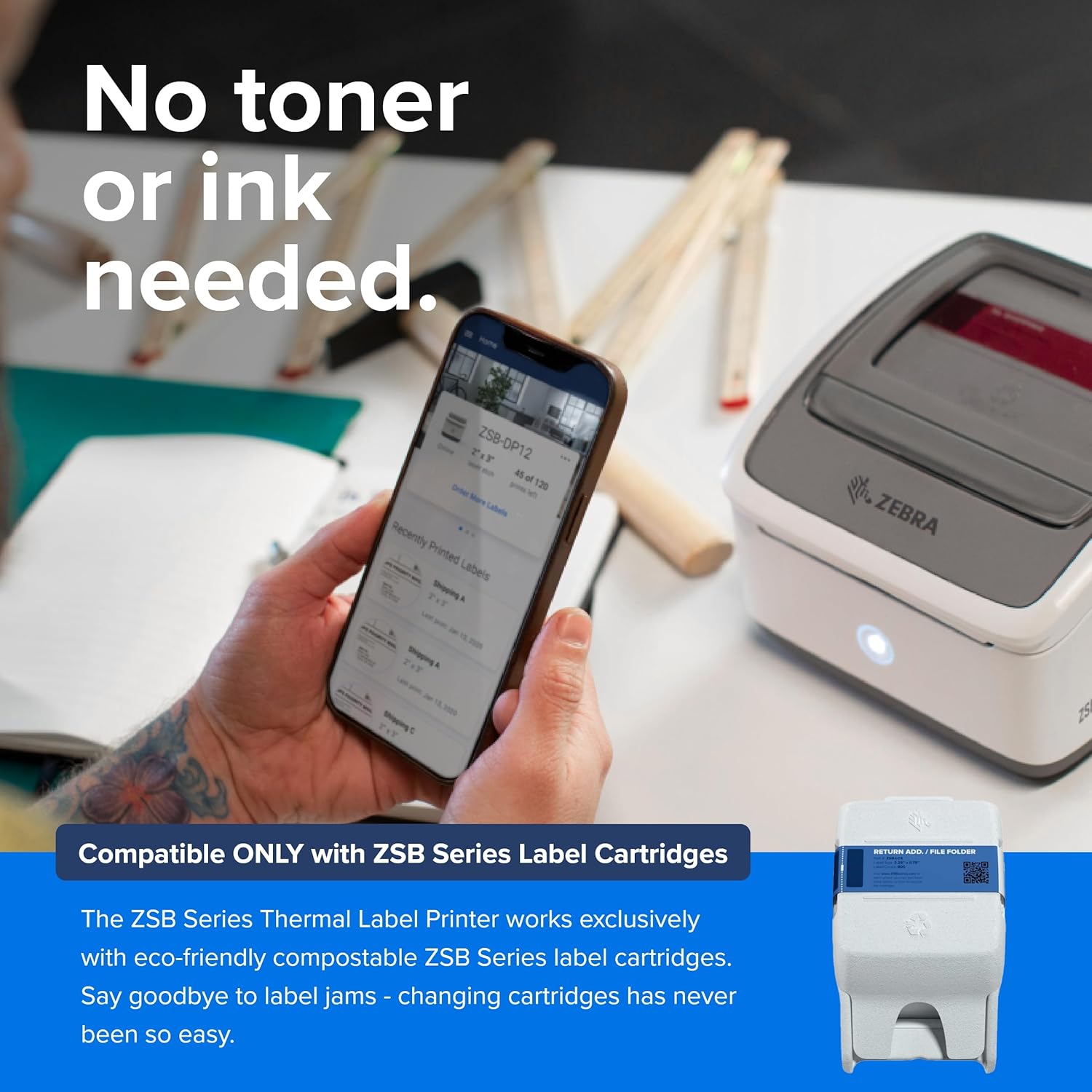
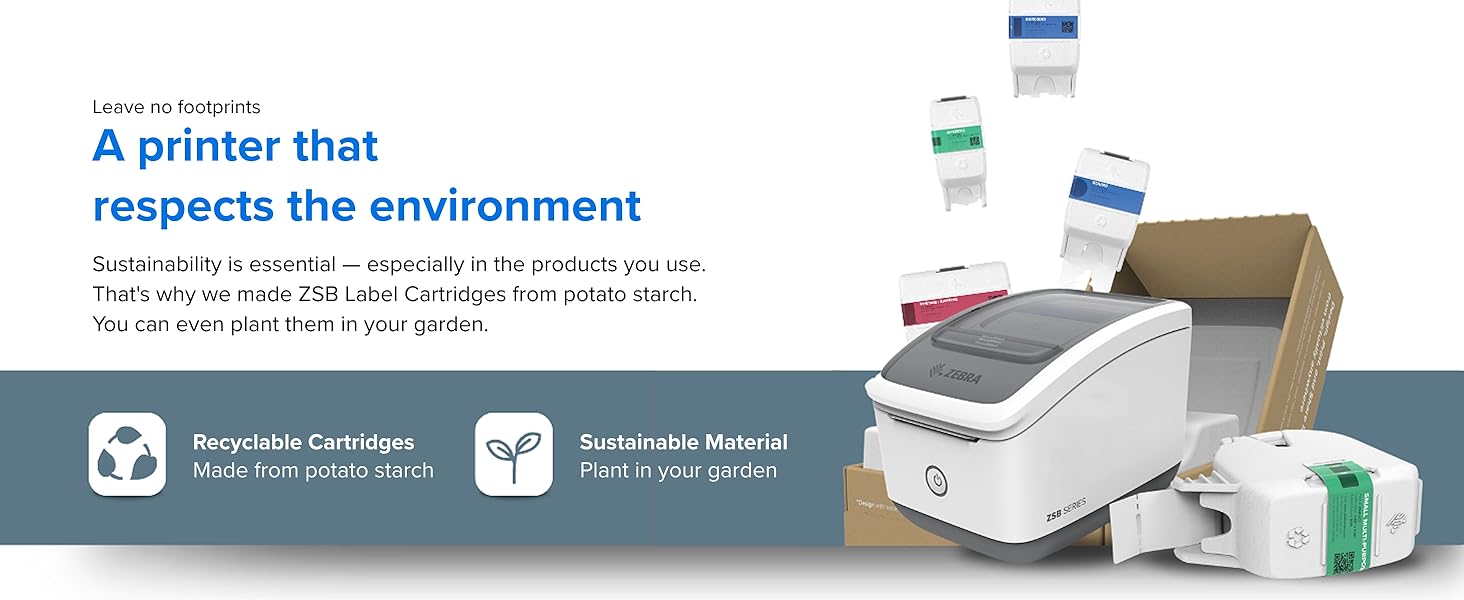
Works Exclusively With Zebra Label Cartridges: Drop in a Zebra cartridge, and the printer auto-calibrates for seamless printing. Enjoy easy setup and reliable performance with minimal jam risk. Our compostable cartridges ensure sustainability and quality
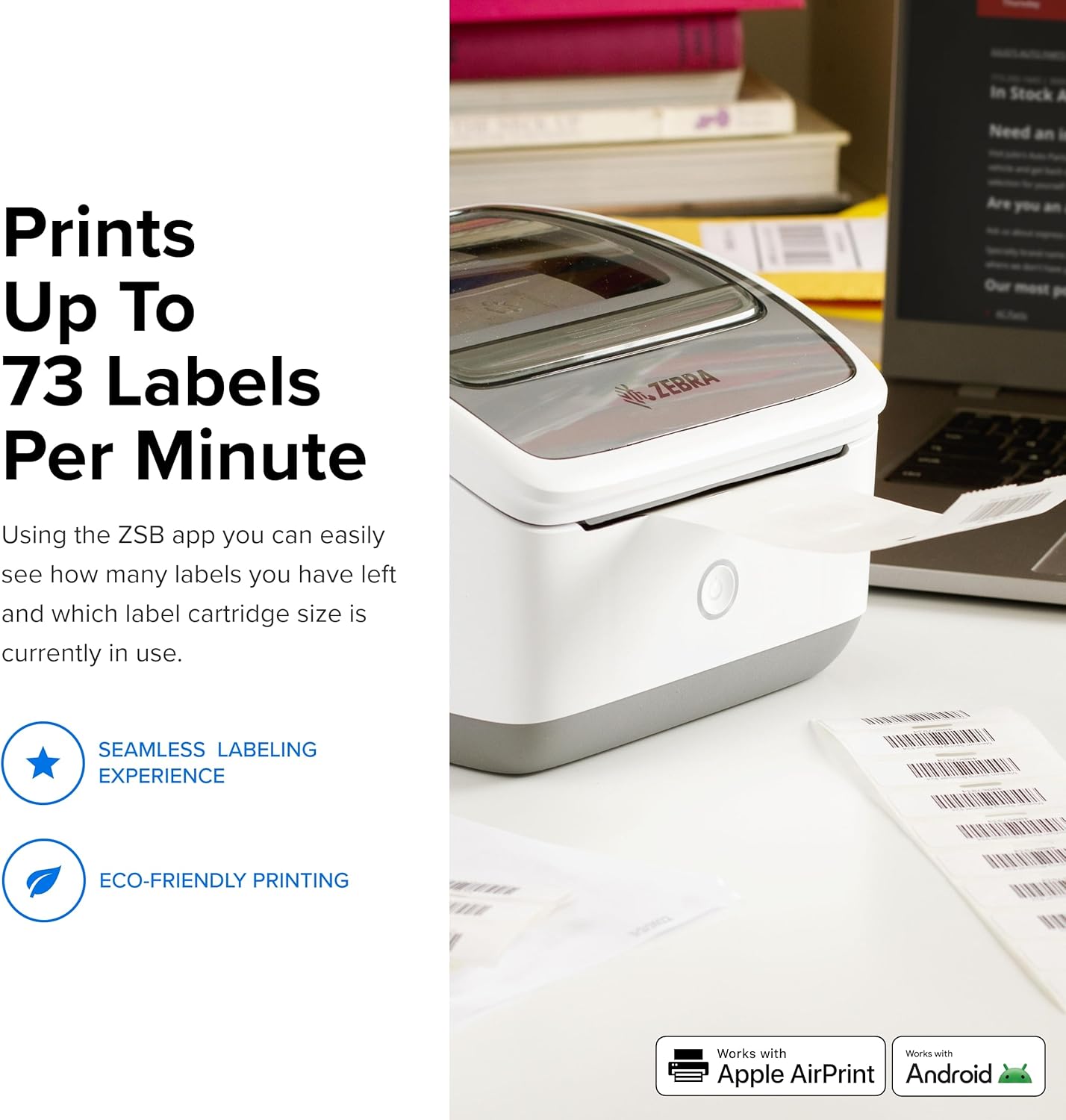
Fast & High Quality Without Ink: Eliminate the need for ink or toner with our advanced thermal technology, print 73 labels per minute (4.25″ per second) with a sharp 300 DPI resolution. Enjoy consistent, high-quality results from the 1st label to the last
Compatible: Designed to work flawlessly with iOS, Android, Windows and MacOS (AirPrint & Android PrintService). Supports a variety of Zebra labels including 1” and 2” widths. Perfect for barcodes, product labels, price tags and more
Simple Setup: Bluetooth is required during setup only. Printer will then be connected to your Wi-Fi, making it possible to print from anywhere via your Zebra account – Internet Required
Label Designer: the ZSB Thermal Label Printer offers flexibility in label creation. Choose from over 1,000 templates, or create custom labels from scratch, using our browser-based designer. Import data from Word, Excel, or Google Contacts
Zebra Technologies: Zebra is recognized globally for its commitment to innovation in the field of thermal printing technology
What’s Included: The ZSB package comes complete with the printer, one full label cartridge (1.25″ x 3.5″), power cable, and manual for easy setup and operation. Also included is our label designer software with over 1,000 templates, and our ZSB Series app
Customers say
Customers find the printer easy to set up and use. They appreciate the good print quality and seamless printing process.
AI-generated from the text of customer reviews
8 reviews for ZEBRA ZSB Series Thermal Label Printer 2″ – 300 dpi, Wi-Fi Printing, Barcodes, Address, Product & Custom Labels, Print from Anywhere, Up to 2″ Ideal for Home & Office, Small Label Printer
Add a review
Related Products


$88.88
ParlorGhost –
Love it
I own a small retail business and we have over 1000 items that needed to be barcoded. I was struggling to get the barcode to print properly on another barcode printer and I gave up and tried this one. It was the best switch I couldâve made. This one makes life so easy and it makes the process of printing labels so simple. I use Shopify and everythingâs customizable within the app and it print seamlessly with this printer. I also can use multiple size labels, which was very important to me. I will be keeping this printer forever.
Wiliam Myers –
Good label printer
My older label printer was not compatible with windows 11 & a new one I ordered was “sad” so tried this one. Easy install & works very well. But the software to use it is all online & little more difficult to use.
Jeff Medlin –
Easy to use.
Best label maker Iâve found. Print quality is great and itâs easy to find labels and set them up.
Erika –
Returned. Not enough contrast/resolution for FBA labels.
I bought this to serve only one function: to print FBA barcode labels for Amazon required barcodes. The print quality was way worse than my cheap Chinese Vevor 4×6 printer, and my HP laser printer. Poor contrast and resolution. Rather than have Amazon ding me for unscanable labels, I returned it and just use 30-up Avery stock on my LaserJet. Very disappointing. Nice looking unit, with easy installation though.
Bulldoza –
Great alternative to more expensive printers.
This is awesome and portable. I replaced my old printer with this one, and itâs been a significant improvement. Itâs easy to use with both my phone and Mac. Although I havenât tried it with Windows, I believe it will work just as well. My only issue is that I have to locate and add the printer each time I want to print, but once connected, it prints within seconds. This setup works fine for me, but it might be inconvenient for someone who prints frequently throughout the day. On the bright side, the printer is quickly found and prints efficiently. While the software could use some enhancements, it seems perfect for infrequent users like myself.
RithWraft –
Great label printer. Fast and high quality
What I like:⢠The printer feels very premium and feels well built⢠It was easy to setup. I just scanned the QR code, downloaded the app for my Android phone and just followed the on screen instruction.⢠The printer has a great looking design to it⢠The printer app tells you how many prints you have remaining⢠Extremely fast printing⢠High quality print⢠Labels have strong adhesive⢠It came with a cartridge that includes 325 labels. The cartridge cost $19, which comes out to about 6 cents a label.What I don’t like:⢠Makes loud printing sound
E. Campbell –
Definite Upgrade
I have started selling products online and I must say I feel much more professional using the labels I designed using this label printer. The quality is fantastic and it’s super easy and quick.
J. Hansen –
Cool setup, but I wish I had the larger one
Zebra has been around for a long time, and I’ve known about them from my e-commerce days. They’ve been practically the gold standard when it comes to thermal printing, especially for shipping labels. I’ve kinda gotten back into shipping a good amount for eBay, etc, and had been using my regular HP inkjet printer to do labels. I happened across this Zebra, and thought it would be an easy way to make printing labels so much easier.The printer itself comes in a brown box, and is easy to open. Upon opening, you’ll find the printer, fully loaded, before you. Underneath the printer is more cardboard that you can lift to find where the power cable is. There is also a short instruction booklet.To get started, of course, you hookup up the printer to power. You then download the Zebra ZSB app, and it has you begin the pairing process via bluetooth. You hold down the power button for 3 seconds, and then it begins flashing blue to show it’s in pairing mode. You run through the setup with your phone, and it eventually connects to wifi. You’re then set, and the printer is accessible for all on your wifi network.The printer itself has a release button you can easily press to pop the top off. At that point, you can easily put in a new label “cartridge,” I’ll call it, depending on the size of label you want to print. There is a cardboard protector initially in there that you have to remove to ensure printing works.The app has a. slew of templates, and it is crazy easy to print labels. You literally select the label type you want to print, type the specific label details into the app, and press print. It spits out the label in no time, and looks great.Sadly, when I got this, I didn’t realize there were two versions. I ended up with the smaller version 12 versus the larger version 14, which is large enough to print 4×6 shipping labels. While I’ll have plenty of uses for this one, my main purpose for getting it isn’t able to be realized.Overall, Zebra has put out another great product. From the app, to the easy process to replacing labels, not having to worry about really much of anything, this is a no-brainer way for easy thermal label printing.