

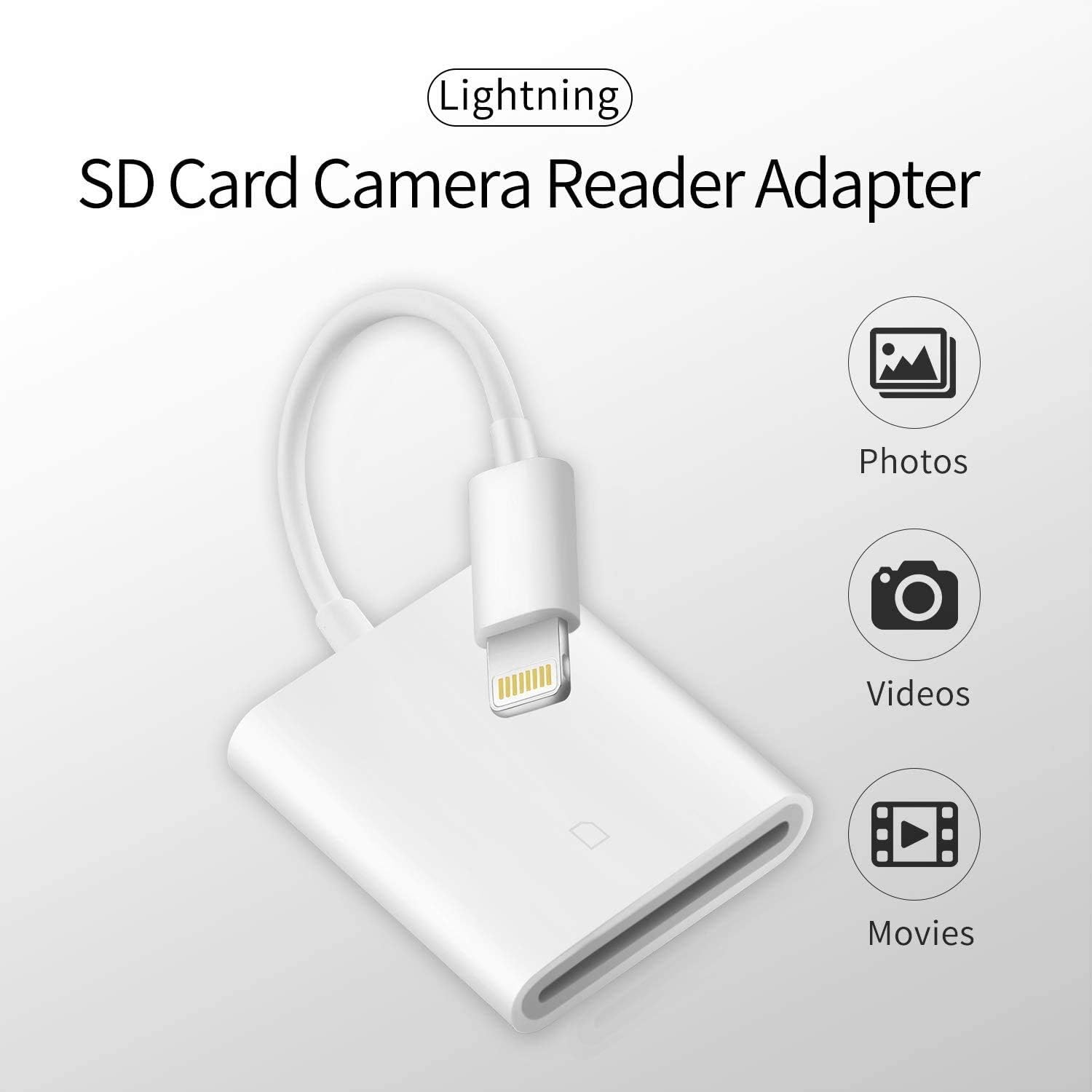
Apple MFi Certified Lightning to SD Card Camera Reader for iPhone iPad,FUHAYA SD Card Reader Memory Card Reader Trail Camera Viewer SD Card Adapter for iPhone 13/12/11/XS/XR/X/8/7/iPad,Plug and Play
Original price was: $9.99.$6.99Current price is: $6.99.


Price: $9.99 - $6.99
(as of Jan 20, 2025 12:54:08 UTC – Details)
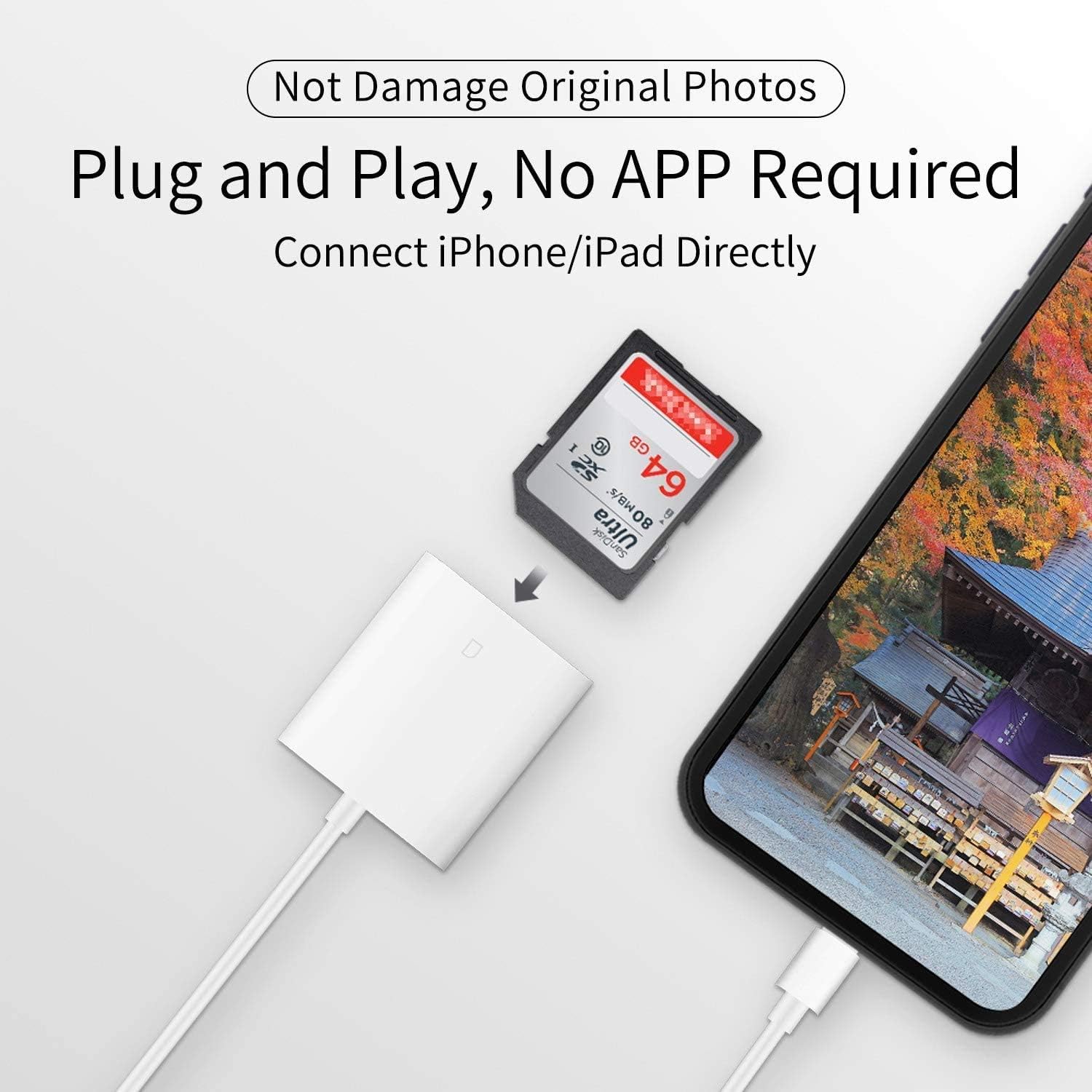
Apple MFi Certified FUHAYA Lightning to SD Card Camera Reader for iPhone iPad, Trail Game Camera Card Viewer Reader Adapter, No App Required, Plug and Play
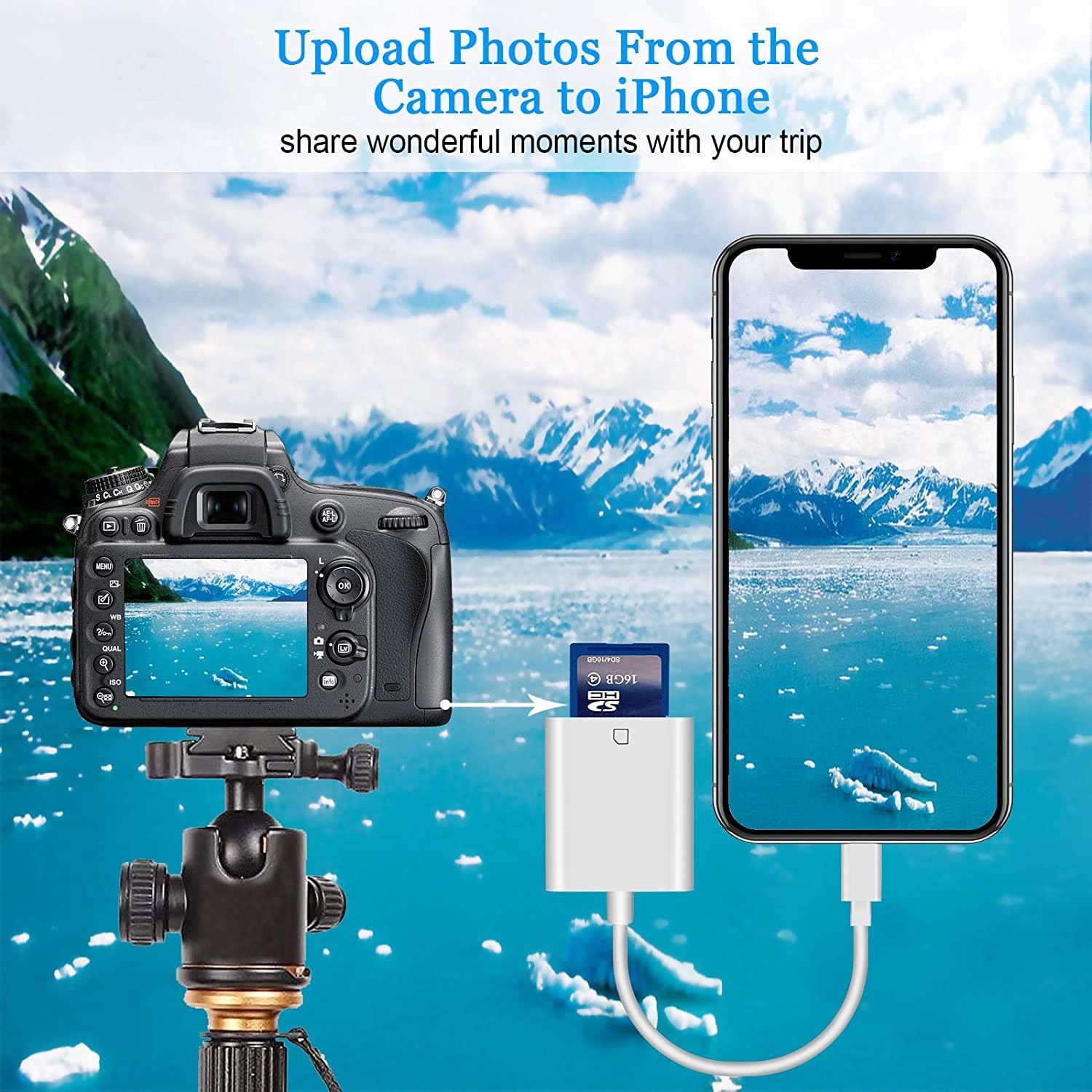
With this lightning to memory card camera reader, share your happiness time with your family and friends in real time.
Powerful Function
Connect the sd card reader directly, download photos/videos to your iPhone/iPad and share them with your family and friends in real time. Ideal for photography enthusiasts.
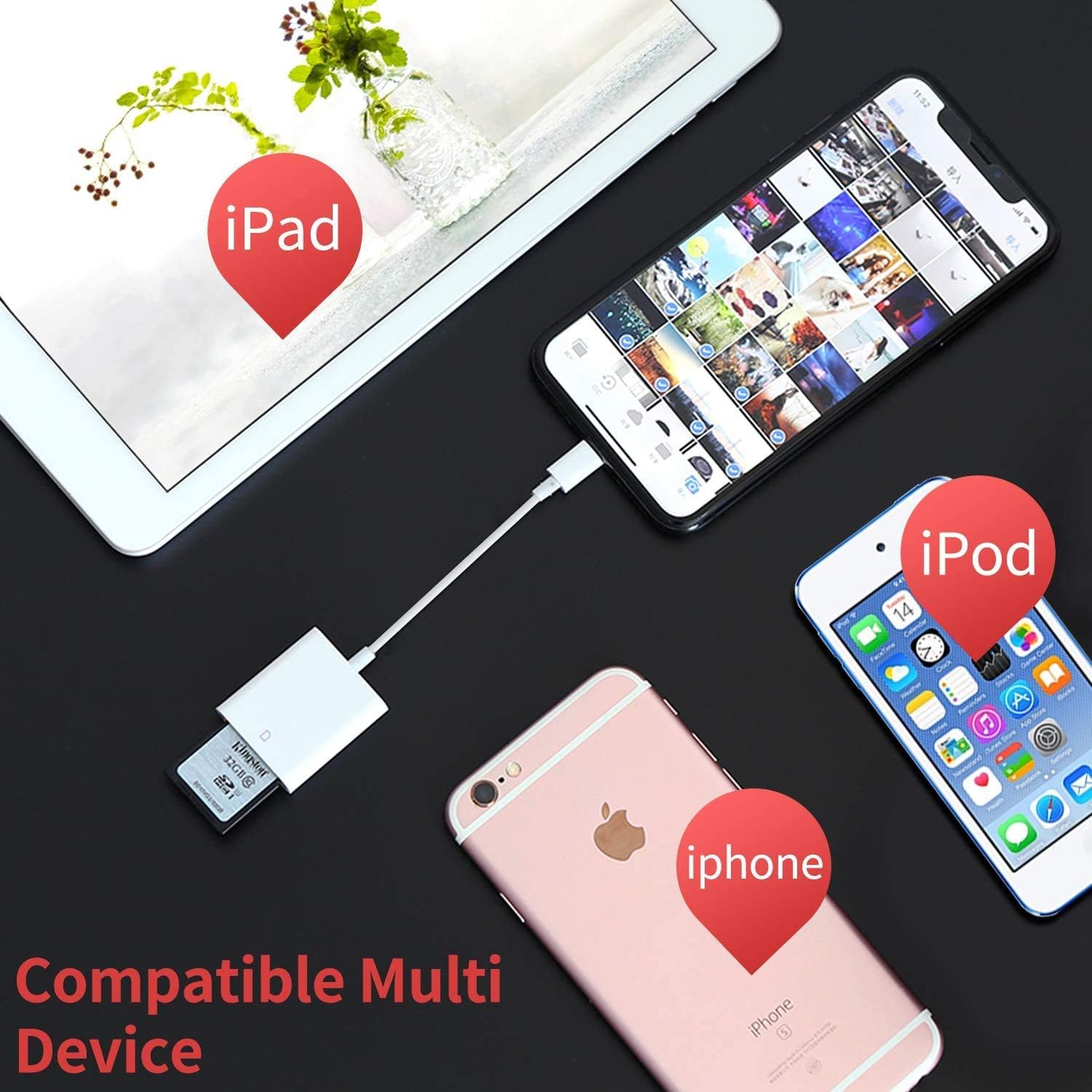
Universal Compatible
✔ Support Standard SD and SDHC, also support Micro SD card with TF adapter(Not included).
✔ Compatible with iPhone 13/13 Mini/13 Pro/13 Pro Max/12 Mini/12/12 Pro/12 Pro Max/11/11 Pro/11 Pro Max/XS/XR/X/SE 2020/8/8 Plus/7/7 Plus/6/5 and so on.
✔ Compatible with iPad mini, Mini 2, Mini 3, Mini 4, Air, Air 2, iPad Pro 9.7-inch, iPad Pro 12.9-inch and later models.
System Requirements
✔ iOS 9.2 above and iPadOS.
✔ For iOS 9.2-12.4 Users:
Supports one-way transmission from SD to the iOS Device via iOS Photos APP.
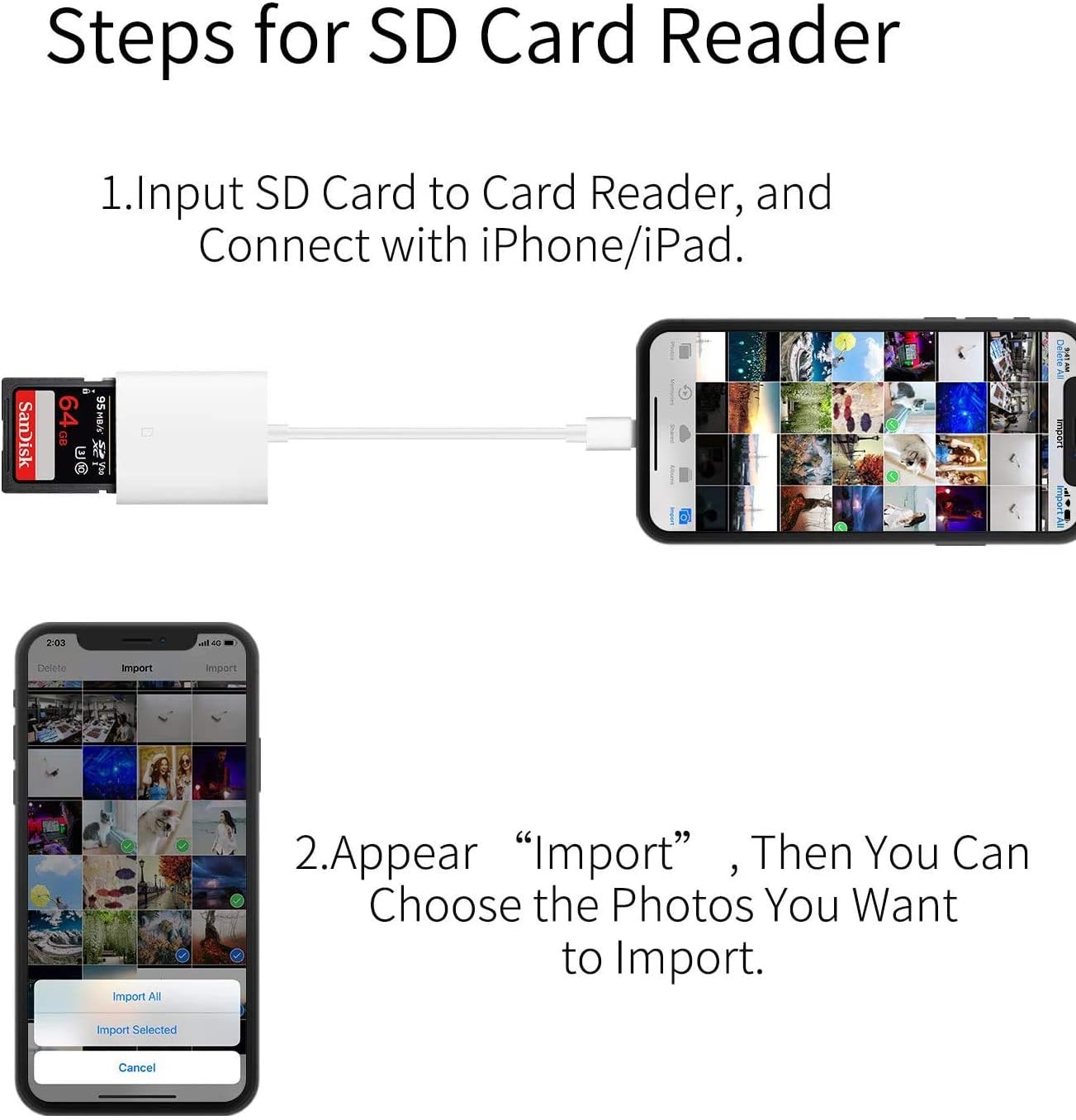
When the SD Card Reader is inserted, the Photos app will pop up automatically.
✔ For iOS 13 and iPadOS Users:
Supports two-way transmission via iOS Files APP.
When inserting the SD Card Reader, you need to open the Files app manually.
Easy to Use
The SD card reader for iPhone does not need to download third-party APPs and no internet connection required, Personal Privacy is more secure.
Warm Tips
✔ For iOS 13 users, you can also transfer photos, videos, EXCEL, WORD, PDF etc. between SD card and your iPhone/iPad.
✔ Don’t transfer photo or video more in one time, it may effect transfer speed.
✔ DO NOT support Wi-Fi SD card.
✔ DO NOT support SONY high speed SD card.
What You Get
1 x Lightning to SD Card Adapter for iPhone/iPad(White)
36-Months Worry-free Warranty and Friendly After-sale Service.
【Lightning to SD Card Reader】 This lightning to sd card reader for iPhone iPad compatible with sd memory card with capacity up to 256GB, support all iPhone iPad with iOS 9.2 or later.
【Universal Compatibility】 FUHAYA iPhone sd card reader supports standard photo formats (including JPEG and RAW) and SD/HD Video formats (including H.264 and MPEG-4). For iOS 13 above users, you can transfer not only photos and videos, but also EXCEL, WORD, PDF files.
【Super High Speed Transmission】 The transmission speed of this iPhone iPad sd card reader is up to 14MB/S~16MB/S on iphone and ipad, easily transfer your photos and videos of your camera to your iPhone/iPad in few seconds.
【Easy to Use, Plug and Play】 No need third-party connection apps, no need internet connection, Plug and Play, just wait for 3-5 sconds after connecting to your device, share your happiness with your family and friends in real time via this iphone sd card reader adapter.
【Quality Service】 36 Months Warranty and Life-Time Technical Support. You are always welcome to contact us for any questions about the lightning sd card reader, our customers care team will reply you within 12 hours.
Customers say
Customers find the memory card reader convenient and easy to use, saving time and effort for transferring photos to phones. However, some customers have issues with card readability. There are mixed opinions on functionality, ease of transfer, value for money, durability, and transfer speed.
AI-generated from the text of customer reviews
13 reviews for Apple MFi Certified Lightning to SD Card Camera Reader for iPhone iPad,FUHAYA SD Card Reader Memory Card Reader Trail Camera Viewer SD Card Adapter for iPhone 13/12/11/XS/XR/X/8/7/iPad,Plug and Play
Add a review
Related Products
![SanDisk 256GB Ultra microSDXC UHS-I Memory Card with Adapter – Up to 150MB/s, C10, U1, Full HD, A1, MicroSD Card – SDSQUAC-256G-GN6MA [New Version]](https://m.media-amazon.com/images/I/61lQ5n-udzL._AC_SL1500_.jpg)

![[5-Yrs Free Data Recovery] GIGASTONE 128GB Memory Card 4K Pro Series Speed Up to 100MB/s Compatible with Canon Nikon Sony Camcorder, A1 V30 UHS-I](https://m.media-amazon.com/images/I/51RvgV9EgWL._AC_SL1000_.jpg)


Original price was: $9.99.$6.99Current price is: $6.99.
Jennifer N –
Great way to get iPhone pics on PC
Iâm not a cloud storage person, so I have to physically download all of my pics to my pc hard drive. To use this with no hiccups, you must have a fully charged iPhone. Change your settings of Autolock to NEVER so your phone screen will not timeout. If it times out, this process wonât work. When you plug in an SD card to this little device and plug it in your iPhone, you must then click on your photos app and select (I had success with about 250 photos at a time) select your photos. Once selected, click the bottom left hand âshareâ button. Scroll down the options to âSave as fileâ and select the external SD card file. This may take some minutes. There is no eject button. Wait until this process is over and unplug. Then photos should be on your SD card.
Autumn –
Perfect for transferring photos
I use this often to transfer photos from my camera to my iPhone. It works as described, and itâs super easy to use.
Amazon Customer –
Works great
I was looking forward to checking my sd card on my computer but realized I donât have an adapter. I bought this to connect to my phone and it works great! Only problem is the small sd card is the only one readable, the bigger case doesnât work.
Amazon Customer –
Easy use
This device makes it very easy to transfer pictures from your camera to the phone. Just plug it in and it transfers. Easy peasy!
Lauri Bessey –
Game changer
My husband isnât hugely tech savvy, doesnât use a computer- so this little contraption is great for him. He uses it for the SD card from his game camera straight to our iPad.
Daphne Moreno –
12/10 STARS
it worked great for my SD cards and iPhone, and I have no regrets about it, great quality for the price!
Juls Nicolette –
love
perfect adapter for people that have digital cameras.
KyndelBickel –
nothing pops up?
iâve had a product like this before and i never had any problems with it, but i recently lost it so i decided to buy a new one.iâve followed the instructions and all of the review instructions but nothing will pop up. ive tried putting the product in my device first then the SD card, putting them both in at the same time, putting the SD card in the product then putting the product inside my device and nothing pops up on my camera roll for an import option.iâm not sure if itâs user error or just a faulty product, but i was expecting it to work seemingly like my last one but it doesnât. not sure whatâs going on ð¤·ð¼ââï¸
Xime –
Muy práctico por su tamaño y la velocidad para transferir archivos
LIND –
Received card reader and my SD card wonât even insert into the slot.
Lela –
Reviewed 4th Dec 2024: I purchased this because I didn’t mind running the risk of it not working. It’s only a $6 product. I read all the reviews and was skeptical, but truth be told- this has worked EVERY TIME for me. I have only owned this for 1 week, and use this every day, multiple times a day (for work and documentation reasons). I snap a few pics, transfer immediately to my camera roll, clear the pics from the SD card, and continue. I use this with an iPhone 14 Pro Max, and a Kodak PIXPRO FZ55 digital camera. The transfer is seamless enough. I use a Sandisk 64Gb MICRO SD card with a Sandisk MICRO SD ADAPTER. Could that be the reason this works so well? The SD card fits snug and I’ve had no issues with the port being too large/small. The only drawback is that I can’t access anything via. the Files app, I can only import via. the Photos app. This is ok as I simply transfer from Photos to Files on my own. We’ll see how well this holds up over time. Will update as necessary 🙂
Excelente servicio,llegó demasiado Rápido.!! –
Excelente Calidad.!!
C. Lewton –
Able to save my photos to PC