

Blink Add-On Sync Module 2


Price: by - Details)
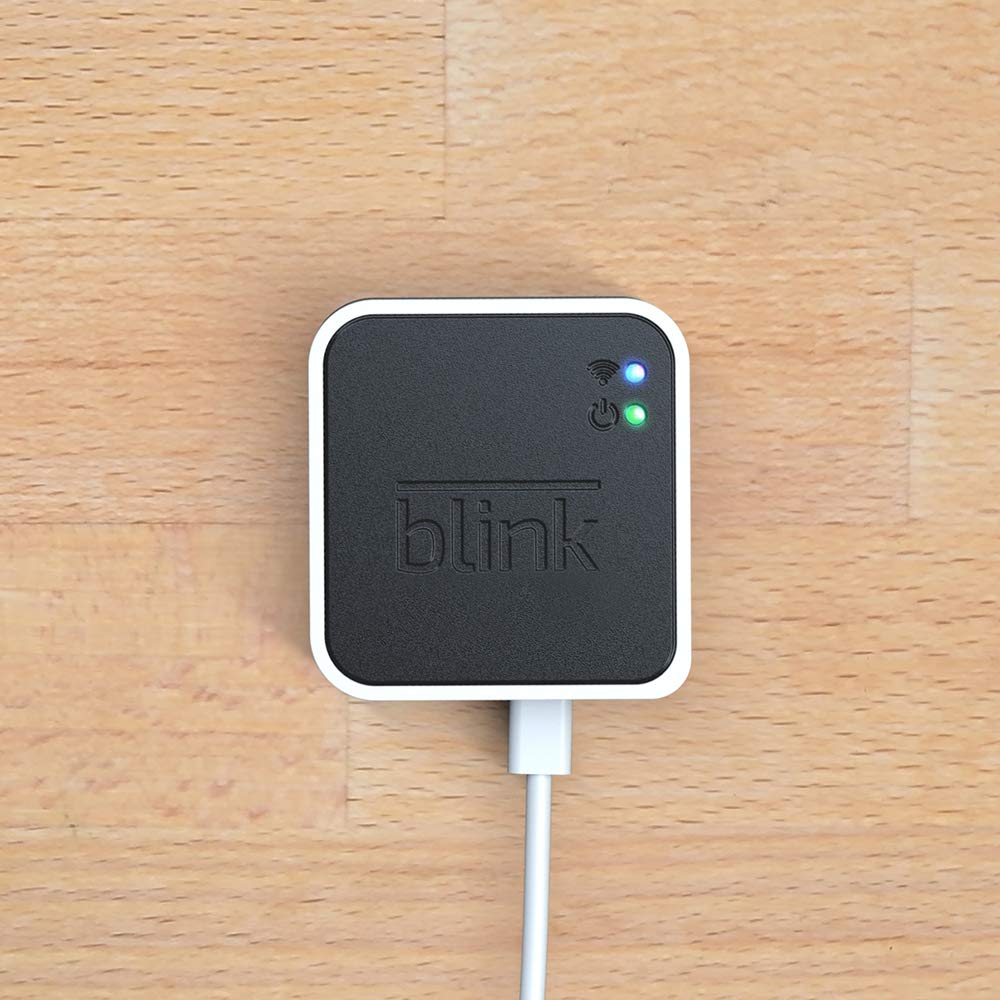
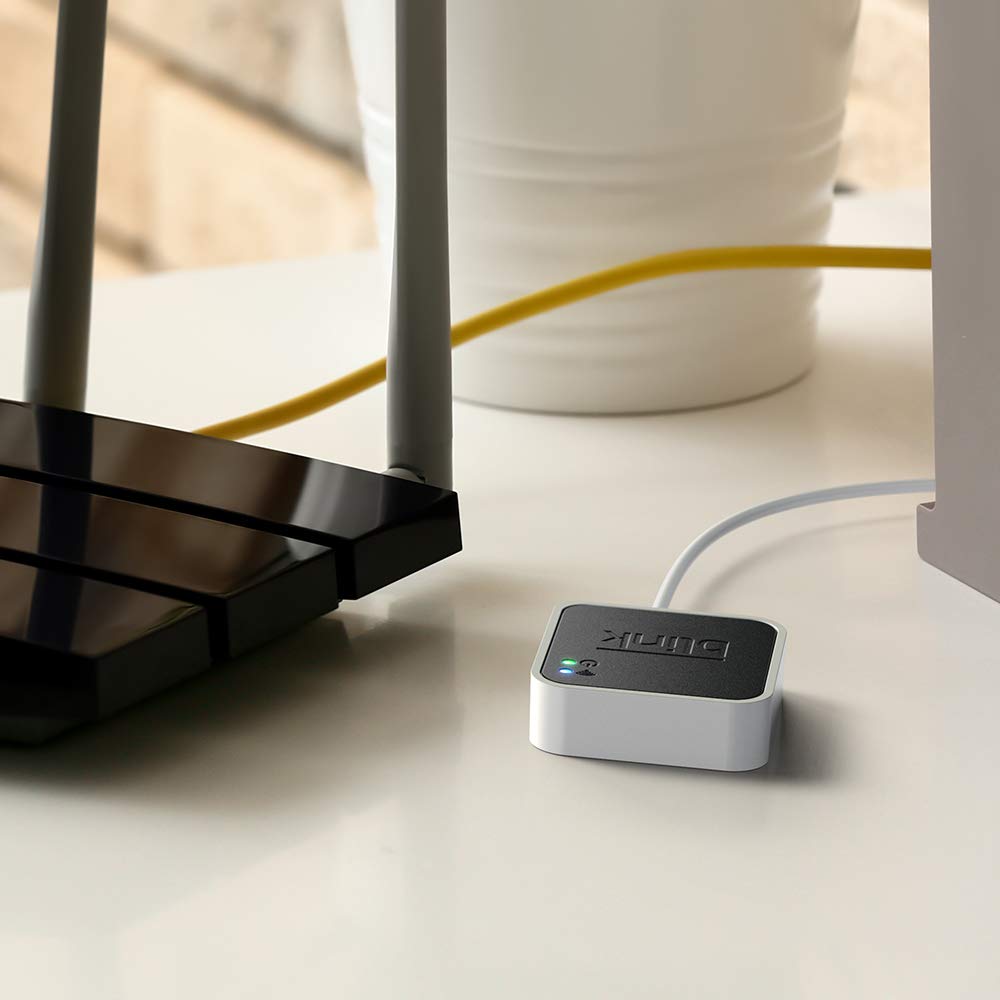
Conveniently control all of your Blink devices right from the Blink Home Monitor app with the Blink Sync Module 2. The Sync Module 2 connects up to 10 of any Blink Indoor, Blink Outdoor, XT2, XT, Video Doorbell and Blink Mini devices (not required for Mini).
Supports local video storage for up to 10 Outdoor, Indoor, Video Doorbell and Mini devices. Record and store motion clips when you insert a USB flash drive (up to 256 GB – sold separately) into the Blink Sync Module 2. Does not support live view recording.
View, share, and download locally stored motion alerts from Outdoor, Indoor, Video Doorbell and Mini devices through the Blink app anytime or watch the footage on your computer by plugging in the USB flash drive (sold separately).
No monthly fees are required to use local video storage functionality. Local video storage functionality is not compatible with Blink XT2, XT, and 1st generation Indoor cameras.
Customers say
Customers find the digital device accessory easy to set up and use. The process is quick. However, opinions differ on its functionality, sync capabilities, connectivity, and value for money.
AI-generated from the text of customer reviews



Gigi –
2 out of 3 worked – Good Device – Good Eco System
This is a general review of Blink camera system and Sync module itself.After researching the available products, ring, wyze, etc. I selected Blink system for setting up my video perimeter. It had all the right features at a very affordable overall price.When you purchase their cameras they give a month of cloud service so you can try things out. Their cloud pricing is also very affordable and competitive.At the same time, Blink offers this thing called a Sync module in case you don’t want to pay for cloud subscription. Initially I couldn’t find documentation of how / what this thing does so what I’m writing here is based on experimentation.At a high level, Sync module offers a subset of feature of the cloud and is basically designed to do one thing: Record and store videos when a camera detects motion. Other features such as periodic taking pictures and storing is not not supported.Here’s how things work with Blink app. It organizes the various cameras (outdoor, mini, doorbell, etc.) into what they call a “System”. A “System” is pretty much a way to group things together. A group of cameras have the same on/off schedule, can be armed/disarmed at the same time, show up on the app on the same page, etc. Most importantly, a group of cameras share a single Sync module.For example, let’s say you want to use blink to monitor two separate physical locations. If you are using the cloud, you can create a single group and add all the cameras to it even though they are located apart. But, if you don’t want to use the cloud and instead use a sync module, you’ll need to create two “Systems”, each with its own Sync Module.Once you decide how to group your cameras, adding them to the account / app is easy. First, you add the Sync Module, then each individual camera. The process is very quick. I’ve done it a dozen times already and it’s gone without a problem every time.Once created, you can arm the group for motion detection and recording. Every time motion is detected, the camera saves the video footage to the Sync Module. Once saved, you can look at saved video clips from the app, just like you’d if you had the cloud subscription.I’ve been very happy with the functionality of the Syn Module. I’ve recommended it to a bunch of other people and can say that so far, I know about 5 households that bought the Sync Module + a bunch of cameras and been using them with success.I’ve attached a few pictures of the app to show what you’ll see if you setup a group and some of the adjustments available for an individual camera.——————————————————-The only problem i’ve had so far is one of the Sync Modules I purchased had a really strange issue. Everything worked except that it wouldn’t actually record video to the USB. Camera would detect motion, send a notification, but no recorded video would show up. I did all the troubleshooting steps, called their support a few times, and unfortunately it wasn’t solved. Also, there are no troubleshooting indicators available to figure out what was going on. Things either work or don’t. I wish they provided some logs or other indicators to the user.At the end, I returned the thing, bought a new one, and it worked. So my conclusion is that specific Sync Module had an issue (hardware / software / who knows).
A. Schmoldt –
A good part of the system
I bought the sync module so that I could store videos of whoever rings my doorbell. Well, that feature works great. It’s not hard to set up, just use the QR code on the device with the Blink App and off you go. At first I was not getting videos saved to the thumb drive I’m using, but that was because the thumb drive was not formatted to the prescribed file system. NTFS will not work, and the Blink app will tell you if your thumb drive needs formatting for it to work in this system. The file system must be exFAT. Once that was completed, it worked as needed.
Misfit –
Must have to use cameras
I received a blink 4 outdoor camera for my birthday. I was all excited and realized very quickly that I needed a sync module for it to work. I’m not really all that tech savvy. So for me to get it up and going is saying a lot. It’s fairly simple to do. The night vision itself is fantastic. Black and white but that’s all good. It doesn’t go off with bugs but does pick up the neighborhood cats. I’ve had no issues with the sync module itself which is what I’m doing the review on. I plug it in and that’s all I’ve done. I have two blink 4 cameras for my front yard and back yard and both are connected to the one sync module. The only negative I can say is that you cannot see both live views at the same time. It’s one or the other. I can bring the blink app on my phone and see both cameras but only one can be viewed at a time. There’s also a bit of a lag. Maybe 5 to 10 seconds on each camera. I’m sure a psychotic serial killer cannot possibly hack me up in tiny pieces in that time frame so I feel relatively safe. I do like if there’s a person or movement it can decipher the difference. The phone will alert me if there’s movement and at any time I can see live views. The plans were a bit confusing to me. You do get a trial for each camera which is nice. But after that you have to figure out which plan you want. Otherwise if you don’t pay for it you only get very limited servicethat for me isn’t going to work or give me the peace of mind I need which is why I wanted a system in the first place. Overall, I think it’s worth it. It’s great for what you get and not too expensive. I don’t need a professional to install it and don’t need to put a bunch of wires and holes in my house. It’s easy to use as long as you have wifi. No real issues with it. Definitely recommend.
Somatic Massage Therapy & Spa –
Blink Sync Module 2: A Solid Step Towards Local Storage
The Blink Sync Module 2 is a definite upgrade for those looking to expand their Blink system and ditch monthly fees. Being able to connect up to 10 devices and store clips locally on a USB drive is a great feature. The app makes it easy to view, share, and download saved clips, offering convenient control over your security setup.However, the initial setup process was a bit more challenging than expected. It took some time to get everything connected and working smoothly. Once up and running, the Sync Module 2 does its job well, but that initial hurdle is a bit of a drawback.Overall, if youâre looking for a way to manage multiple Blink devices and prefer local storage, the Sync Module 2 is a solid option. Just be prepared to invest some patience during the setup process.
Rosevear Creations –
As a jewelry, 3D design, wax carving, lost wax casting, sand casting, smelting and forging, laser engraving, and sublimation company, ensuring the safety and security of our workspace is paramount. That’s why we recently integrated the Blink Add-On Sync Module 2 into our security system, and it has completely transformed the way we monitor and protect our premises.First and foremost, the Blink Add-On Sync Module 2 seamlessly integrates with our existing Blink security cameras, providing us with an additional layer of control and flexibility. With its easy setup process and intuitive interface, we were able to incorporate it into our security network within minutes, without any hassle or complications.One of the standout features of the Blink Add-On Sync Module 2 is its ability to enhance the functionality of our Blink cameras. By connecting multiple cameras to the sync module, we can create a comprehensive surveillance system that covers every corner of our workspace. This ensures that we have eyes on all areas, allowing us to detect and respond to any potential security threats effectively.Moreover, the Blink Add-On Sync Module 2 offers advanced features that enhance our security capabilities. The ability to remotely arm and disarm our cameras, receive instant alerts on our mobile devices, and access recorded footage from anywhere gives us peace of mind knowing that our workspace is protected 24/7.Another aspect that we appreciate about the Blink Add-On Sync Module 2 is its reliability and durability. Designed to withstand the rigors of continuous use, this device operates flawlessly day in and day out, providing us with uninterrupted security surveillance without fail.Overall, the Blink Add-On Sync Module 2 has been a game-changer for our company’s security infrastructure. Its seamless integration, advanced features, and robust performance make it an invaluable asset in safeguarding our workspace and ensuring the safety of our valuable assets. If you’re looking for a reliable and efficient security solution for your business, look no further than the Blink Add-On Sync Module 2. Highly recommended!
Amazon Customer –
perfect and easy to setup and works great. I am completely happy with my purchase.
David Sewell –
Happy so far, easy to set up, generally works well. The app is a bit slow and glitchy, doesn’t always give access to live video and you need to close and re-open.
savannah –
I dislike that I had to buy this in the first place but I got past that and purchased it, Note that the wall mount is not included with this. You also will need a usb memory stick which is also not included, which why I bought the wall mount. Anyway, it was super easy to connect to my blink app. It seems expensive for what it is, especially considering I had to purchase the USB stick, but it is what it is.
SS –
Effortless dancing the camera and the module with the WiFi and the pen drive.