

Bluetooth Thermal Shipping Label Printer, 4×6 Label Printer for Small Business for Shipping Packages, Support Windows, Mac, iOS, Android, Used for Amazon, Ebay, Shopify, Etsy, UPS, USPS
Original price was: $64.99.$59.99Current price is: $59.99.


Price: $64.99 - $59.99
(as of Jan 19, 2025 02:31:20 UTC – Details)
From the brand


Founded by a team of passionate technophile, Roenllce believed that printing should be fast, efficient, and versatile.With each passing day, Roenllce expanded its presence globally, partnering with distributors and retailers in different countries.Roenllce ‘s commitment to innovation, quality, and exceptional customer experience has solidified the position as a trusted brand of the printing market.


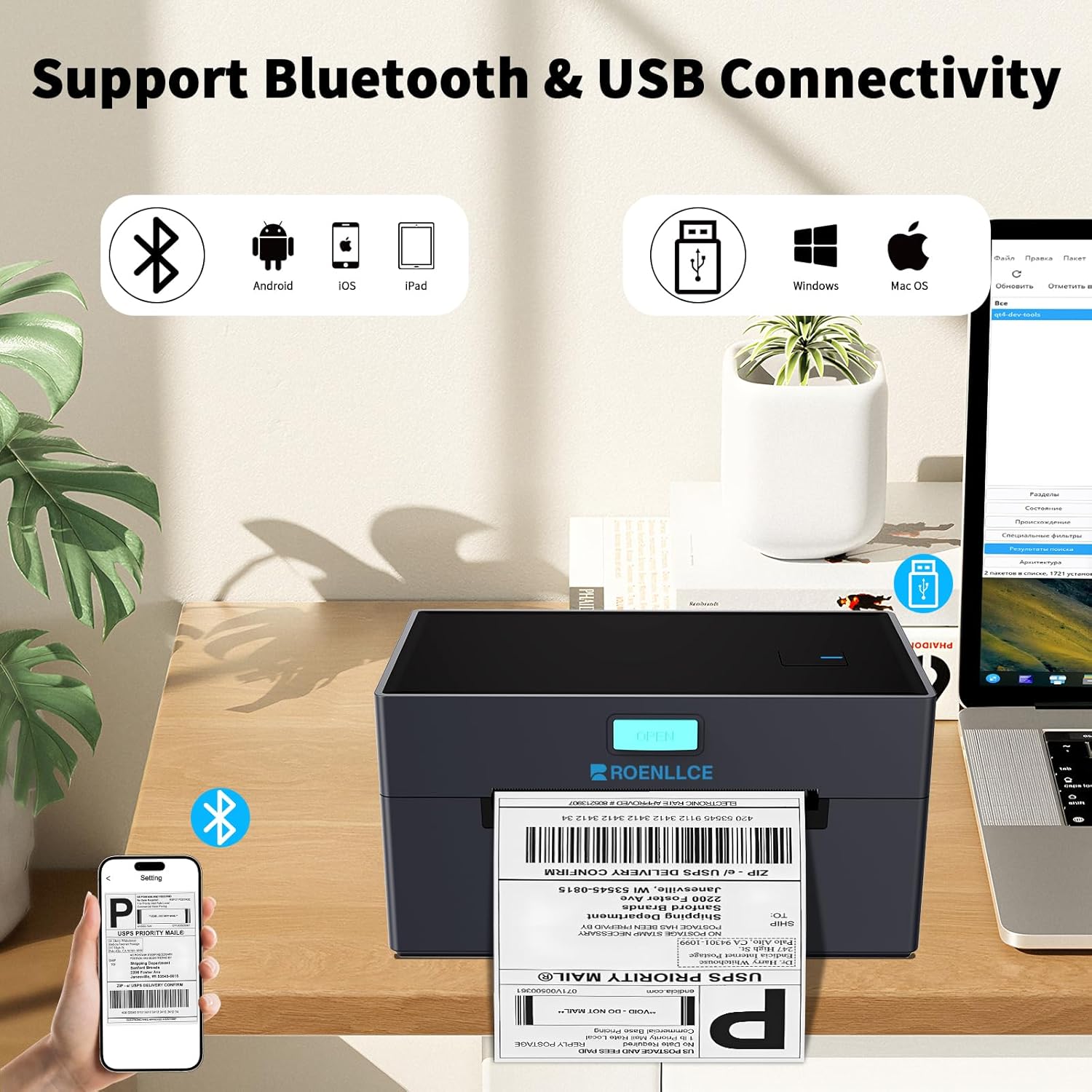
[Effortless Shipping Label Printer] Easily print labels and stickers with the shipping label printer. Supporting Bluetooth and USB connections, you can conveniently print from your phone, tablet, or PC, making label printing a breeze.Wi-Fi connection is not supportable.(Note: APP Printing via Bluetooth only works for Android and iOS devices, USB connection works for Mac OS and Windows PC).
[Perfect for Small Businesses] The compact and sleek design on the label printer makes it perfect for small business, as it saves space while delivering top-quality printing results. Our thermal label printer is compatible with all major platforms including USPS, UPS, Etsy, eBay, Shopify, Amazon, PayPal, Poshmark and more. (Note:Please download the label as PDF and crop it to the right size before printing)
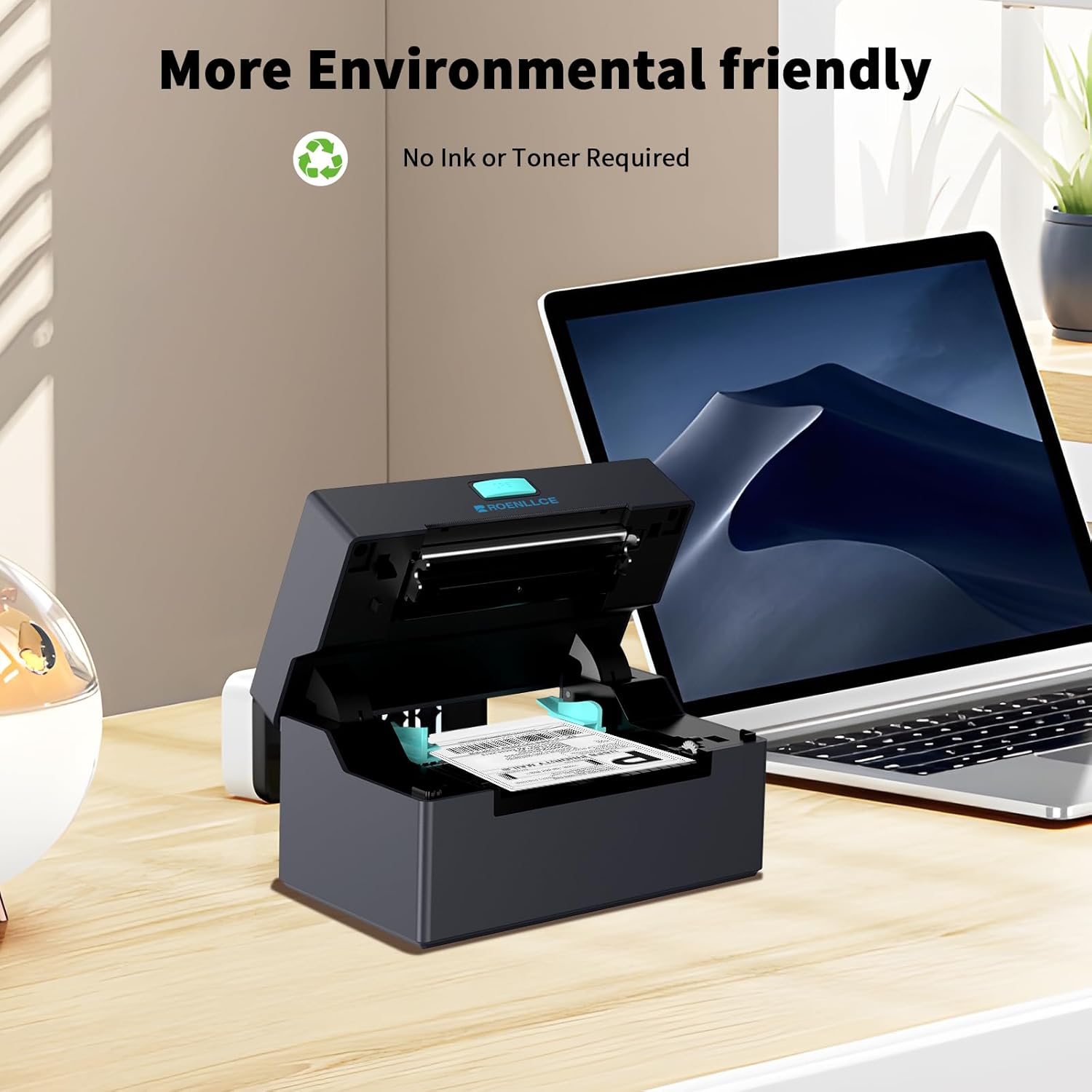
[High-Speed Performance] Print crisp and clear labels with a high resolution of 203 DPI.Experience high-speed printing of up to 160mm/s with the thermal shipping label printer, ensuring efficient and quick label production to meet your business needs without any delays.No ink or toner required, only thermal labels needed.
[Versatile Compatibility Labels] Support any brand thermal labels 0.8"to 4.1"print width, this bluetooth thermal label printer accommodates various labels, making it ideal for both brick-and-mortar and e-commerce businesses. (Note:Customized labels via smartphone APP) Both fanfold labels and roll labels could be used.
[Worry-Free Quality & Warranty] Roenllce offers a 1-year warranty on the bluetooth label printer.The package includes everything you need to get started: 1 4×6 Label Printer, 1 Power Adapter, 1 Power Cable, 1 USB Cable, 1 USB Flash Drive, 1 User Manual, and 30 Test Labels. Enjoy easy setup and seamless printing with this all-inclusive kit.
Customers say
Customers find the printer easy to set up and use. They appreciate the clear label printing, functionality, and print quality. The printer works well with different devices and gets the job done. Some are satisfied with the print speed and compact design. However, opinions differ on value for money and Bluetooth connectivity.
AI-generated from the text of customer reviews
8 reviews for Bluetooth Thermal Shipping Label Printer, 4×6 Label Printer for Small Business for Shipping Packages, Support Windows, Mac, iOS, Android, Used for Amazon, Ebay, Shopify, Etsy, UPS, USPS
Add a review
Related Products
![Phomemo Portable Thermal Printer – [Upgrade] Portable Printer Wireless for Travel Compatible with iOS and Android & Laptop,Bluetooth Printer supports 8.5″ X 11″ Letter Thermal Paper, Printer with Case](https://m.media-amazon.com/images/I/81DHkvIWPbL._AC_SL1500_.jpg)


Original price was: $64.99.$59.99Current price is: $59.99.
Thumbwick –
Nice! Such a time and money saver.
Okay, to be fair, this did take me a bit to set up. First, I accidentally installed it to the same USB port as my default printer, so I had to uninstall both printers and reinstall them both to different USB ports. I also still haven’t figured out how to use it with Bluetooth. I’m using it with the provided cable, which is only 4 ft long. So – I’ll get a longer one. It seems that Bluetooth only works with Android/iOS, which is like a cellphone, I guess. I’m connecting to my laptop, so – cord it is. The power cable has the largest wall wart I’ve ever seen, but it goes in facing either direction, so I can make it work. It came with a small stack of labels, which was nice, because I wasted a half dozen of them getting it calibrated correctly. The directions explain the steps for calibration and even though I never saw the “ERROR” LED light, it still worked.At this point you’d think I’d be giving about 3 stars, but I’m giving 5, because once you get this baby working, you almost forget all the setup trouble. It is lightning fast! No wasted printer ink. It doesn’t even need ink, because it prints thermally. Each label is the correct size – no more manually trimming with scissors. It works easily with my Etsy shop. It doesn’t take up a lot of room, although you do need some unencumbered space behind it for the stack of labels. You also need to bend the printer cable out of the way of the stack of labels, so they don’t get hung up when feeding in. For the money though, I don’t think you will be disappointed.
Anderson Carrasco –
This thermal printer is fantastic!
It was incredibly easy to set up and started working right out of the box. The print quality is sharp and clear, making it perfect for shipping labels, barcodes, and receipts. I also love how fast it printsâno more waiting around, which saves me a lot of time during busy workdays. Plus, itâs compatible with my devices, making it super convenient to use across multiple platforms.The compact design is a big bonusâit fits neatly on my desk without taking up much space. Since it uses thermal paper, thereâs no need to worry about buying ink or toner, which is a huge cost-saver. Itâs reliable, efficient, and quiet, making it an excellent choice for any small business.Highly recommend this printer to anyone looking for quality and convenience!
Buddha –
Perfect for my Business Shipping Labels
I have used this printer since I got it for my ebay business. It may not be name brand but it has worked flawlessly with my 4×6 shipping labels. Great price, connects easily to my smart phone thru Bluetooth and can be used by multiple platforms or software including pdfs. The prints are sharp with no blurring or smudges and I keep it on 24/7 without a single issue and electricity costs are almost nothing compared to many other bigger printers.
Jarrett –
Do not download the driver its a virus! Printer Seems to work with another brand’s driver.
Whenever I received the printer I followed the instructions to install the driver, which was a .exe file in a google drive. This was very alarming, so I uploaded the .exe to virustotals to see if it was flagged. The driver file came back clean, so against my better judgement I ran the .exe installer. I then looked in the folder where the driver was installed and there were two additional .exes. I uploaded these to virus total and one was flagged as a trojan. After installing I was unable to delete the files that the installer installed and had to reinstall my operating system. After trying some Zebra drivers I found one that worked with the printer. Overall, I would not recommend that anyone use the drivers for this product. Either use another driver or buy from a reputable brand.
Angel –
GREAT PRINTER FOR BUSINESSES!!
I love this printer, it made my business run much more smoother! It’s been a great addition to my work. You will not regret this decision to buy it!! It exceeded all of my expectations. The setup was incredibly easy, and the printer connected to the computer with no issues. I also appreciate how fast it prints, even large batches are done in minutes!! Very reliable!
Daniel –
My favorite printer so far works amazingly
My favorite printer so far! It works amazingly wellâprints are super clear and fast, and itâs been super reliable. Setting it up was a breeze, and itâs perfect for all my printing needs. Definitely a game-changer for me!
Mark P. –
Tricky setup under Windows, but works well
I am a computer support professional, and this was a tricky one but once setup works well. The printer arrived with minimal instructions and there isn’t much in the way of online documentation or support. I was successful eventually connecting to a Windows PC, I will explain that quickly. 1) Note that the printer is intended to be used USB with a PC, and Bluetooth with a handheld device. 2) Identify the USB port that your PC has created after plugging it in and powering it up. Use your Device Manager and look under Universal Serial Bus Controllers for something labeled ‘Label -9X20’. Mine was installed under Port USB#2. 3) Download the driver from the Netum website after searching for ‘POS-9220’ printer online. Although this is a different vendor, it appears to be exactly the same printer resold under a different label. Install the driver, associating it with that USB port. 4) Configure the newly installed printer to use 4″x6″ labels and run a test print. You may have to adjust scaling, etc. in the printer driver.
Tim G. –
Excellent Printer for Small Business Needs!
I love this printer! Once setup is complete, it seamlessly works with my phone or PC. Using the Bluetooth capabilities has been extremely convenient when trying to quickly print off shipping labels for my business. I highly recommend this printer for any small business owners or convenience seekers looking to quickly print off high quality shipping labels. It was definitely worth the investment.