

iDPRT Bluetooth Thermal Shipping Label Printer for Phone, 4×6 Printer, Support Windows/Mac/iOS/Android, Thermal Printer for Small Business and Shipping Package, Used for Ebay, Amazon, UPS, USPS
Original price was: $139.99.$119.99Current price is: $119.99.


Price: $139.99 - $119.99
(as of Jan 16, 2025 18:14:02 UTC – Details)
Product Description
The video showcases the product in use.The video guides you through product setup.The video compares multiple products.The video shows the product being unpacked.
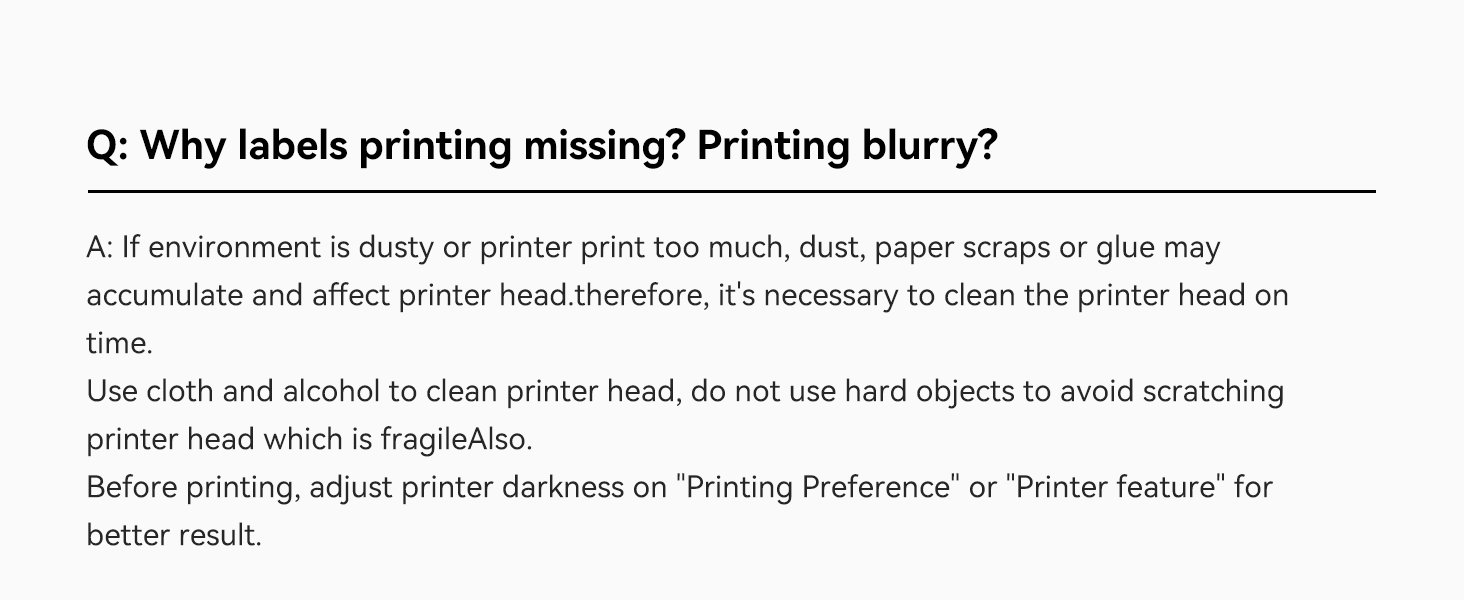
Why aren’t my labels clear enough?-SP410BT Label Printer
The video showcases the product in use.The video guides you through product setup.The video compares multiple products.The video shows the product being unpacked.


1 Suitable for Platforms
2 High-speed & HD Printing
3 Wireless Printing
4 Support Width: 2″-4.25″

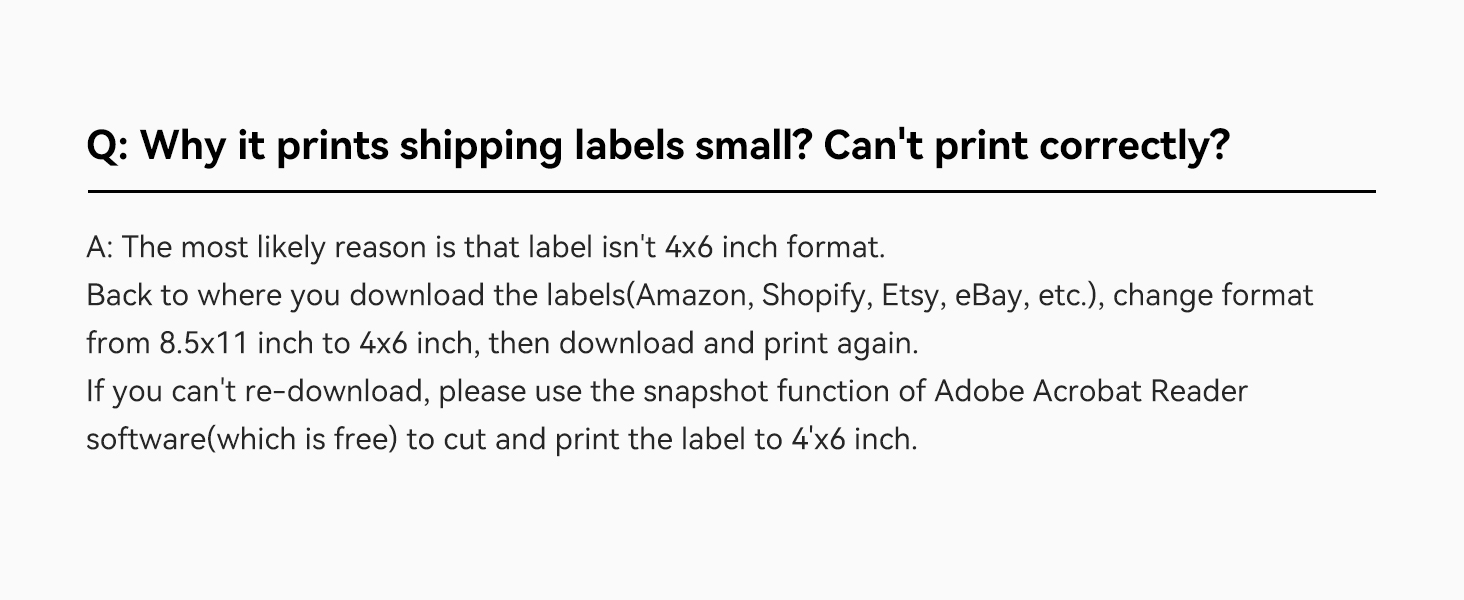
1 Q1- Prints labels small?
2 Q2- Printing blurry?
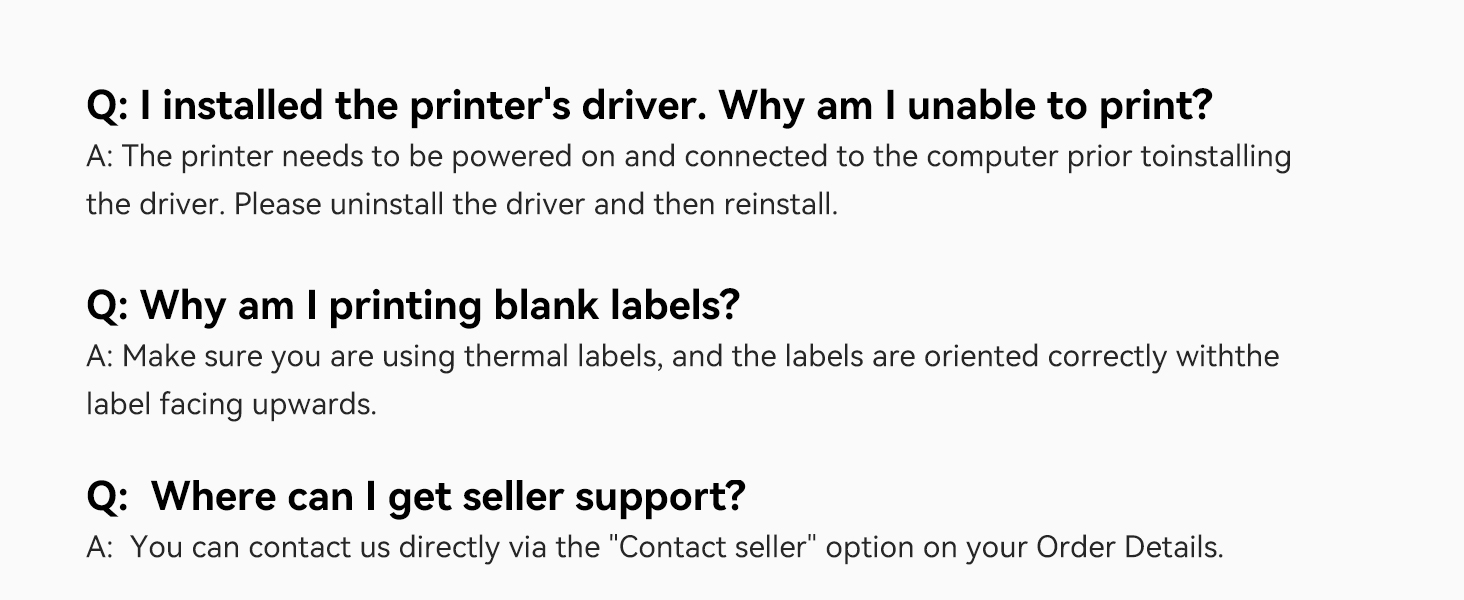
3 Q3- Other quetions?

More Choices
Bluetooth/USB Label Printer
Bluetooth support via iphone/Android (Connect and print via APP), Windows.
Bluetooth/USB Label Printer
Bluetooth support via iphone/Android (Connect and print via APP), Windows.
500 Sheets 4X6″ Thermal Labels
Made of high quality material and make the print effect clearer.
Paper Width: 2″-4.25″
Applicable label size- 4*x6″ 3″x2” 3″x1” 2″x1″ 2-5/16″x4″,etc.
Paper Width: 2″-4.25″
Applicable label size- 4*x6″ 3″x2” 3″x1” 2″x1″ 2-5/16″x4″,etc.
Paper Size – 4X6
Great suitable for shipping, mailing for small business.
Print quickly
This shipping label printer with a printing speed of 6 IPS.
Portable
Similar in length and width to an iPhone, it takes up very little space.
BPA FREE
Made of green and enviromental material and doesn‘t contain the BPA.
【NOTE for BT Setting on Phone/ iPAD/ Windows / MAC】 Bluetooth printing on mobile phones&iPad / Windows / MAC all need to be set up through the corresponding APP / software / tool. Due to the large number of security software, we can’t guarantee that we can submit security reports to each security software, so please turn off the security software before downloading and installing to avoid errors. Please rest assured that our software doesn’t contain any viruses and will not obtain any personal privacy.
【Phone/iPad – Bluetooth Printing via APP “HereLabel”】 Download & install the APP “HereLabel” to print via Bluetooth on your iDPRT Bluetooth thermal label printer for iOS and Android. Printing shipping labels is easy with the SP410BT thermal label printer.
【Windows USB/BT Setting on the software “Hanin Drive Management”】 Please download & install the Windows software from our official website ( iDPRT website – “SUPPORTS AND DOWNLOADS” – “Downloads” – search “SP410BT” to find the file named “Windows USB & BT setting & printing Software for SP410BT” ) Please adjust the paper size in the printing preferences before printing.
【Mac Printing】 MAC supports USB printing with our shipping label printer. and we have recently implemented Bluetooth printing on MAC. Therefore, if you need to use Bluetooth printing on MAC, please first download the MAC connection Bluetooth tool “Diver BT Tool” (iDPRT website – “SUPPORTS AND DOWNLOADS” – “Downloads” – search “SP410BT” to find the file named “MAC BT setting & printing Software for SP410BT”). Then, please confirm whether your printer firmware version needs to be upgraded. Method: please press and hold the feed button until the light flashes once and then release it. If the firmware version of the printed self-test page is lower than 6, please contact us for an upgrade.
【USB Printing for Multiple Systems】 The label maker printer is a versatile tool that can be used for PC printing through a USB connection. It’s compatible with various operating systems, including Windows (7/8/10/11), Mac OS, Linux, Raspberry Pi. With easy setup and straightforward operation, the SP410BT thermal label printer can quickly become an essential tool in your workflow.
【Compatible with Shipping Platforms】 Compatible with popular shipping platforms like eBay, Amazon, Shopify, Esty, UPS, USPS, and more, you can now print labels from the comfort of your home or office. Streamline your shipping process with this thermal label printer. No more wasting time and energy on extra steps for label printing! This Bluetooth label printer for shipping packages and small businesses gives you a cost-effective solution. (Please download a PDF that matches the size of your thermal labels, such as 4X6 or use the Snapshot feature of Adobe Acrobat Reader software (free) to cut and print the PDF to 4X6.)
【Works with any Direct Thermal Label】 With print widths of 2″ to 4.25″ (50mm-108mm), the iDPRT usps label printer can handle shipping labels, stickers, barcode labels, bulk mailing labels, address labels, and all-purpose labels. This thermal printer supports both fan-fold labels and roll labels, allowing you to print over 70 standard-size labels with ease. No matter what type of label you need to print, the SP410BT thermal shipping label printer has got you covered. If you have any questions, please feel free to contact us by sending us an Amazon email.
Customers say
Customers find the printer easy to set up and use with a simple interface. They appreciate its value for money, as it saves money in the long run without needing to purchase ink. Many are satisfied with the print speed and size. However, some customers have mixed opinions on the print quality, functionality, label quality, and overall quality.
AI-generated from the text of customer reviews
11 reviews for iDPRT Bluetooth Thermal Shipping Label Printer for Phone, 4×6 Printer, Support Windows/Mac/iOS/Android, Thermal Printer for Small Business and Shipping Package, Used for Ebay, Amazon, UPS, USPS
Add a review
Related Products




Original price was: $139.99.$119.99Current price is: $119.99.
Leo –
Great
Nice thermal printer. It prints fast and the setup was easy. I haven’t had any issues so far and I like it very much. Decent value and you can’t beat not needing to buy ink. 4×6 works flawless and you can do the other sizes as well like the 2×2 circle for thank you stickers or whatever you come up with custom stickers.
Makenzie –
Great product
Easy to use and prints way faster than the Nelko printer I had. Definitely worth the price!!
Kimberly Pierre –
Works as expected
I like using this better than a regular desk jet printer. I feel like the thermal image could be darker but my Post office has no issues scanning the barcode.
Savvy Reviewer –
*** WARNING *** Infected Software
This review is for a SP410BT that I intended to use to print occasional 4×6 inch shipping labels and folder labels, like 17mm x 87mm or 17mm x 54mm.The printer setup was easy enough. I did (reluctantly) download their printer driver and had the printer functional for tests within only a few minutes. That’s where the good part of this review ends.I then went to the iDPRT web site, the same site I got the print driver from, and downloaded IDPRT Label Designer V1.01.11.zip. I carefully unzipped that archive extracted the Label Designer V1.01.11.exe installer and scanned it for viruses. So far so good.When I ran the installer it did the typical query asking me to allow the software to modify the system. I accepted that. Once the software was installed I took a brief look at all the menus, and noticed there was one to update the software. Figuring I wanted to make sure I was using the latest version I chose Update. UGH!The Label Designer program then downloaded an executable called Update.exe and within that program was something called HMark.exe that contained the Trojan:Win32/Wacatac.H!ml A review of that one indicates it could potentially be very damaging and possibly very difficult to remove. I then spent the next couple of hours running scans and removals on the system and attempting to ensure that it is free of any infection.My use of this printer stops right there. Even if by chance this is a false positive, that’s something that iDPRT could determine by testing themselves. The printer is going back – I can’t worry whether there is some back door in the application, or at some point in the future their software gets an update that causes an infection to my system. Zero stars if I could choose it.The printer looks to be a good value for the money and well made. I would only recommend this device if you stay clear of their software. For me, I’m looking for a solution that includes software and this experience now has me looking for an another product.
jr –
Good printer, but USB ONLY. Read this if you are using Apple Mac. Not quite 5-stars IMO
Looked at this printer as it came-up on Amazon as a #1 product. Did a quick scan of the specs, saw mostly 5-star reviews, so I ordered it. Was surprised when it arrived to see that it was USB-only with no support for Wi-Fi or Bluetooth connectivity. NOTE: neither the SP410 or the SP420 support wireless technologies. Not a showstopper, but given the claim of Apple Mac support, the USB Type-A cable is a non-starter. You will need a legacy USB hub, a Type-C replacement cable or an adapter that supports the legacy Type-A connector.I recommend Syntech USB C to USB A adapter, but others are available of course: https://www.amazon.com/Syntech-Adapter-Thunderbolt-Compatible-MacBook/dp/B07CVX3516/Most of the product pictures do not show the back of the printer. The 360-view on the product page does, but shows a solid back cover. I thought this actually pulled-out from the printer and created a label tray, or that roll-style labels loaded directly into the printer itself (like the model SP420). Neither are accurate. Labels load from the rear through a feed slot (please update your 360-view!) One of the videos actually does show this, but not anywhere else – would recommend a product photo showing the back of the printer be added as well.Once it was installed, it worked fairly well. The Apple drivers could use some updating as I tested printing the same labels from both Windows & Apple Mac systems, and the Mac consistently ran over onto a second label and needed to be resized to print properly. Once set, however, the printer hums along and prints quickly. I would like to see a little bit darker printing, but admit this could be the result of the labels we are using.Amazon is recommending bundles with this printer, but none of them include a label stand/holder. Do yourself a favor and order one, it makes the overall setup and operation much cleaner. Alternatively, you can order the SP420 which DOES hold the label roll internally, but as of this writing, that model has a lower product rating and is more expensive.
Katherine –
Reseller dream
Purchase it for reselling and it has held up wonderfully. The overall size is not obnoxious and the print quality is fantastic. Never had an issue with a label I have printed and shipped (using UPS and USPS).
burnscarpenter –
I still have yet to print shipping labels without exporting to another device to crop, send back to my computer and then print so it fits the 4âx6â label format without having most of the image cropped off one side or the image shrunken to just occupy about 1/3 of my label. Mac OS drivers installed, convoluted Java installation instructions and tinkering with the Terminal window arenât the basic âplug & playâinstallations a setup like this should be a breeze through.The unit is fast, compact, and otherwise seems to work as intended, but the manufacturer really should get this firmware streamlined like modern day software. Even their YouTube tutorials are vague, with illegible text instructions; their main instructional method is simply pointing at things.
SRIKANT PRASAD –
after purchased no work , if you try connect customercare call international phone no , balance debited so much , but no anything responce , I am in my life buy to much item , but this is printer to bad bad Choise ,,after I am fresh a new complain after 9 month in 2 days Recived Replasment , I am happy thanku , I am check new product work as good as well
Mohammad Abid Noori –
The Product is good but seller is not a good guy he doesn’t respond me I have missing some item in my order now I want to contact the seller which is not available
Madhu Gupta –
I just got 1 shipping label instead of 10, did not get a USB to type-c connector for Mac inside the box. The print quality is okay, but not too good. No image can be printed, only text. You can’t print on a normal paper. Only thermal paper sticker labels can be used to print with this.
Nice product –
The thermal printer is working very well and useful.