

Phomemo M260 Bluethooth Label Printer,2025 Upgrade Retro Label Printer, 3 Inch Portable Thermal Label Maker for Small Business, Home,Address,Office Organization,Sticker Printer for Phone & PC
Original price was: $64.99.$51.99Current price is: $51.99.



Price: $64.99 - $51.99
(as of Jan 15, 2025 17:41:57 UTC – Details)
From the brand


About M260
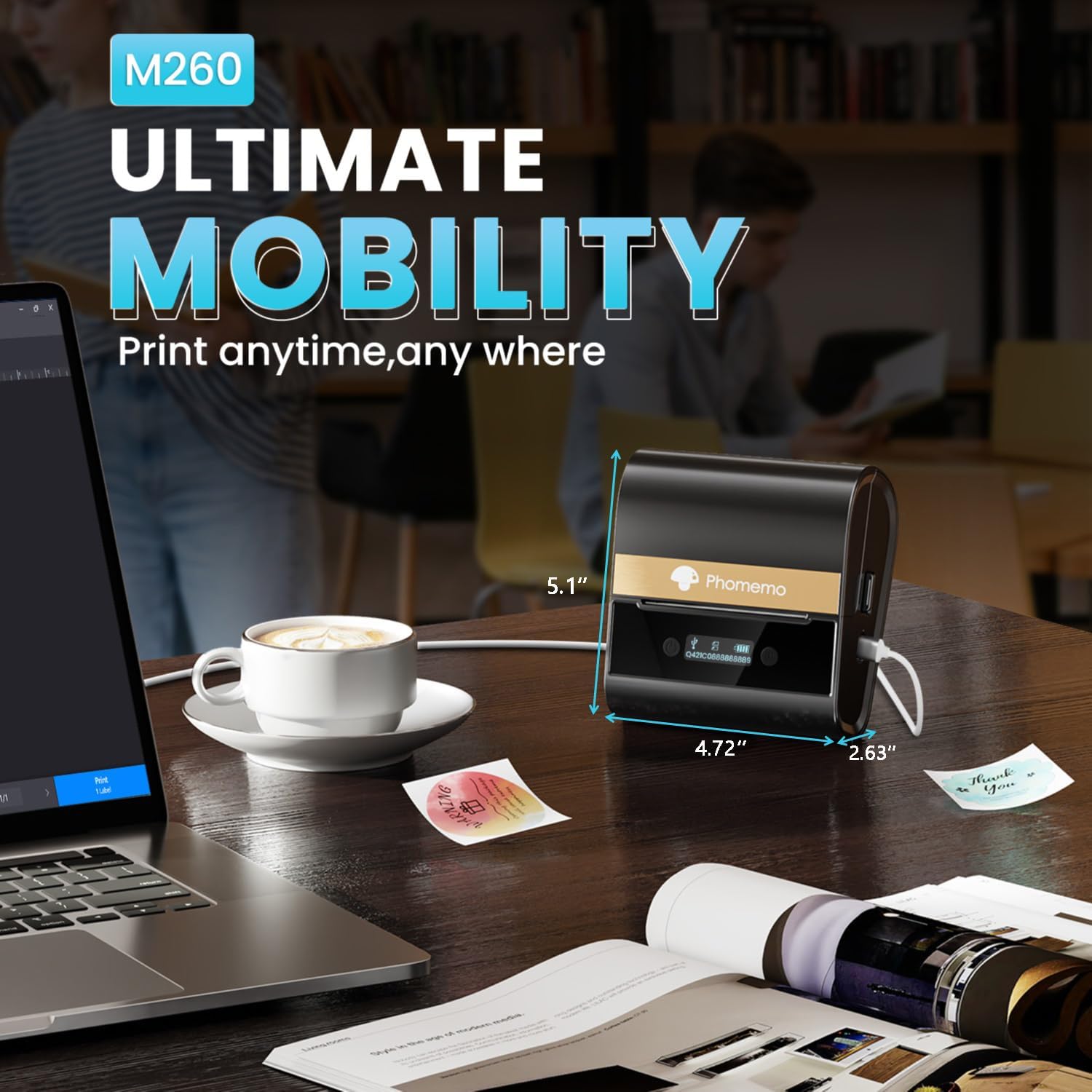
M260 sticker printer utilizes thermal transfer technology, eliminating the need for ink or toner. It incorporates a rechargeable lithium battery, eliminating the need for replacement batteries. This saves time and improves printing efficiency significantly.

M260 Thermal Printer
Phomemo printer bundle
M260 Series paper
M260 printer cases
M260 Series paper
√ M260 label printer can print labels ranging from 1/2 to 3 inches wide.It supports various styles of labels with names,barcodes,QR codes,text,images,etc.It’s ideal for labeling jars,bottles,storage boxes,food containers,product information,shipping address,and more.
√ With the Print Master application, you can easily edit and print content from your smartphone or tablet. The app offers over 30 fonts, 40 frames, and 400+ icons, allowing you to customize your own unique labels. Additionally, for a better user experience on computers, there is the Labelife software program, specifically designed to meet your diverse printing needs.
√ The updated algorithm in the application provides more accurate image analysis, resulting in higher resolution and clearer output, ensuring a superior printing experience for M260 thermal label maker.
√ M260 sticker printer utilizes thermal transfer technology, eliminating the need for ink or toner. It incorporates a rechargeable lithium battery, eliminating the need for replacement batteries. This saves time and improves printing efficiency significantly.
√ M260 bluetooth label printer supports iOS/Android/PC. For iOS & Android mobile phone, download “Print Master” APP to Print via Bluethooth. For PC, you need to download the driver and “Labelife” for M260 label printer.
13 reviews for Phomemo M260 Bluethooth Label Printer,2025 Upgrade Retro Label Printer, 3 Inch Portable Thermal Label Maker for Small Business, Home,Address,Office Organization,Sticker Printer for Phone & PC
Add a review
Related Products


Original price was: $64.99.$51.99Current price is: $51.99.
Kevin J Branigan –
Very good printer
Printer very easy to use and works excellent
Steve –
super easy label printer!
so i got this label maker for my small biz and i gotta say, it’s pretty cool. it’s super simple to set up with my phone and pc, and it prints stuff quick. the labels look clear and are a good size for my packages, addresses, and organizing at home. itâs small so i can take it anywhere, which is awesome. the only thing i donât love is that sometimes the labels get stuck, but itâs not a huge deal. overall, it’s a great tool for anyone needing to print labels fast and easy.
Dr.AliAlFadhli –
Perfect
I hope it will be excellent after use
Happy Texan –
Charmed!
I was looking for a label maker that would be relatively simple and straightforward to use. Ultimately, a lot of what makes/breaks a bluetooth label maker, is less the device itself, and more the app interface.Thankfully, this one is a winner in my book!Connection to my phone (iPhone 11) was a breeze. They have a couple of applicable apps in the App store, but I stuck with the app that was listed in the manual.I’d say from opening to print-ready connection, was less than 2 minutes. No fuss to me, and there was even some cute character to the app as we went. It was a surprisingly enjoyable experience.I wish the printer may have come with more than one option of label size in the box… I’ll have to buy some more to have variety. The supplied labels are a bit wider than I had in mind. But I will still see use for them.All in all, I’m pleased with the quality of the print, and certainly the speed with which it prints!Looking forward to further use of this!
BuddyJay –
Beautiful Printer that Makes Great Printouts
This is a great printer that has been very versatile in being able to accommodate quite a few different sizes of labels, between 1-3″. I’ve been looking for a label maker like this one that has this capability. The pricing is good for what you get. This is a quality product that is easy to use – the app is very simple and effective, but fun to use, and the results are great. I actually get a little excited when I see opportunities to take this guy out and make a bunch of labels at work or when I’m organizing stuff at home. This printer is small, but it doesn’t fall into the mini printer category. That kind of sinks in when I tried to buy a little case for it and realized that the case that will fit this printer, plus a few rolls of paper, etc. is quite big – almost too big to fit inside my work bag. All in all, I’m very happy with this printer.
Iyad Elkhaldi –
Very slow
Not for me
Troy Bond –
Awesome and Fun Label Printer!
So Iâm really loving this label printer! Works with the same application another smaller printer I have and connected right up when I opened the app and turned on the device. Comes with some labels pre-installed which is nice. Iâve printed a couple samples and they look really nice. I even printed a photo and although itâs not the highest resolution, it looks rather good for a thermal printer! I really like that these donât use ink so you have to get labels specifically for a thermal printer. Easy to charge via included USB C charging cable. Also easy to change the labels out. Simple controls on the top and looks nice sitting on my desk. Absolutely no complaints on this printer! Youâre going to love it!
The Brown Barbie –
perfect for business
The Bluetooth Label Printer has been a fantastic addition to my home office! Itâs compact, lightweight, and incredibly easy to set up with seamless Bluetooth connectivity to my phone and laptop. The print quality is sharp and clear, making it perfect for everything from shipping labels to organization stickers. I love how fast it prints and how user-friendly the accompanying app is for customizing label designs. Itâs also compatible with various label sizes, giving me the flexibility to handle different tasks. If youâre looking for a reliable, efficient, and portable label printer, this one is a game-changer!
TheBoxWhisperer –
I have two other similar printers, and this one is by far the best of all of them.It was easy to get going, as it uses the same printmaster app as my other printers.What makes this one stand out is 1) the fact it can print up to 3″ labels. My other printers are much smaller, and are therefore mire limited for what kinds of labels I can use. This one takes a variety of labels sizes, and being able to print up to 3″ is great! One thing to kite though, before you print, make sure the guides are tight against the label roll. It will automatically center for you. It’s very similar to the guides on a computer printer. I didn’t do that to start with, and it took me a couple of tries before I figured out why my labels were printing off center.2) this printer is FAST. Much faster than my other ones. If you need to print a lot of labels, this is very nice to have.I included a picture of a few templates from the app I printed as is, and then I picture I uploaded. Like any printer like this, picture quality from photographs isn’t great, but that’s to be expected. It’s certainly passable, and there are all kinds of custom options to print exactly what you need.The one thing I wish this printer had (but I haven’t seen ANY that have this option) is a function that automatically detected the label size. Sometimes I forget and choose the wrong size. But that’s on me, and I can’t fault the printer for that.There’s also a digital display on this printer that shows the battery life and a couple of other things. Nice to have, but not necessary.Apparently you can connect this printer to a computer to via USB cable, but I haven’t tried that, nor do I think I’ll have the need. It’s quick and easy to use from the phone app.Very satisfied with this printer!
Bee –
This is a versatile little label printer with its portable nature and wide variety of labels and printing options available.The printer charges via a USB-C port on itâs side and includes a 2.5â charging cable (no adapter is included).The printer requires use of the âPrint Masterâ app which you can download through your deviceâs App Store. It detected and connected to the printer immediately with no issues.In the app you have a wide selection of print options (borders, fonts, emojis, symbols, etc) and various templates. You can scan an image with your device camera, create barcodes, QR codes, or even print a photo (output is of course limited to the devices black only capabilities). The printer includes a small roll of 40mm x 30mm labels that are pre-installed.It accepts rolls of thermal labels from 1/2â to 3â wide. There are a lot of options out there for size, shape, colors/patterns, etc that can be purchased seperately. When you insert a roll the printer auto-calibrates to the specific roll and automatically feeds it up the proper distance so the roll tears off in between the labels.Itâs a thermal printer so it only prints black and its resolution is limited but with that being the case it does a good job. The output quality is nice and dark with good definition for a label.My first couple of test prints turned out perfect. I created a custom label and without touching any of the paper, etc settings it printed quickly with no issues.A problem I did have however is when I went to print the same labels again (did not change any settings at all) the printed label was slightly cut off at the top. I tried again with the same result. I tried shifting the layout down and adjusted the paper dimensions slightly in the app, reinstalled the paper roll, and was able to get it a little better but not perfectly placed like the original prints. I have no idea what caused this and why I cant get it to print the same anymore. Obviously this trial and error is wasting labels in the process as well. Thereâre isnât much detailed information in the app or instruction pamphlet that is helpful for things like this.The app itself can be a little buggy as well. Some fonts would appear cut off on the screen no matter the size or placement along with some another little alignment issues here and there.I really do like the portable nature and versatility of this printer but there can be some odd behaviour at times. Hopefully once I become a little more familiar with it I can learn to work around these issues because it is otherwise a well performing and handy little device.
My2Cents –
This label printer fills a niche in the market by offering a completely wireless solution. Although you can still choose to connect to your computer with a USB cable for a constant connection, it stands out by being able to take a charge and work on battery power and accept print commands over Bluetooth with a mobile device. This is especially useful in situations like an inventory room or stockroom where you might be away from a desktop computer and want to generate labels for items without having to run back to a computer. Armed with just your mobile device and this label printer, you can generate labels anywhere. Now there is no excuse to postpone organizing and labeling your inventory items. It makes trying to find things much easier down the road.I have a few other label printers and appreciate their robust construction and ability to handle large workloads, but they also require a full computer setup with wired USB connection. I have another that also supports WiFi, but you must still be in the network’s range. This label printer fills a need that those other printers lack by freeing me from all cables, a network connection and a full computer setup. Being fully wireless, it also allows you to tuck it in your travel bag if you need to make labels on-the-go.
Suzy –
The Label Maker Machine with Tape, the 2025 Upgrade M260 Bluetooth Label Printer, showcases a thoughtfully designed solution for all your labeling needs, ideal for both small businesses and personal use at home or the office. Its portable 3-inch thermal printing capability ensures you’re equipped to handle everything from address labels to office organization and custom sticker designs. The Bluetooth connectivity, compatible with both phones and PCs, adds an essential layer of convenience, streamlining the label creation process across multiple devices.What stands out most about this label printer is its ease of use and the flexibility it offers. The Bluetooth feature allows seamless integration with smartphones and computers, making it incredibly easy to create and print labels on the fly. The thermal printing technology eliminates the need for inks or toners, making it not only efficient but also cost-effective.However, a notable downside is that it requires a proprietary app for operation, which adds an extra step in the setup process. Additionally, while the printer is compact, some might find the 3-inch maximum width limiting for larger projects.Overall, the M260 Bluetooth Label Printer is a reliable choice for those seeking a user-friendly and efficient solution for diverse labeling tasks.
Randy –
I have recently started using thermal label printers for labels. Having a printer that does not need to be tethered to an electrical outlet was a priority in my decision to order the Phomemo M260. I recognize and accept that rechargeable devices that do not have user-replaceable batteries, such as the M260, mean the device is ultimately destined for e-waste whenever the batteries die.The Print Master app is not to be confused with Broderbunds PrintMaster’s line of software, which has been around since the 1980s on C64 computers and is still sold today for Mac and Windows computers.The Android version of Print Master was quickly located and installed. Like most phone apps, it is limited in function and is among the apps I find quirky. The four-star review considers the price, the quality of the printer, and the quality of the software.While I successfully installed the driver for Windows 11 and connected to the M260 by Bluetooth, Windows 11 reported that there is no driver for the printer. I am not deducting a star for the Windows issue, as the last Windows Update killed my ability to transfer files between my laptop and phone using the USB cable. I can’t tell if the problem is with Windows 11 or the Phomemo driver. Besides, I only want a simple phone app to type up labels while working in my garage or basement workshop.Two final observations do not affect the rating are:(1) The labels that ship with the M260 do not adhere well to plastic. I could use the same size of label, but with a better adhesive.(2) After installing a new roll of tape as I would with other thermal printers, this locates the breaks between labels and then advances the labels to leave one as waste. I can eliminate the waste by ensuring that when loading labels or paper, to level the cut edge close to the cutoff inside the printer.