

PM220S Label Maker Machine with Tape, 2 Inch Bluethooth Portable Thermal Label Printer for Small Business, Office, Home, Sticker Printer for Phone and PC, Black
$61.99




Price: $61.99
(as of Jan 17, 2025 05:50:45 UTC – Details)
PM220S Label Maker Machine with Tape, 2 Inch Bluethooth Portable Thermal Label Printer for Small Business, Office, Home, Sticker Printer for Phone and PC, Black
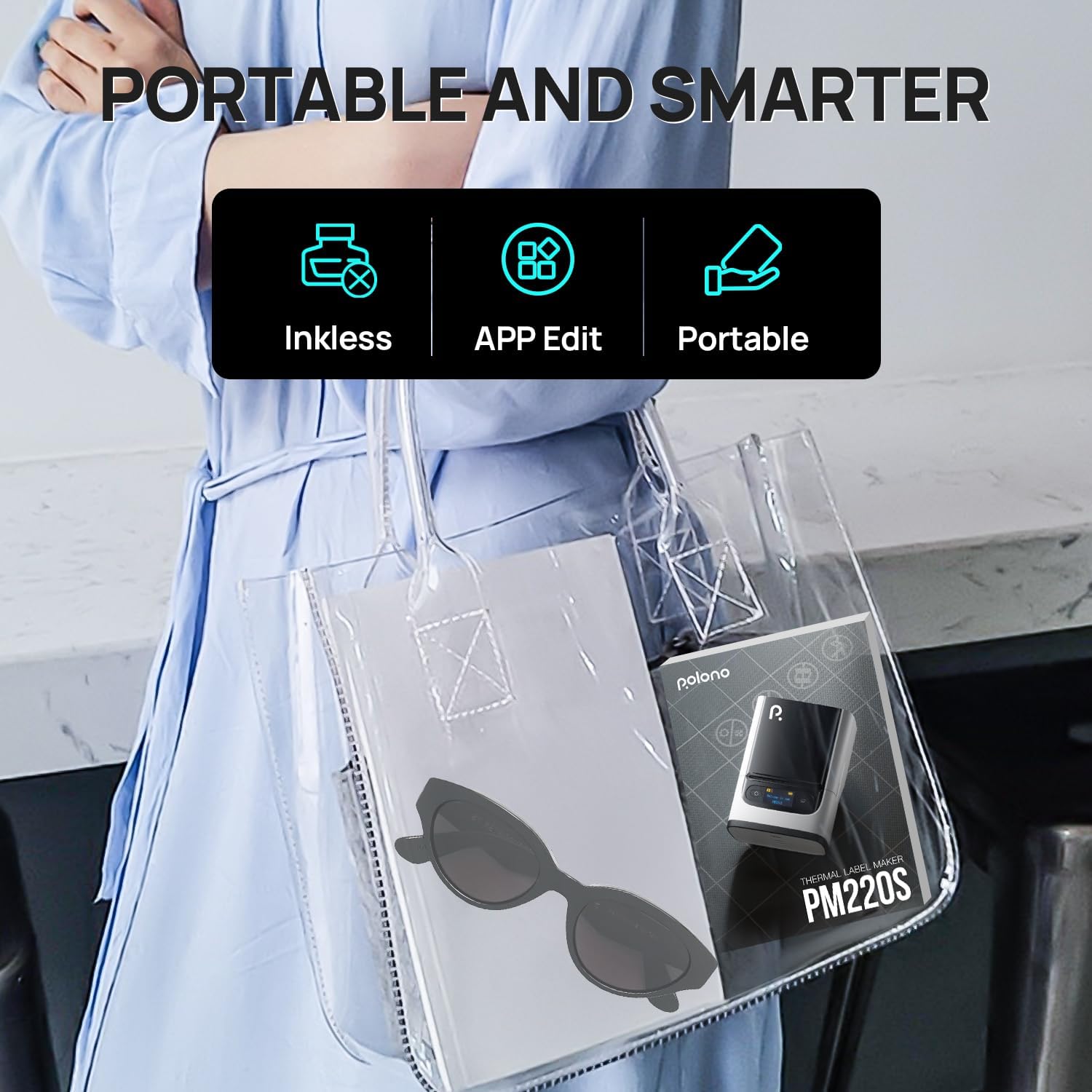
【Easy to Use】PM220S Bluetooth Label Maker compatible with iOS & Android and PC. For iOS & Android mobile phone, please download the “Labelnize” APP to Print via Bluethooth. For PC, you need to download the driver and APP, please visit “polono.com” to obtain the PM220S label printer computer driver and APP. Notice: Please DO NOT connect directly via Bluetooth for all devices
【Interesting Screen Display】Label maker battery level is clear at a glance on this screen, and it has a special signal when it is connected to Bluetooth. In addition, it can also remind of paper shortage, set timed shutdown, etc. LED screens bring you a different label printer experience
【Powerful APP】PM220S label maker machine with tape comes with free label templates and can set up your own templates.The thermal printer allows you to customize and format labels, supporting various features such as QR codes, Barcode Labels, Tables, Materials, Time, Figures,Ttext, Icons, etc. This label printer APP included more than 90 +Fonts, 14+ Languages, 450+ Material.Tips: We recommend using our specialized labels for a better printing experience. Please do not tear or destruct the green sticker on the back of the specialized label strip, otherwise it will affect the printing effect.
【High-quality Printing】POLONO Label Maker with BPA-Free Direct Thermal Technology. Equipped with high-speed chips and 203 DPI, you can enjoy high-definition without relying on ink or toner. Bluethooth Label Maker support label width 23-54mm(0.91″-2.12″). The label printer comes with a 50x30mm Label Tape placed in the paper bin. Notice:Adjust the paper slot to secure the label tape properly according to the label size
【Widely Use】PM220S thermal printer compatible with Smartphone & PC. Easily connect to your smartphone in just 5 seconds via 4.0 for fast and convenient printing. you can easily print any label you need like price labels, clothing labels, address labels, folder labels, date labels and so onIdeal label printer for a variety of festival labels need, including Christmas, Halloween, Thanksgiving, Father’s Day, Mother’s Day
4 reviews for PM220S Label Maker Machine with Tape, 2 Inch Bluethooth Portable Thermal Label Printer for Small Business, Office, Home, Sticker Printer for Phone and PC, Black
Add a review
Related Products


$61.99
Prof CAH –
Surprisingly Good Label Maker
I have had other thermal label makers in the past that were big disappointments for many reason, but this PM220S labeler seems to have gotten it all right. At a size that fits in my hand, it prints labels that are crisp and clean and does it fast. It takes up no real estate on my desk and is extremely portable. Setup was extremely simple: I had it connected to my iPhone in less than two minutes. The Labelnize app that you use to make labels works like a charm and allows creation of custom labels as well as many others from their collection of templates. The app also gives you access to video tutorials on using the labeler. This labeler can generate a number of different size labels depending on the roll of labels you have (it comes with a 50 mm by 30 mm roll) up to 50 x 80 mm (2âx 3â). I can even print from my computer using the Labelnizer app and driver for PC I downloaded from their web page (I did have to connect it by the provided USB to USB-C cable provided). Now I can go to my off-site storage unit and inventory and label the boxes there with this labeler and my phone, or do the same in my garage or attic. The printing on the labels is decent but not perfect; some blotchiness occurs when printing small. I have a whole list of fonts to choose from so it could be that I just havenât found a sweet spot yet. The availability of labels is not an issue as I have found that many thermal labels that work with other thermal label makers work with this one as well. My only concern is durability, as the printer is constructed of o lot of plastic and how well it would survive a fall is in doubt; I plan to get a case for it pretty soon. Although the price seems a little steep, I can say that, based on its convenience, portability, and ease of use it is worth it.
Norm L –
Speedy and portable thermal label printer
I have a black and white laser printer that I sometimes use to print address labels, especially around Christmas card season when I might need to print out a sheet of labels all at once. But I’ve often wanted or needed to print a single label and that’s where this Polono PM220S thermal label maker works great.The kit comes with the small form factor printer, a manual, a USB cable for charging the internal battery, and a small card that instructs you to download the companion app from either the Google Play or Apple App store, depending on your phone. Also included is a starter roll of labels, which you insert into the compartment and then position so just a tiny fraction extends beyond the cover. Powering on the printer, the machine auto detects the labels such that the first label is ready to print. If you accidentally extend too much so that the first label is positioned beyond the cover, you can just open up the compartment and reposition again, which is nice in that no labels are wasted.The print quality is very good and while no one will mistake it for laser print, it is more than sufficient for an address label, being overall very crisp. The printer itself is lightweight and quiet, and the fact that you can print without any ink is a big plus. I will definitely keep this guy handy whenever I need to print one or two labels. Additional thermal printer labels can be purchased either from Polono or from other suppliers.Pros: small, lightweight, easy to use app, print labels one at a time quickly, print is clear, self-powered so you can print on the goCons: print quality not as good as a laser printer, no case included
Gary S –
Sticky labels
Easy connection via bluetooth to my wife’s tablet. Haven’t tried a direct connection via cable to a PC but that is supposedly possible according to the user manual. My wife used it to label some file folders the included sample labels and said it worked fine. But ever since the labels get stuck in the feed slot and jams up the mechanism. When you open and close the cover as when replacing the labels, the label roll feeds out a little and then pulls back in – to ensure alignment, I guess. When it pulls the roll back in the edge of the label catches under a guide bar and gets stuck. Then you have to open the cover, unstick it, close teh cover, it feeds out and in, gets stuck again. Don’t know if it’s just these labels that came with or not. These are only labels we have that fit this printer at the moment.
2376148 –
Decent label maker, great software
This compact thermal printer is a very good label and sticker maker for drawings and print. It comes with a generous roll of glossy rectangular labels, which I used to label light switches in my house.Connecting the printer to my phone via Bluetooth took only a minute or two. The software is intuitive, and has a nice variety of templates (e.g., label borders, clip art) and different, fun fonts. It also lets you save your designs (which my other portable thermal printer does not). It prints instantly.The print quality is not the very best. There were labels where it looked like a pixel was missing. Photos (even with different filters) were grainy and poor quality. Experimenting with the different density settings (1F, 2F, 3F) did not make a visible difference.I think this would be a good choice for someone mostly interested in making labels of fixed sizes (the 50x30mm rectangles that it comes with, or 50x50mm circle labels, for example).Another plus, good battery life – I had it on for 45 minutes and it used less than a quarter of a full charge.