

Bigly Brothers New E58 X LITE Mark II Delta Orange Superior Edition Drone with Camera, 360 degrees of obstacle avoidance, Carrying Case, & 2 Batteries. RTF, No Assembly Required.
$149.99


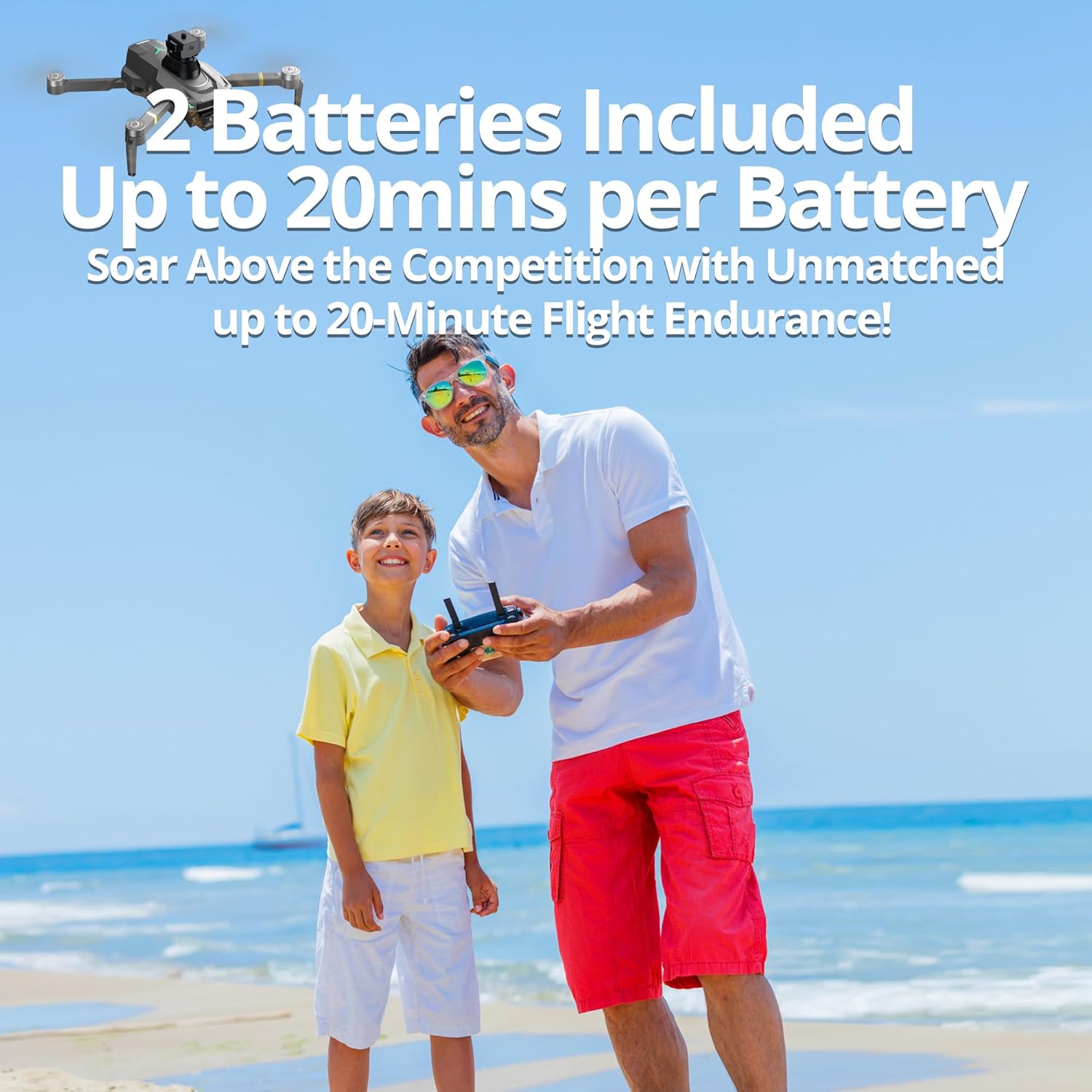

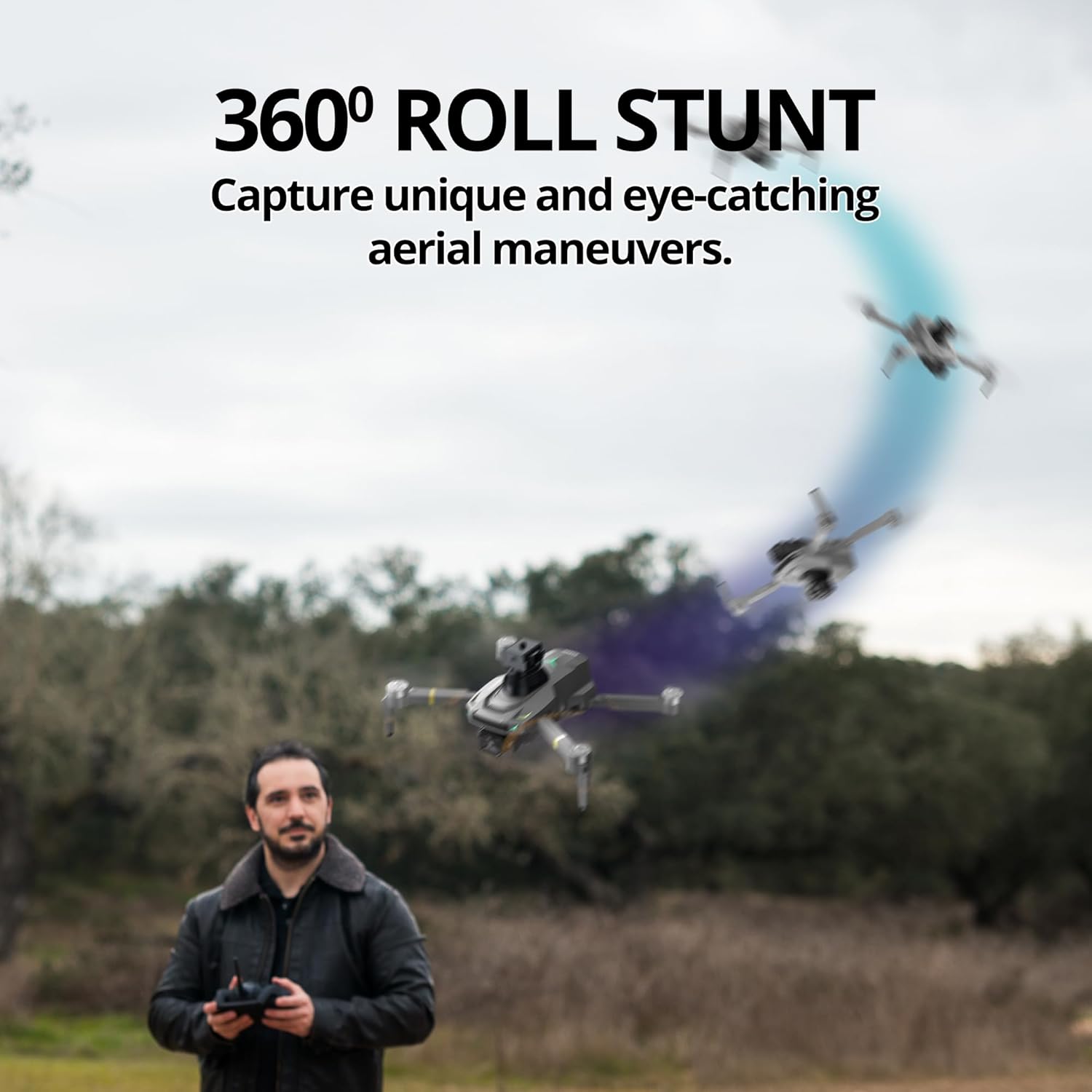

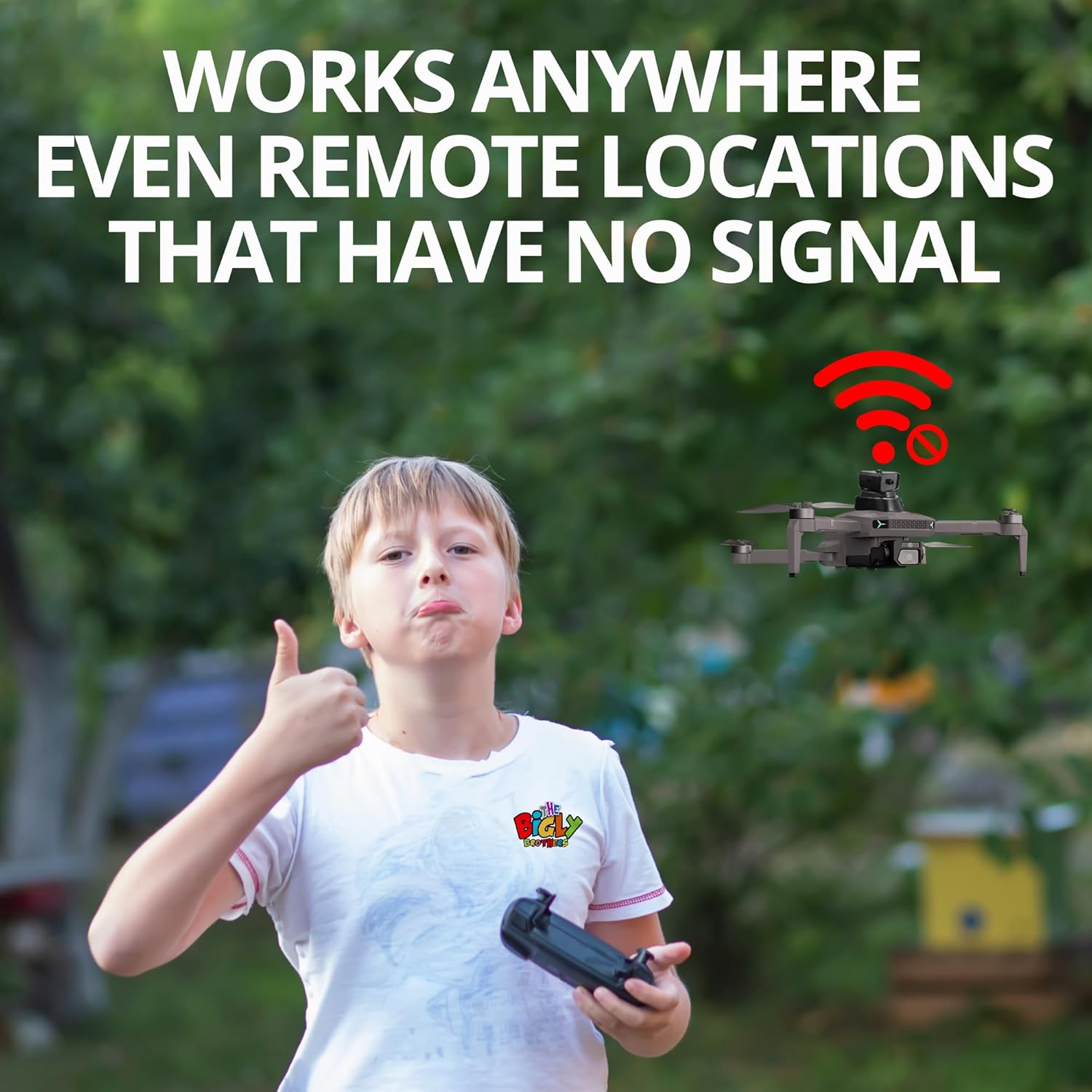
Price: $149.99
(as of Jan 11, 2025 02:55:24 UTC – Details)
Product Description


Ideal for Beginners: Exceptionally priced for first-time pilots and drone enthusiasts of all ages.
Enhanced Safety: Our advanced 720-degree Obstacle Detection System ensures safe and effortless flight through complex environments.
Ready-to-Fly Design: Arrives fully assembled with a user-friendly interface for immediate flight.
Durability Guaranteed: Constructed with new pilots in mind; withstands impacts with robust engineering.
2-Axis Gimbal Camera System: Features a 2-axis gimbal for capturing stunning, stable aerial footage.
Stabilized Cinematic Capture: Featuring an advanced anti-shake electronic gimbal for steady, cinematic-quality video.
Silent Precision Hovering: Optical Flow technology and quiet brushless motors for seamless flight.
5G Map Transmission System: Enjoy smooth, real-time streaming with precise, cutting-edge technology.
Wind-Resistant Brushless Motors: Powerful, durable, and efficient motors for stable flights in challenging conditions.
11 reviews for Bigly Brothers New E58 X LITE Mark II Delta Orange Superior Edition Drone with Camera, 360 degrees of obstacle avoidance, Carrying Case, & 2 Batteries. RTF, No Assembly Required.
Add a review
Related Products


$149.99
Middle Path –
Great drone for newbies
Got this for my 10- and 12-year old nephews. They love it! It’s been easy for them to figure out and learn to fly, and such a thrill in their neighborhood up on a hillside. They’ve gotten some really fun videos and even learned some geography of their own town through it. I guess it’s supposed to be for 14 years old and up, but a lot of kids are savvy these days and if they have the interest, I think can figure it out.
Justin –
Great kit, includes everything you’ll need. I’m still awful at flying drones
My experience with drones is pretty minimal, I’ve had a couple cheap, small, generally not particularly good drones that didn’t fly particularly well. I hoped this would be a huge improvement because it’s a much nicer drone than ones I’ve tried in the past. I think I’m just really not good at flying drones, or am just not good at calibrating them or something. This kit is really nice, and comes with everything you’ll need to get started, setup is pretty straightforward, and the controller is comfortable to hold and will hold even a decent sized phone for flight controls. Out of the box it hovered nicely for me, but would start to drift to the left. I tried resetting the calibration and it was better, but still just a little bit of drift. I am willing to believe that it could be operator error of some kind, because everything else about this kit is very nice. I’m not giving up on it yet, so if my experience changes drastically and I somehow start getting a lot better and having better results, I’ll add that last star here.
Sheâs an Amazonian –
Fun, easy to use, more than a toy
I like that it was pretty much ready to use out of the package. It was easy to assemble and charge. Once fully charged, I was able to successfully get it off the ground. It took a few minutes of practice and the rest is history. Itâs a little more than a toy and not quite for beginners. However, a pre-teen should be able to get the hang of it quickly. The camera is clear, even at more than 20 feet. I didnât feel comfortable going any higher just yet. I would recommend.
Customer Review –
This is a great little drone!
I didn’t expect this drone to be on the smaller side. I love the case! My grandson had just arrived home from school when I was opening the package and trying to read the instructions. He jumped right on it and had it charging. I wanted to try it immediately but he said it was best to fly on a full charge. It seems well made. my grandson installed the app on his Samsung 23 cell phone and used his phone to fly it but also had it flying without the use of his cell phone. One thing to be aware of is the information on the app site is in Chinese. I wanted to install the app on my phone but need to check over the app before downloading it. My grandson could have cared less but then he is only 10 years old. He took videos with it and they are nice and clear. It is also orange and it comes with an extra battery. Orange and lime green are his favorite colors. We fly it in a very large open field with no trees close by. He said it is the best drone he owns and he does have a few of them but none are very expensive. I know eventually he will want one of those fancy expensive drones. I would order this one again. It would also make a very nice gift.
BB –
drone
Great drone with a nice storage case. Comes with a second battery which is great when you want to play with it longer but the first battery dies. It is neat how you can attach your phone to watch videos as it is flying overhead. My young teen has lots of fun with this over the lake and around the woods here.
MSH –
Really Cool Drone. Lots of Features and Hi Res Camera Means A LOT more than a Starter Drone.
I got this for a really close friend who is going through some heart problems that have put him on the transplant list. He suddenly finds himself with a lot of time on his hands, which means more time to worry. I got this for his birthday. It seems more targeted at kids, with the 14+ rating, but I figured this was good, as, at 57, my friend isn’t exactly on the cutting edge technologically. We gave this to him last week and he LOVED it. Since I gave it as a gift, I checked with him and he said it was really easy to set up and get going, he’s already tried some flights and taken some pictures. For the price, it comes with a lot, including a carrying bag. I would definitely recommend this.
Joyce O –
Great beginner drone. Lightweight and easy to use.
ChrisB –
The drone is a good value for the money. It is easy to fly but the instructions on its features is lacking. Bigly Brothers seem to rely on YouTube and its reviewers to try to explain how to use it beyond the most basic of maneuvers. Even those videos don’t fully explain how to use your drone. That is its biggest failing.
David –
Drone performs very well. Optical Flow Positioning is a great feature.One down side, I don’t seem to see the effectiveness of Obstacle Avoidance feature. It is supposed to STOP moving towards the obstacle. It does not.
Madory molik –
Don’t waste your money on this item , it won’t even connect to the app and won’t even start flying, and it’s a cheap Japanese toy u can get for 20 dollars it also isn’t like the photos , very horrible product DO NOT BUY FROM THIS PERSON
Geobound –
If you have never flown a drone before it can be a bit daunting to learn how to operate one, but they make this one pretty easy to understand.The biggest thing you need to worry about (aside from the wind) is the pairing or synching of the drone to the controller, and making sure youâve got open space to fly it in.The first thing you should do when you get this drone is put the batteries on charge, and then read the instructions.There is no point taking this out to fly as the batteries will only last about 5 minutes. I know this to be true as you can hear the controller beeping at me in the video telling me that the battery is almost dead. LOLâ¦.Here is a very quick get started instructionâ¦â¦.after the batteries are charged and the drones wings are expanded, turn the drone on and place it on the ground. Then turn the controller on and push the two joysticks towards each other. Then take the left joystick and point it upwards and the drone will be unlocked and ready to go.If you look at your controller you will see a button on the left side near the bottom with an arrow pointing up and downâ¦â¦press that and the drone will lift off.Warning about that button thoughâ¦..if you press it once quickly when the drone is in the air it will have a âsoftâ landing, if however you press and hold itâ¦â¦.well the drone will come crashing downâ¦.ask me how I know. LOLâ¦.The app for it is easy to download and quite fun to use, and in fact is needed to take pictures or videos. So if you donât want to do that, then donât worry about the app.Once youâve downloaded the app place your drone on a flat level surface and turn it on, then go to your WiFi settings and look for âFLOWxxxxâ and connect to it. Then go to the app and click on the âFlowxxxâ and you are all set.Speaking of pictures and videos, it is mentioned in the ad that neither are great as this is a beginners drone.I commend the company for mentioning that upfront as I donât imagine others would give you fair warning.Itâs true that the quality isnât great, but you can certainly see everything thatâs going on.In my video you will see the path my drone took first being recorded from a stationary position on the ground, and then immediately followed by the drones onboard camera.The only negative I could muster is the lack of guards for the propellers as I can see that being a problem when you crash, but extra propellers are include so itâs not like itâs a one and done flight toy.