

Honeywell Home RTH6580WF Wi-Fi 7-Day Programmable Thermostat
Original price was: $119.99.$65.05Current price is: $65.05.

Price: $119.99 - $65.05
(as of Jan 08, 2025 21:27:26 UTC – Details)
You have your own schedule and routine, and it doesn’t always align with your thermostat. When you’re on the go, you can still check, adjust and program your RTH6580WF WiFi 7-Day Programmable Thermostat from your smartphone. Connected to your home’s existing WiFi connection, this digital thermostat gives you remote access from any WiFi-enabled device. Download the free app to your smartphone or tablet for virtual access to your thermostat. From your connected device, you can program – or reprogram – on the fly.
ENERGY STAR certified. Help save energy, track your heating and cooling with monthly energy reports and get personalized tips on reducing energy use.
SAVE ENERGY AND GET REWARDED by checking with your energy provider about available energy savings rebates to save on your purchase (rebate finder link above). Plus, eligible customers can enroll in their local Utility’s “DEMAND RESPONSE PROGRAM” which can reward you for allowing the utility to slightly adjust your AC or furnace temperature settings when there is high energy demand.
C-WIRE POWER ADAPTER REQUIRED: Before purchasing, check to see if this thermostat is compatible with your home and to determine if your home needs a C-wire power adapter.
SMART HOME INTEGRATION. The Wi-Fi 7-Day is compatible with voice assistant devices like Amazon Alexa, Google Assistant, Microsoft Cortana, and more.
THERMOSTAT THAT FITS YOUR LIFE. 7-day, 4 periods per day, flexible programming lets you sync your comfort with your schedule.
EASY OPERATION AND INTUITIVE. Big, backlit digital display and easy controls make for a user-friendly experience.
EASY-TO-USE-APP. Choose from the Total Connect Comfort app or the Resideo app to control your Wi-Fi thermostat anytime, anywhere.
COMPATIBLE WITH: Forced air (gas, oil or electric), hot water and steam, and heat pumps with electric backup. Does NOT work with electric baseboard heat (120-240V). C-Wire required.
Works with most heat/cool oil furnace systems. Will not work with heating only oil furnace systems unless a C-Wire is present. Ability to view local weather from web portal or app
Customers say
Customers find the installation and setup of the thermostat easy. They say it works well as a basic WiFi thermostat and does everything they want. They appreciate the control capability, saying they can turn the temperature up and down with Alexa and monitor the temperature setting of their home on their iPhone or iPad. Many find it affordable for what you get and say it saves them money on heating and A/C bills. However, some customers have differing views on wifi connectivity, reliability, and app quality.
AI-generated from the text of customer reviews
9 reviews for Honeywell Home RTH6580WF Wi-Fi 7-Day Programmable Thermostat
Add a review
Related Products

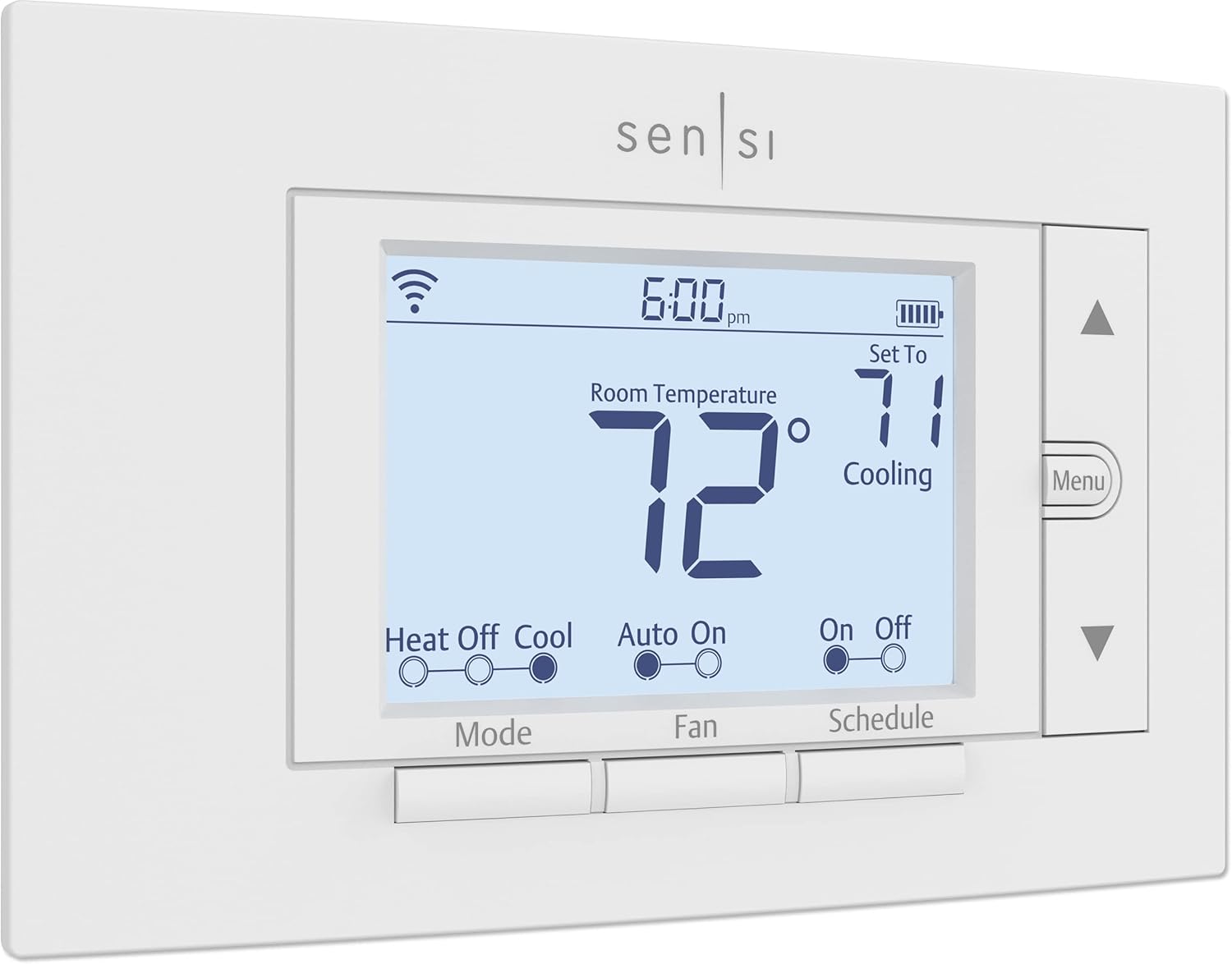


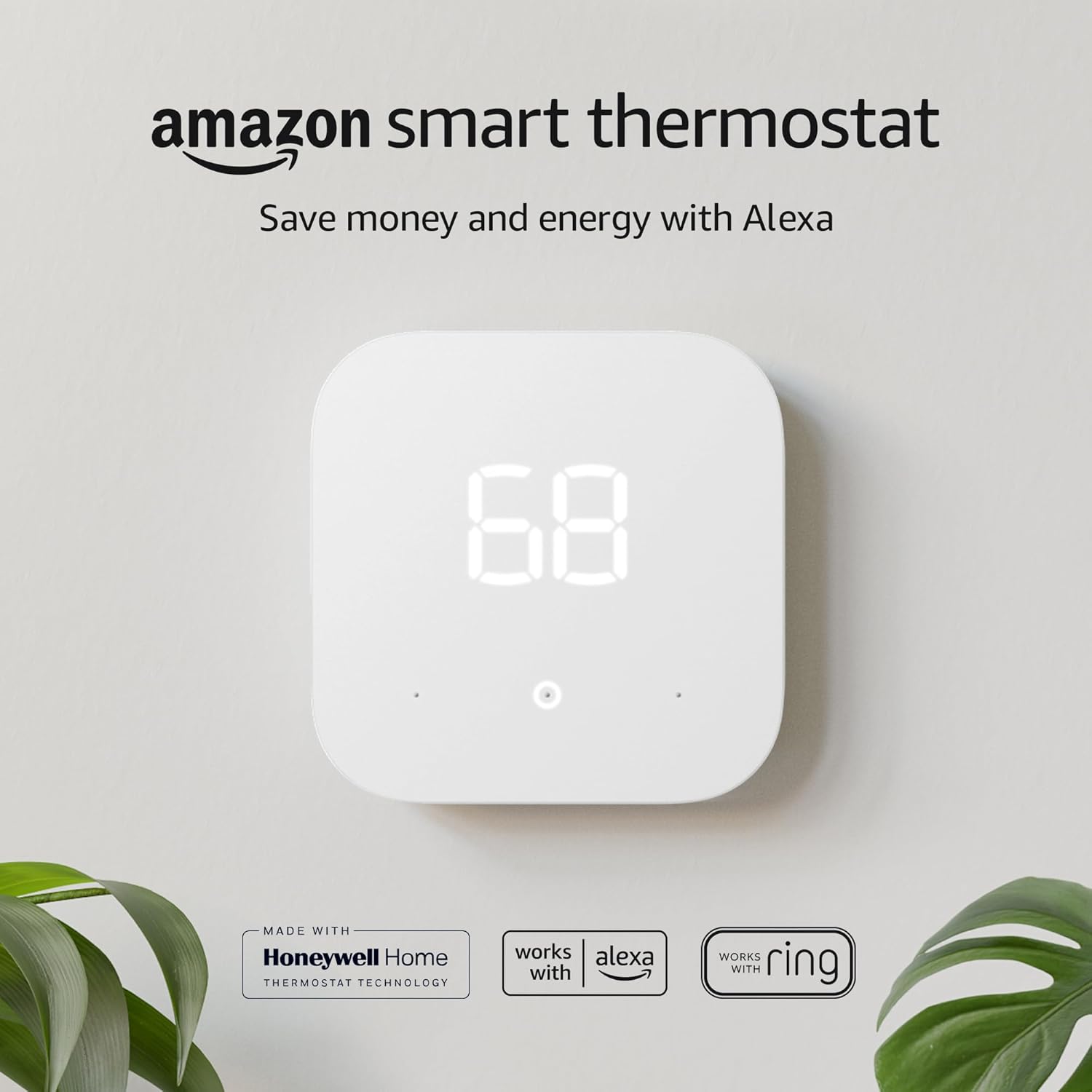
Original price was: $119.99.$65.05Current price is: $65.05.
Etienne –
Awesome thermostat with easy programming!
I have been in search of affordable, remote access capable thermostats for some time. The Nest is just too pricey for me, especially with two thermostats needed in our two level home. The Nest units sure look nice, in typical fashion as one would expect from their Apple designer pedigree. I even contemplated buying one per year to soften the sticker shock, but the reviews for them had one glaring thing that stood out, and that was the wide temperature swings before heating or cooling started. For the price, I expect a tighter temperature range. The Nest also appears to be better suited to automatically adjustng itself based upon your actual coming and going, while the Honeywell is based solely upon a schedule. If you want a thermostat that will manage itself, the Nest is probably the way to go. In our family, we generally have set times we are at home and away, so the Honeywell works best for regular schedules.Honeywell has three step up models, including the new Lyric, which looks quite a bit like the Nest (which itself resembles the old, mercury switch, round type thermostat). From what I read, the Lyric offers more self managing like the Nest, but is also around the same price. Given the choice between the Lyric and the Nest, I would go for the Lyric, if only because Honeywell has a long history with thermostats, but I am a cheapskate! The next lower tier Honeywell WiFi model has a snazzy color touch screen, with time and outside weather indicator (and probably forecast). While I would have loved to have this model, it was still almost twice the cost of the RTH6580WF. Below that is the WIFi model that has almost the same screen monochrome LCD as the RTH6580WF but with touchscreen functions. To me not worth the slight price premium. So the RTH6580WF was the model for me.One of the concerning things for the Honeywell was the need for a “C” wire, which I assumed my systems would not have available, forgetting about the loose wire left unconnected at my previous thermostats. A quick check with a voltmeter that they were not connected at both ends, made it clear all I had to do was connect the proper terminal at the transformer to have a working “C” wire. Easy peasy and no sparks!Installing was easy, especially with the good documentation included (including labels for each line). Just be sure to disconnect the power to the transformer beforehand. The hardest part was making sure the wall mount was level, which speaks about the simplicity of it all! The wifi connection portion was easy with the included instructions. After a delay for the thermostat to automatically update its firmware, it was on the network.Setting up the online account was easy, just be sure to hold on to the paper card supplied with the thermostat if you are away from the thermostat, as it contains the thermostat information the website requires. The iOS and Android apps are easy to operate and progamming is straighforward, just be sure to press submit or your programming will not go through. The software works via a connection to Honeywell, with no direct control of the thermostat available, from what I can tell. That is a negative to be sure, but it is an acceptable tradeoff, and I believe most WiFi thermostats suffer from. I have to assume Honeywell will be around for quite a bit longer, and with such a huge user base, keep the system up and running. I have experienced a few times in the several months of use that the portal was down, but the system came back up within an hour.I wish the software would provide ore information on times of use and the like, as well as the ability to lock out changes at the thermostat, as my kids have a habit of turning the thermostat settings to extremes of heating and cooling (like turning the A/C on when it is freezing outside). The system can be configured to send messages if selectable temperature extremes are met, but I have not yet tinkered with it enough to verify how well it works. More finegrained control of this would also be an improvement, but I am unsure of the limitations of the thermostat itself as far as this is concerned. The web portal and apps work fine however for sending changes remotely as I have been able to adjust the temperature adjustments made at the thermostat.In all, this is a highly recommended device, with the two in our home working without issue for several months now.
ecc808 –
Easy installation, working great remotely
The installation guide was well-written for smooth hook up and connecting to home WiFi was straightforward. I can now program, change temperature, turn on and off remotely from anywhere as long as WiFi or mobile signal is available. Ability to control remotely does not require the thermostat to be on any specific WiFi network of the house as it communicates via Honeywell/resideo. (I am mentioning this as it could not be linked to UniFi Access Point, so that I had to use the signal directly from the internet providerâs router.) I wish I had bought this thermostat as soon as it came out. There are other models with additional features, but this thermostat with its iPhone app provides what I need.
Raj Against The Machine –
Moderate setup; some rewiring required. App ok, smart integration meh. HUGE data usage
UPDATE APRIL 2024 (1.5 years): Still working fine, still loving it. Itâs probably my favorite smart home device, and I got lots of them. So nice not having to drag my lazyâ¦to go and adjust the temperature. Was nice to have when I had actual furnace issues and didnât have to constantly run up-and-down the steps (though Lord knows I need to) to switch it on/off or adjust the set point- just do it from the app.Canât believe how cheap it was (purchased used); itâs even cheaper now for a used one. I feel much better having gotten this over a Nest or Wyze or Amazon unit. I get a monthly email report showing usage (in hours).I refuse to get the promo through my utility company for a $50 rebate, because they still have excessively high rates anyway, and then they could have control over my unit.ORIGINAL REVIEW:I bought this several months ago but waited until Christmas Eve to install it. (Not the best time if something goes wrong.) I already have a Honeywell non-Wifi programmable thermostat which has worked relatively well the past few years, and have installed programmable thermostats in other homes over the past 20-plus years. I had purchased a Wyze thermostat also but after seeing so many poor reviews and complaints, I shelved it in favor of a thermostat from an actual thermostat manufacturer.Of course installing those required no rewiring, as they were battery operated and did not require a C-wire. This thermostat, like most other smart wifi-connected thermostats, requires a C-wire to power the unit.Seeing I only have 4 wires with no C-wire, I had wanted to run a new 5-wire thermostat cable to my furnace, to have a C-wire, by connecting the new cable to the existing cable and pulling through the floor/wall. But after having found where the cable goes up from behind the furnace having almost no access, and looking in the wall cavity with a bore scope and seeing that pulling a new cable would likely snag, I finally deemed it as nearly impossible.Luckily the new Honeywell t-stat comes with an addendum of instructions and even a jumper wire to convert the G-wire to a C-wire. Whatâs nice is that this means Honeywell basically legitimizes what is generally considered to be a âhackâ. You move the existing G-wire to the C terminal on both the board and the thermostat – pretty standard procedure.Whatâs different is that the jumper wire then goes between the G and Y terminals on the control board (even after moving the wire from G to C). I have no idea what the purpose of the jumper between G and Y is; Iâve never seen or heard anyone else mention this. You still lose separate fan control (because nothing is connected to the G terminal at the thermostat).I actually decided to take a tip from electrician videos and used pigtails from the C and Y terminals on the board, as I was not confident the small screws would retain 2 or 3 wires at a time. I basically cut and stripped small lengths of extra thermostat wire, and attached one to the C terminal. Then on the other end I used a small wire nut to combine with the other existing wire(s) which were already going to that terminal. I did the same for the Y terminal. This to me made a cleaner installation, and would be easier to modify in the future should I wish to go back to the old thermostat, or install a C-wire adapter, or even finally have a 5-wire cable routed. It only needs to have the wire nut removed, rather than unscrewing the terminal. (Seemed logical to me after having done this on several electrical outlets and switches. ð¤·ð½ââï¸)The unit powered on as expected, and I went through the setup process, which is mainly setting the day & time. I have a plain gas furnace and central air conditioning, and the thermostat was already configured for that. It has many configuration options for different types of HVAC systems; one in particular allows you to have an Auto mode where it can switch between heating and cooling (rather than manually switching as most thermostats do). I tried this for a while but set it back as I saw no value in having it in my climate.To connect the wifi, you change your phoneâs wifi to the signal put out by the thermostat. Then you connect to it using the Total Comfort Connect app. You have to create an account, which I did on my PC, but you use the same login credentials in the app. It was fairly straightforward. Even with the phone connected to the 5 GHz signal, it was still able to link the device to the 2.4 GHz signal under the same SSID (I didnât have to turn off the 5 GHz signal, as some other smart devices require).You can control and program the thermostat either through the app or via the web page. You can change between heating and cooling modes, and also between fan modes (though again, the âOnâ setting is irrelevant; the thermostat will click but nothing happens).I also managed to link the app with Alexa (which I use more often) and Google Home (which I rarely use), just to try each one. In each the functions seem to be much more limited; in fact in Alexa you can ONLY control the temperature, not the heating/cooling mode. Google Home allows this, but thatâs about it.One shocking thing is that I checked my routerâs app, and it reported that just in the first hour after installation, the thermostat had used 1.3 GB if data. That seems like a huge amount for something that isnât a streaming device. Itâs not clear what that amount of data was used for.Right now it seems to read the inside temperature 2-3 deg F lower than the digital thermometer I have in the same room. This is weird because the previous Honeywell thermostat used to read the same temperature.UPDATE MARCH 2022: Meh, still ok but not game-changing or disruptive tech. I like the convenience of being able to adjust the temperature without going to the thermostat, but other than that it doesnât offer much. No substantial energy savings to speak of. I linked the TCC app to Alexa, and it shows an estimate in the Energy Dashboard. Iâm not sure if itâs accurate or not because itâs making a guesstimate of the gas usage. Would be nice if I could set a routine in Alexa so that if the temperature reads below/above a certain point, it kicks on the heating/cooling until a desired set point is reached. Actually in Alexa you canât even change the heat/cool mode; only the temperature.No issues with the wifi disconnecting like others have reported.
EE –
Fantastic value and features for the price
5 minutes to install. So much easier to program on phone (compared to manually programming on wall). Customizable time periods and programming. I would never pay the cost of a high end Nest or other expensive brand. This does everything I want and gives me great peace of mind because I can check and adjust temps when I’m away.
g cameron –
This thermostat was easy to program and works perfectly setting the temperature back at night. It does air conditioning timing control as well although we set the air conditioning to desired temperatures and leave it there.
Eduardo Acosta Rojas –
Me ayuda a ahorrar energÃa porque puedo programar toda la semana el cambio de ajuste de temperatura o apagado del equipo y asÃ, si se me olvida apagarlo lo hago a distancia y si mi rutina permanece el equipo arranca cuando lo necesito y se apaga cuando no estoy.
Rashed Hassan alsakhawi –
Not easy to use also the application not work in UAE
Linz –
Good quality Honeywell Controller
Ahmed Saleh –
اÙسعر ٠رتÙع جداÙ