

Makeid P31 Industrial Label Maker, Thermal Transfer Label Printer Portable Bluetooth Labeler with 0.71″ W x 26.24ft L Label, Wire and Cable Labeling Machine for Job Sites, Fast Creat and Print Label
$99.99





Price: $49.99 - $99.99
(as of Jan 09, 2025 01:15:11 UTC – Details)
From the brand


All-weather PET Labels
Self-laminating Labels
Multi-purpose Nylon Labels
Professional Industrial Label Maker – Offers up to 20 label sizes, including self-laminating, nylon, PET all-weather tapes, and heat shrink tubing, with new materials in continuous development. A 300 dpi resolution performs crystal-clear printing texts . With a 1-inch print head that prints up to 8 lines of text, it doubles the information capacity.
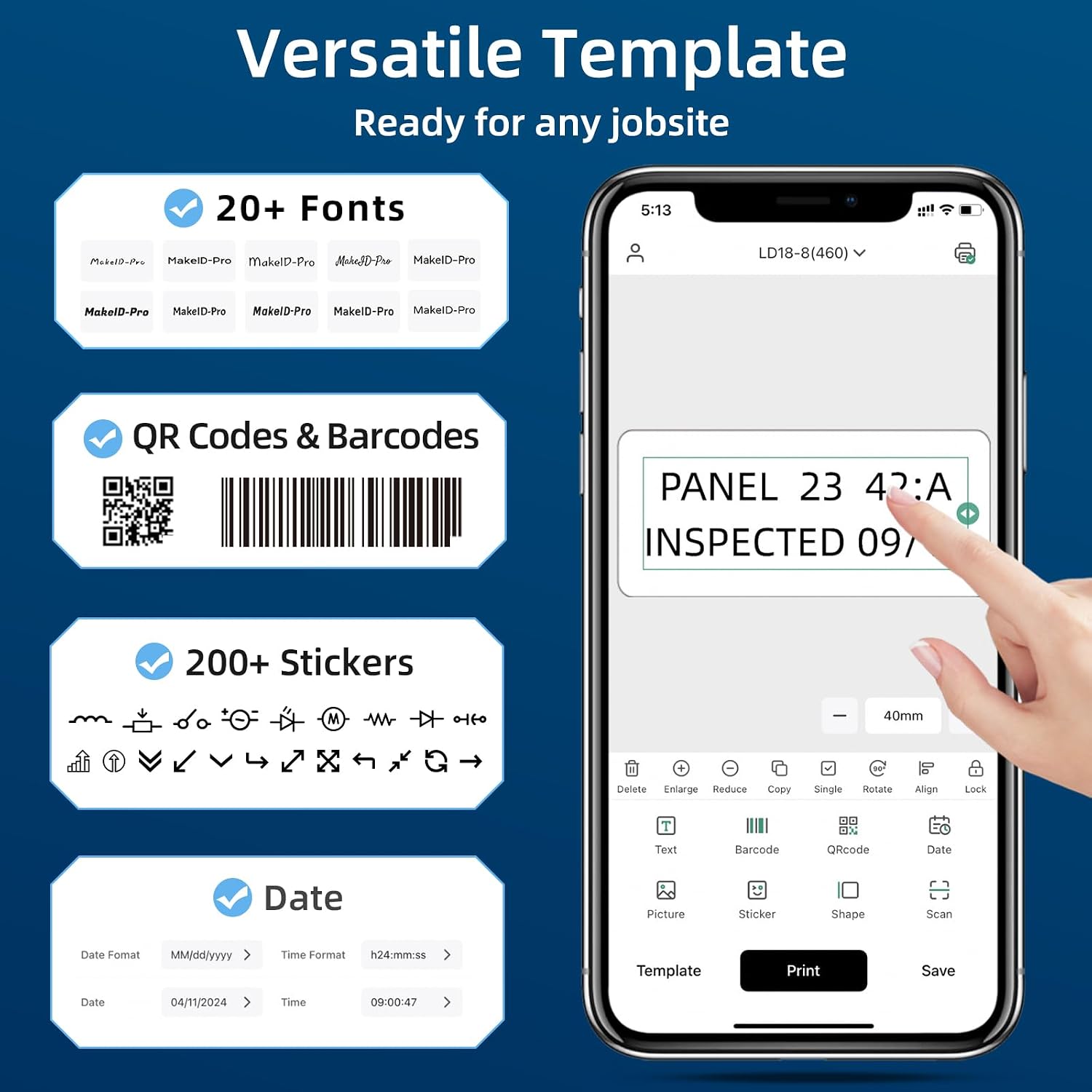
Seamless Customization at Your Fingertips – With 48 templates, 200+ icons, and 20+ fonts, the MakeID Pro app simplifies creating complex labels, including barcodes and QR codes, and supports bulk data import for efficient on-site labeling.
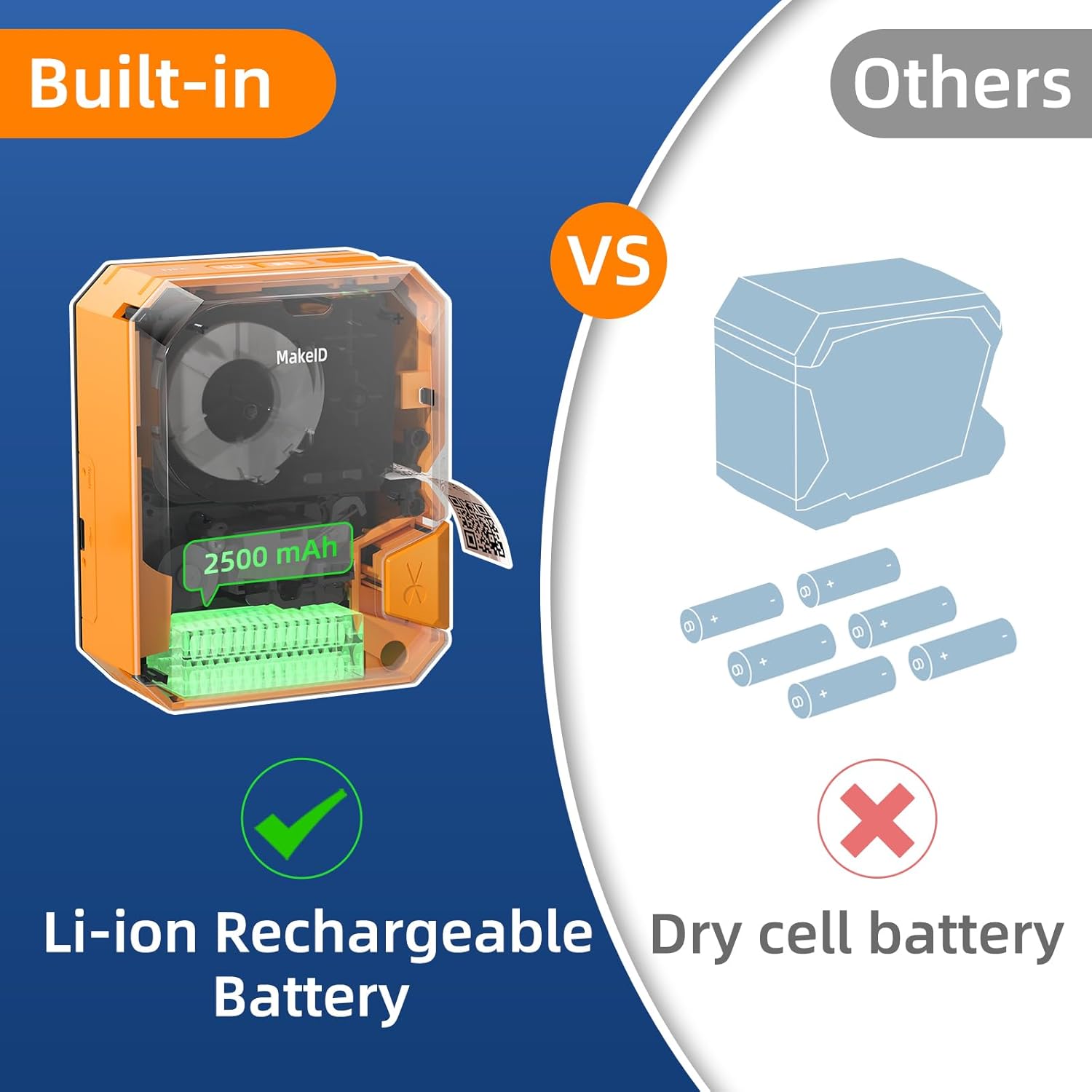
Power-Packed Performance – The P31 label printer is equipped with a 2600mAh battery for up to 90 days of use on a single charge. It can print up to 60 labels per minute, saving printing time.
Effortless Operation – Simplify your labeling with the smart, integrated tape system. It’s engineered for ease, automatically recognizing label types and matching templates, ensuring a perfect print every time. With automatic label positioning, you’ll also minimize waste and maximize efficiency, making your labeling process smoother and more cost-effective.
Portability Meets Reliability – Weighing in at just 580g, it’s built to take out for jotsites. Features thermal transfer technology for long-lasting, fade-resistant labels.
4 reviews for Makeid P31 Industrial Label Maker, Thermal Transfer Label Printer Portable Bluetooth Labeler with 0.71″ W x 26.24ft L Label, Wire and Cable Labeling Machine for Job Sites, Fast Creat and Print Label
Add a review
Related Products


$99.99
aldera –
It does it all and it does it well
This is a feature-rich portable label printer. It’s also very easy to set up and use.There’s no fumbling around to load a roll of labels. The roll is part of a cartridge that just drops into the printer. There are about 6 different types of label cartridges that you can purchase. Standard labels, P-flag labels, cable labels, etc. There’s an RFID chip in each cartridge so the printer automatically knows what type of label is in there.It’s completely portable as there is a lithium-ion battery that can last up to 90 days. All printing is done through a phone app. The app is pretty easy to use. You can print barcodes, QR codes, pictures, text, etc. The print quality is very good at 300dpi. It includes dozens of built-in templates, pictures, symbols, fonts and you can even print pictures from the photos on your phone. It’s extremely versatile.My first print job was replacing all the hand written labels on my home’s circuit breaker panel. This printer can print up to 8 lines of text on a single label. I was able to fit a lot more information onto each circuit breaker than the old hand written ones. Plus, they’re a lot more legible at 300dpi. My next job is going to print labels for all my cable connections on my computers and home automation products. For that I’ll need to buy a cartridge with P-flag labels.Overall, this is the perfect, all around portable label printer. It does it all, does it well and it’s fairly priced. Highly recommended.My rating method:1 star – terrible. I wouldn’t consider buying it.2 stars – marginal at best. Doesn’t meet the minimum requirements or quality to be useful. Buy it at your own risk.3 stars – average. Meets the quality and requirements for a product of this type but is nothing out of the ordinary. If the price is good, I’d probably buy it.4 stars – better than average. Exceeds the typical quality of a product of this type and has a few extra features not usually found on other products of this type. I’d buy it.5 stars – exceptional – far exceeds the quality of products of this type. Hard to beat the quality and features included. Best value for the money. I wouldn’t hesitate to buy it.
JMo24 –
Rugged & Portable
I got this model (P31) and their E1 model which is also small but has a built-in keyboard and screen. I have an office and workshop/garage just full of devices, cables, remotes, different power supplies, etc. So having a label maker is something I’ve been looking into.I love the E1 model given it’s super simplicity. Turn it on, type out, and print. This model misses those features until you realize what this one is really meant for…to withstand a little more of a beating. The lack of a screen and keyboard along with the decent durability means I can throw this in my bag or keep it around my workshop where I have tools and sharp thingys all over the place – all without worrying about scratching it or breaking something. Heck, I can hide this off under some things and just pull it out when I need it.Those missing features are all done remotely via bluetooth. I’m not a big bluetooth guy. I like my tools quick and to the point. But even this does that easily too. I dl the app, turned on the printer, and in the app just selected the visible printer. I did not need to pair the bluetooth devices, ensure they recognize each other blah blah blah. Just turn on printer, open app, select printer, and bam get to going. I also really like the varied options for paper and printing. It offers an assortment of templates that you can filter through paper type.I really like this printer for my workshop and outdoor use. The E1 model is nice for my office space and something I plan to use more. But not going to lie, this device even has the potential to be used as my primary too.
Tyler Lean –
Great value with this
the only thing i don’t like this is the app is very much stealing your data. i delete it when i’m not using it and reinstall it when i need to make labels.
SC –
I want to like it
I really like the idea of being able to format this and see what it will look like on the app before printing but there are no instructions on how to make do the formatting and getting it to look like you want. I know this is capable of working more than I am able to use it but I just can’t get the app to get what I want in order to print. I really wish it had a better tutorial.