

SanDisk 2TB Extreme Portable External SSD – Up to 550MB/s – USB-C, USB 3.1 – SDSSDE60-2T00-G25
Original price was: $199.99.$185.00Current price is: $185.00.


Price: $199.99 - $185.00
(as of Jan 12, 2025 10:36:38 UTC – Details)
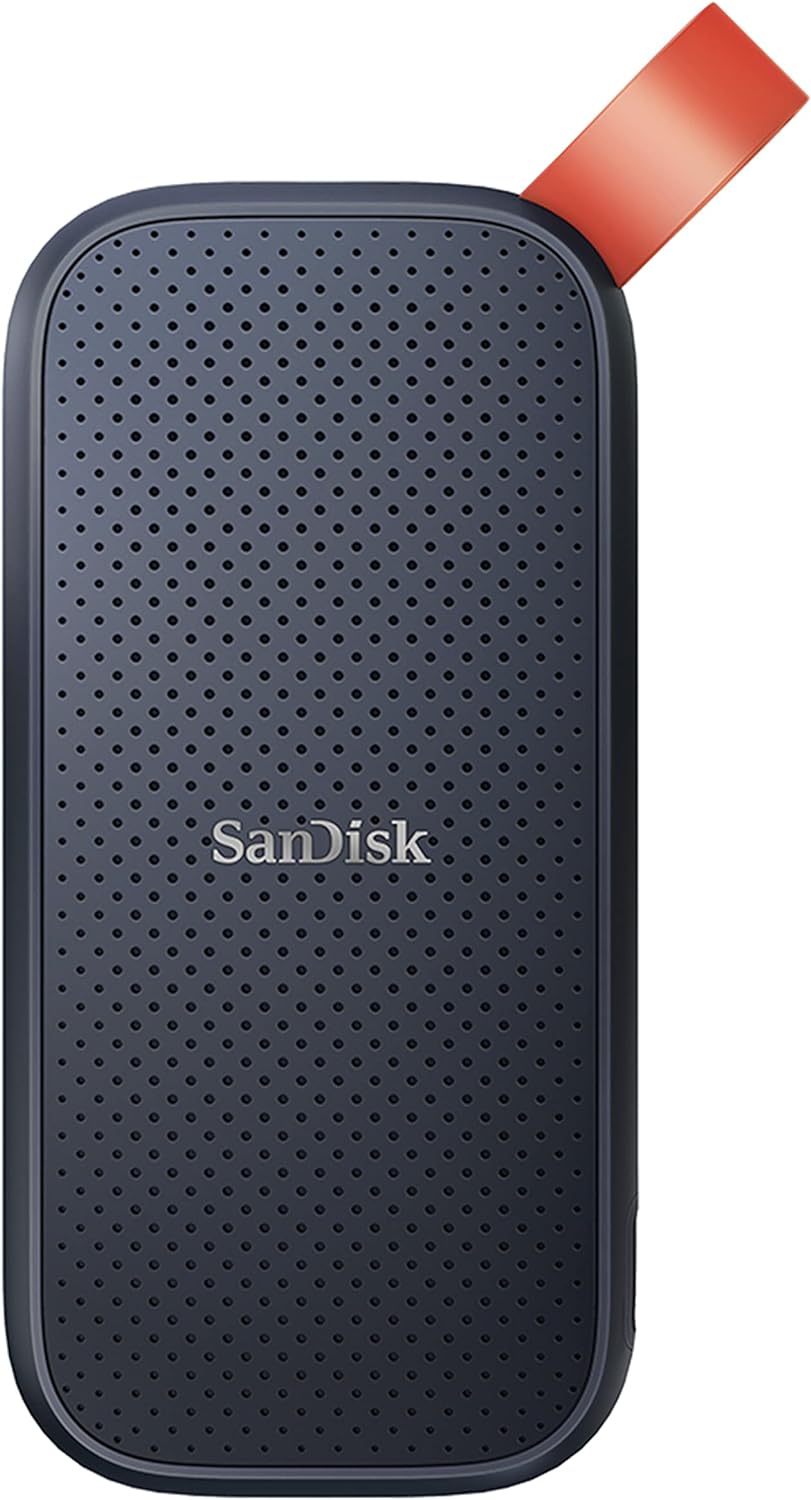
The ruggedized SanDisk Extreme Portable SSD delivers high-speed transfers with up to 550MB/s read speeds. This makes it perfect for saving and editing Hi-Res photos and videos. With an IP55 rating, it also stands up to rain, splashes, spills and dust. 1GB = 1,000,000,000 bytes; 1TB=1,000,000,000,000 bytes. Actual user storage less. Based on internal testing; performance may be lower depending on drive capacity, host device, OS and application. 1MB=1,000,000 bytes. (1) IEC 60529 IP55: Tested to withstand water flow (30 kPa) at 3 Minch; limited dust contact does not interfere with the operation. Must be clean and dry before use. (2) Up to 2M (6.5’) on a concrete floor. (3) Shock-resistant (up to 1500G) and vibration-resistant (5g RMS, 10-2000 HZ), Non-Operating Temperature (from -20 degrees Celsius to +70 degrees Celsius), Operating Temperature (from 0 degrees Celsius to +45 degrees Celsius). (4) Password protection uses 128-bit AES encryption and is supported by Windows 10, Windows 8.1, Windows 7 and macOS High Sierra, Sierra or Mac OS X El Capitan.
High-speed transfers with up to 550MB/s read speeds let you move Hi-Res photos and videos faster (Based on internal testing; performance may be lower depending on drive capacity, host device, OS and application.)
Ruggedized, water- and dust-resistant (IP55-rated) (IEC 60529 IP55: Tested to withstand water flow (30 kPa) at 3 Minch; limited dust contact does not interfere with the operation. Must be clean and dry before use.)
Shock-resistant solid state core for greater durability (Shock-resistant (up to 1500G) and vibration-resistant (5g RMS, 10-2000 HZ), Non-Operating Temperature (from ‐20°C to 70°C), operating temperature (from 0°C to 45°C))
Compact and pocket-sized
For PC and Mac users
Built by SanDisk, a technology leader and pioneer of the modern day SSD, to deliver superior performance
3-year limited manufacturer warranty
Order with your Alexa enabled device. Just ask “Alexa, order SanDisk External SSD.”
Customers say
Customers appreciate the compact size of the computer drive. They find it lightweight and portable, with a thin design that’s perfect for carrying around. The drive is fast and useful for quick transfers of video files. It works well and performs as expected right out of the box. Customers find it durable and reliable, much more stable than traditional hard disk drives. The storage capacity is also appreciated, allowing customers to store large amounts of data easily.
AI-generated from the text of customer reviews
7 reviews for SanDisk 2TB Extreme Portable External SSD – Up to 550MB/s – USB-C, USB 3.1 – SDSSDE60-2T00-G25
Add a review
Related Products


Original price was: $199.99.$185.00Current price is: $185.00.
Steven –
The perfect high speed portable drive!
This external is absolutely perfect for my needs. I bought the 2TB version and it has become my “everything” drive. I love having all of this space in such a portable form factor! It’s actually smaller than I expected it to be and it slips perfectly in my pocket and disappears because it’s so lightweight. Of course, don’t rely on a drive like this alone as your only backup. I have a 12TB NAS with redundancy that I use to back up this SSD (among other things) and my NAS is automatically backed up via Backblaze, so I have three locations (Backblaze being remote), and I have redundancy on my NAS so if one of those drives fails then I can replace it without losing anything.Unfortunately I cannot harness the full speed of this drive because I’m using a 2014 MacBook Pro which only has USB-3, which is about half the speed of USB-C, furthermore I have this plugged into a powered USB hub. That being said, to my surprise I’m actually getting around 405 MB/s writes and 425 MB/s reads, which is significantly better than I thought I would get, this is a little over 4X faster than real world performance of a standard non-SSD external drive, so it’s still plenty zippy for my needs!To test a sustained load I moved over my existing Kontakt library (music production plugins and such). A 160GB transfer took me 8 minutes and 23 seconds, which is perfectly fine, when moving using a standard non-SSD external it takes almost 35 minutes! A more reasonable 3GB transfer takes around 7-8 seconds, doing the same file transfer over to my WD EasyStore (standard HDD) takes about 38 seconds. For fun I tested transferring 3GB to my NAS and it took 1 minute 36 seconds. I expected it to be slow because I don’t have the best internal network plus I’m using slow (but reliable) drives and it has to write the data multiple times. The NAS is just for bulk storage.The icing on top is the added durability. This is IP55 rated which means it can withstand dust and splashing, which means it’s great for outdoor use for storing photos and such. Furthermore, it’s rated to withstand a 2 meter (roughly 6.5 foot) drop.This is a great little drive! My MBP only has a 500GB drive and all of my plugins and samples were eating up hundreds of gigs and I was becoming really tired of constantly having to go through everything and try to maintain space. I wasn’t even able to download all of my Kontakt content locally because I simply didn’t have enough room, so I had to pick and choose what plugins I wanted to have locally, trying to store everything on the NAS was error-prone because Kontakt didn’t like it for some reason but it was also way too slow. This drive is fast enough to where I can work on Logic Pro X projects directly on it without having to create scratch space locally, something I couldn’t do with a normal non-SSD external (way too cumbersome). Now instead of having only 10-20GB local storage Iâm back up to around 320GB – much better! I can breathe!Just remember – don’t rely on any external as your only backup! Try to back up your most important data in three locations, one being a remote location, if possible.
Val S. –
I tested Standard vs PRO Extreme SSDâs with iPad Pro 2018.
I have bought both the SanDisk 500GB Extreme (550 MB/s) and the SanDisk 500GB Extreme PRO (1050 MB/s) to use them primarily as external drives for my iPad Pro 12.9â 3rd Gen.Both drives are great and and work flawlessly with my iPad Pro using iPadOS 13 file system. What follows is a side by side comparison between the two SanDisk drives.Weight and Size: The Pro is much larger and heavier than the Standard (77g vs 40.7g ). BTW, the cable that comes with the Standard model is too short to rest the drive on any surface. Thank god, the SSD is light enough to safely dangle by the cable off the iPad.Temperature: The Pro remained cool even during writing a 95GB file to it for more than 25 minutes, whereas the Standard model was very warm to touch after writing to it a 5GB for less than 2 minutes. No wonder, additional 37 grams of aluminum body on the Pro absorb and dissipate heat faster. Solution: Donât copy giant files to the plastic drive unless the ambient air is cool or point a small portable fan at it.Protection against the elements and overheating in hot and humid climates:Both drives are rugged and will probably withstand hot and humid environments, like Costa Rica where I live part of the year. The Pro will run cooler under the same circumstances.Price: The Pro is $125 whereas the Standard model is $90, minus 15% cash back special, so the effective price is $76.50. It is almost $50 less than the Pro. The Pro is new this year. The prices may come down in 2020.Performance: Note that iPad Pro supports the true USB 3.1 Gen 2 interface, that allows the Pro to reach itâs maximum transfer speed of 1050MB/s, as per product description.- Copy ~5GB file from the SanDisk to iPad: Pro – 22 sec, Standard – 45s- Copy ~5GB file from iPad to the SanDisk: Pro – 67 sec, Standard – 106s Here the Pro is almost 2x as fast in both directions.- Copy ~95GB file from the SanDisk to iPad: Pro – 10m 50s, Standard 10m 39s (Here there is no difference, probably because the write to iPad speed is the determining factor, not the read from Sandisk)- Copy ~95GB file from iPad to the SanDisk: Pro – 26m 15s, Standard 37min (Here the Pro is about 11 minutes or 40% faster than the Standard).The only real performance advantage of the Pro model is when copying giant amounts of data (hundreds of Gigabytes) to the SSD from iPad. I am willing to wait extra 10 minutes for every 100GB to save $50.Copying large amounts of data to iPad from both SSDâs produce identical speed.On my 5 year old PC with USB 3.0 interface, the time writing the 95GB file to either drive was identical – 5m 20s at 290MB/sec.(Note that the PC with USB 3.0 is 5 times faster writing to the Pro SSD than iPad with USB 3.1, and 7 times faster writing to the Standard than iPad. I guess iPad Pro is not very good at writing to external media in general. Can it be that Apple intentionally slowed the Write to external memory API, to sell iPads and iPhones with larger built in storage? Mine is 256GB.)Bottom line: The small speed/time advantage of the Pro in most real life situations, like editing video files on iPad and then saving the results back to the external SSD, does not justify IMHO almost double the cost of the Pro compared to the standard model.So I kept the Standard model and the PRO went back to Amazon.Both drives deserve 5 stars and both have their own advantages for different types of users.UPDATE for tech minded:As per some usersâ advice I reformatted the drive. Changed the exFat Allocation Unit (AU) or Cluster Size from the original 1MB to the Microsoftâs default of 128KB (8 times smaller). To change the AUS or cluster size do Quick Format only. You will still lose all the files on the drive.This saves about 10% of space for my large collection of MP3 music files which average 1 to 5 MB is size. For video files that are 1 to 5 GB it does not matter. For large number of word documents, TXT or HTML files that average less than 128K, the space savings can be 90%.The small AUS slowed the data transfer speed from 2 to 8 times depending on configuration. The worst case scenario is on PC. Copying the huge 95GB file to the Standard Model SSD went from 5 to 40 minutes. The slowdown makes sense because the each cluster is transferred as a single read write operation. The total number of clusters transferred increased as the cluster size decreased about the same 8x. Bottom line: Use AUS that is appropriate for the typical file size in your application. What you save on space will come out of the speed. exFat for allows clusters as small as 32K.
Nilo C. Teixeira –
Excelente produto! Formatei como NTFS (para poder criar atalhos e tbm usar no Windows) e usando um software chamado NTFS for Mac da Paragon Software consegui usar no Mac para editar meus vÃdeos! Eh muito pequeno o drive porém eh bem robusto, já caiu no chão e tudo ok!
Emir –
Uzun sureli yazma okuma yerine yedekleme amacli kullanilabilecek darbeye dayanakli kaliteli bir urun
Henk Kramer –
This is a good portable SSD.It is very durable and it features a very high read and write speed.Have it always with me while out in the field.
Andrea –
Ho acquistato questo Sandisk extreme da 500gb per installarci alcuni programmi di editing e giochi leggeri (in termini di Gb occupati).Come è fatto:Mi hanno sorpreso le dimensioni, è piccolo e leggero. Questo rende il Sandsik facilmente trasportabile anche in tasca.I materiali li ho trovati ottimi, è compatto e solido. Rivestito in plastica e gomma piacevole al tatto.Mi ha colpito il design, rifinito in ogni dettaglio anche se minimale.Non mi è piaciuto il cavo usb-c/usb-c, ho trovato troppo corto e poco curato. Misura circa 15 cm e questo mi crea difficolta nel posizionamento sulla scrivania, dovendolo usare per forza affianco al Pc.Uso quotidiano:Nellâuso di tutti i giorni mi sono trovato benissimo, è scattante e veloce (anche se è stato superato da ssd più moderni).Ho usato quasi quotidianamente questo hard-disk per un anno e non mi ha mai dato problemi, risultando molto affidabile. Lâho sfruttato per lo più per editing di foto e video. Uso il formato Raw e edito i video in 1080, solo qualcosina in 4k (ma molto raramente). Non ho avuto rallentamenti o errori di sorta.Nei giochi non mi ha fatto da collo di bottiglia ed ho potuto godere appieno dei titoli provati.Ho fatto dei test sia su pc che su Mac usando due programmi divers. Non ho mai raggiunto i 550 MB/s dichiarati. Ma con Disk speed test ( su Mac) i 324 MB/s in scrittura e i 370 MB/s in lettura di media. Mentre su Win 10 i 450 MB/s sia in scrittura e lettura. Non so a cosa sia dovuta questa differenza, ma nellâuso quotidiano non si nota. Mi ritengo soddisfatto!Per quanto riguarda la capacità di Storage mi trovo bene con i 500 Gb, ma nel futuro cercherò qualcosa di più capiente. Alcuni giochi ormai occupano 100 Gb se non di più. Anche le foto e video diventano sempre più ingombranti.Conclusioni e prezzo:Ho pagato circa 95 euro per portarlo a casa nel dicembre 2020, sono contento dellâacquisto!! Confrontandolo con prodotti simili (gennaio 2022), anche della stessa marca, si prendere uno storage da 1Tb alla stessa cifra o poco più.
Guillaume Camard –
Amazing SSD external HDD. Read & Write on this HDD is super fast. I like the design and feel very solid. It is very small and compact. I am using it with Mac Mini M1 for photo/video editing and it is working perfectly. I recommend this product.