

ScanSnap iX1600 Chromebook Edition Wireless Color Duplex Document Scanner, ChromeOS Compatible, Black
Original price was: $473.42.$399.99Current price is: $399.99.



Price: $473.42 - $399.99
(as of Jan 08, 2025 11:54:17 UTC – Details)
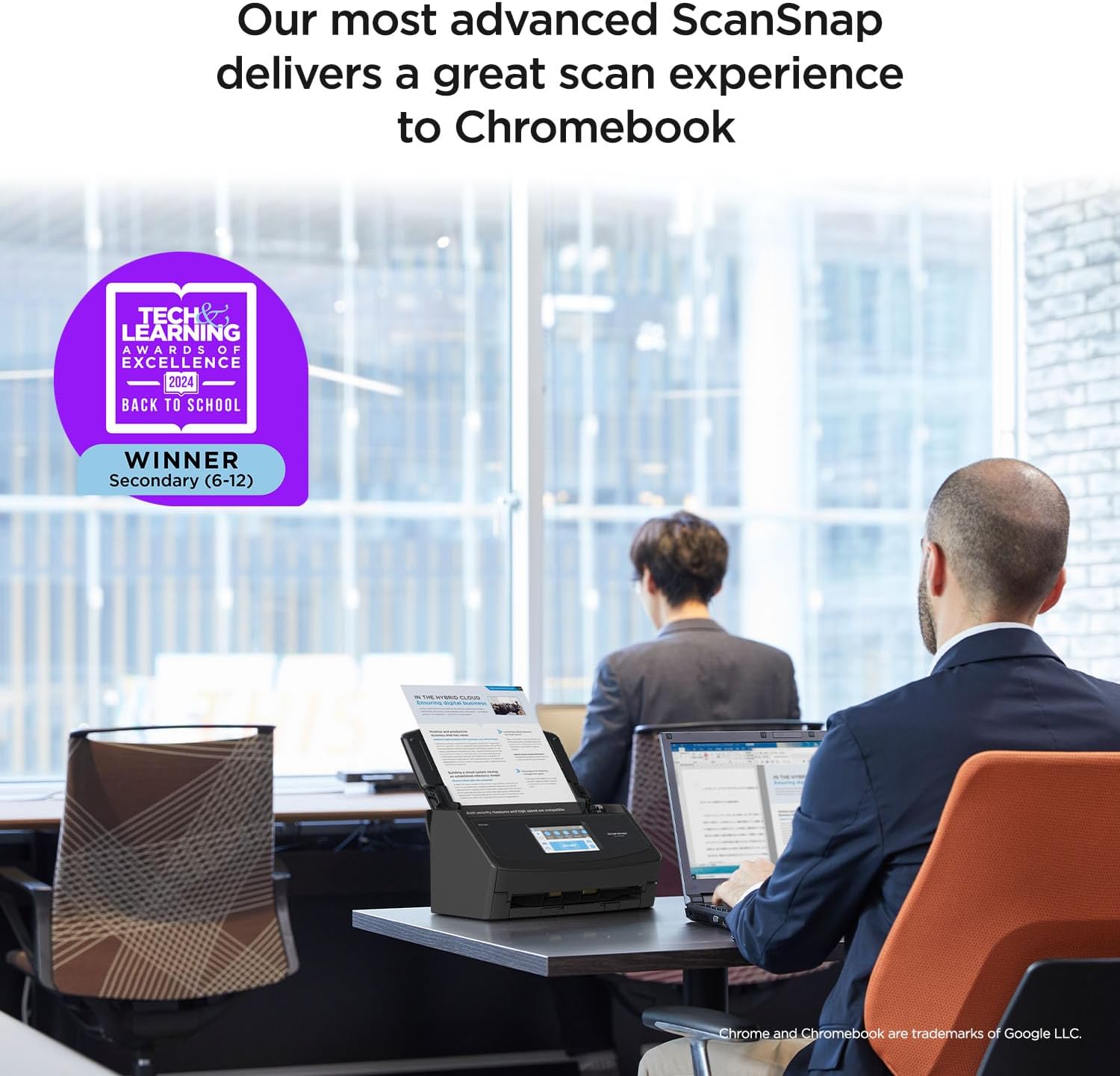
ScanSnap iX1600, the world’s best-selling Personal Image Scanner, is now optimized as a ChromeOS scanning solution for small businesses and home and office professionals utilizing Chromebook. ScanSnap iX1600 Chromebook Edition is an all-in-one document management solution that leads the industry in ease, efficiency, and flexibility, enabling the transition from physical paper to digital data. The iX1600 Chromebook Edition connects through Wi-Fi, allowing for the most flexible placement options, while the intuitive touch screen makes scanning to Chromebook a snap!
Optimized for ChromeOS: Connect to your Chromebook via Wi-Fi for a seamless scanning experience utilizing ScanSnap Home Mobile
Exceptional user experience: Intuitive 4.3 inch touch screen, 40 page per minute scan speed and 50 page capacity automatic document feeder. Intelligent image processing capabilities including automatic document size, blank page removal, image deskew and color detection
Wireless connection: Wi-Fi provides efficient connection and placement for use with Chromebook and Android mobile devices at 2.4GHz and 5GHz
ScanSnap Home Mobile: Intuitive application allows users to apply settings, perform scanning with a touch, apply edits as needed and even choose where to store, share and export your important scans
Device-less scanning to the cloud: Use the optional and free ScanSnap Cloud service to bypass the computer to a popular cloud instead such as Google Drive and Google Photos
Customers say
Customers find the scanner easy to set up and use. They appreciate its fast scanning speed, duplex scanning, and efficient performance. Many find it works well and performs better than expected. The hardware is reliable and has a robust feature set. However, some customers have mixed opinions on wireless connectivity, software quality, and value for money.
AI-generated from the text of customer reviews
7 reviews for ScanSnap iX1600 Chromebook Edition Wireless Color Duplex Document Scanner, ChromeOS Compatible, Black
Add a review
Related Products


Original price was: $473.42.$399.99Current price is: $399.99.
philbw –
Incredible Scanner
If I could give this scanner 6 stars I would. I have experience with Fujitsu scanners. Our company has had two humble ScanSnap S1500s in service for over a decade, each having scanned 50,000+ documents on all original parts (and still going). We also experimented with a Fujitsu N7100 network scanner (I think we paid $1700 for that scanner new). I like this scanner better than all of them.
First of all, the old S1500s only worked with ScanSnap Manager and the older Fujitsu software. This one works with both the old software and their flagship ScanSnap Home software. I honestly thought I’d hate the new software and was planning to just use ScanSnap Manager again. I begrudgingly gave ScanSnap Home a chance and I must say, it’s substantially better. First of all, the older software was made up of multiple parts that all had to work together. ScanSnap Home has one clean interface that acts as a document manager, a scanner config, and so on.
The flexibility is where this thing really shines. At first glance the touchscreen appears to be laid out how they think you’ll want it. In reality you can customize every button, change it’s icon, change it’s action, etc You can have ScanSnap Home manage the docs or have it scan elsewhere and not even show the document in ScanSnap Home. I have my scanner setup here at home in a dual role. I use the default ScanSnap Home button to scan to my local NAS (as a directory on my computer, not direct [more on that later]) . I have other buttons that scan to various OneDrive locations that sync with SharePoint. For those documents it just scans direct, and I don’t have it showing on my computer. Everything just works perfectly.
Setup was a breeze. I initially set it up with a USB cable then decided to put it on the Wifi just for fun. I figured I’d setup the mobile app but never got around to it. Then one day the USB cable was unplugged and I went to scan something, not even thinking about it, and it just worked. My computer found the scanner over the network without any additional configuration. Even over Wifi and uploading to either my NAS or OneDrive scanning is pretty much instant. I’ve scanned 50 page documents and after the last page went through it was fully OCR’d and available to open within about a second.
Here’s the only downsides (which I didn’t dock points for because this is not an expensive scanner by comparison). Although you can (with a firmware update) scan direct to a network share without the use of a computer the scanner doesn’t perform any OCR on it’s own. Our expensive N7100 could perform OCR on it’s own but honestly it was slower. To really leverage this scanner’s true capabilities, you should use it with a computer. The ScanSnap Home software is able to perform OCR on the incoming documents faster than anything I’ve ever used. On that note, you do have to check a box in the settings for the PDF files to actually have it save the PDF as searchable.
My suggestion for when you get it is to bypass the manual altogether and just dive in. Pretty much everything is self-explanatory. If you go to Settings / Scan Settings in ScanSnap Home you’ll be pretty much good to go.
Barry –
BUY IT! You won’t be sorry
I cannot believe how good this scanner is. I through out my old Epson scanner after it would no longer communicate. But I don’t miss it for a second.
The UI on this Scansnap IX1600 scanner is impressive. I realized I quit using the old Epson because it was so much trouble to scan and name a file, then find it later. This makes it so easy I look forward to it now.
This scanner allows you to create up to 30 unique profiles and it shows up on the display. I created several other profiles so I could just pick a profile on the display and scan the item into exactly the appropriate folder location set up for that type of document.
For instance, I had well over a thousand pictures of my son’s sports from over the years and instead of storing in a closet, I created a profile named Sports and scanned them up to a Dropbox for the rest of the family to see. Initially, I was really concerned about how the pictures would scan, but I was quickly blown away. They come out better than the picture itself and even at the maximum resolution setting average less than .5 Mb each. I could place a handful of pictures (up to 50) at a time and this scanner never skipped a beat. So getting through over a thousand pictures was a breeze.
Then grab a handful of receipts of different sizes, pick the receipt profile and scan them in…simple. And shockingly to me I put a dozen or so receipts of many different sizes and shapes at the same time and they just went through easily. It would never be that simple on my old Epson.
One of the best features to me was/is the duplex function which allows the scanning of both sides of the paper at the same time. I had several boxes of documents that I needed to scan so I could shred all the paper afterwards thus reducing storage space. I created a profile and turned on the duplex function, then scanned thousands of documents. If a paper was printed on two sides, it would scan both sides at once and the speed of the scan was not impacted. And if there was nothing on the back of a page, it would not scan a blank page (that’s a setting in the profile). Needless to say, I was able to easily scan numerous documents that I didn’t want to throw away, but I didn’t want to store in boxes either.
I was able to reduce about 15 boxes down to 3, keeping the most recent stuff and digitizing/archiving the rest. I hauled out at least ten full bins of confetti after shredding so many documents and pictures.
So just to sum up, with my old scanner I never wanted to scan anything because I knew how much work it would be and it would not scan pictures. This Scansnap IX1600 scanner is fun to use and very easy. When I get home with a handful of receipts I can select receipts profile throw all the receipts in and scan them, then shred.
I am really, really happy I chose this scanner, it’s a dream to use!
Unlnown –
Scanner is simple enough and set-up was also easy with or without cable. I use a Mac and had to buy the usc-c to usb-b cable with is not common. It only comes with usb -A to usb-B cable.
Other than that, it’s rare to find an item that is simple to set-up. It scans, it does it well, and no hassles so far. Price is on the high end for sure though.
Llego antes de la fecha indicada y la instalación no fue complicada, fácil de usar y un excelente desempeño, muy buena compra ðð¼ –
Â
Oscar –
Es mi primer escáner de esta marca, eh usado otros de la misma marca pero ya modelos pasados, pero su versatilidad en su programa para escanear en muy sencillo de aprender, anteriormente escaneaba con mi impresora, gran cambio con este equipo, ahorras mucho tiempo.
Wayne Schlegel –
This scanner is really excellent, especially the speed helps a lot! I scanned several thousands of pages within a really short time, it would have been a nightmare had it not been that fast. The document feeder is really reliable and usually way better at separating the pages to scan them individually than I can normally separate them with my fingers. For those few times that it doesn’t work it sends an error message soon and stops the scan, getting them out of the feeder and re-scanning them is no issue at all.
I scanned a few hundred photos as well and it was pure joy to see how well it handled those too.
The scan results are excellent too. The variety in settings regarding the quality leaves very little to be desired.
The little screen helps a lot, you don’t have to initiate the scan from the computer all the time, it helps tremendously to save time and effort.
The only downside that I have yet discovered is that I wasn’t able to find out how scan multiple pages in one go and save them as separate files. I could only do that by splitting the scanned pdf file using a pdf software.
The scanner comes with a serial number for the PDF software “Kofax Power PDF Standard” but I haven’t tried that since I use Adobe Acrobat professional for business reasons, but it’s good to know that the scanner does have an alternative to Adobe.
I can’t recommend that scanner enough, am really glad I bought it!
Jackson carpenter –
Ordered from Amazon AU – came with US power plug…. ??