
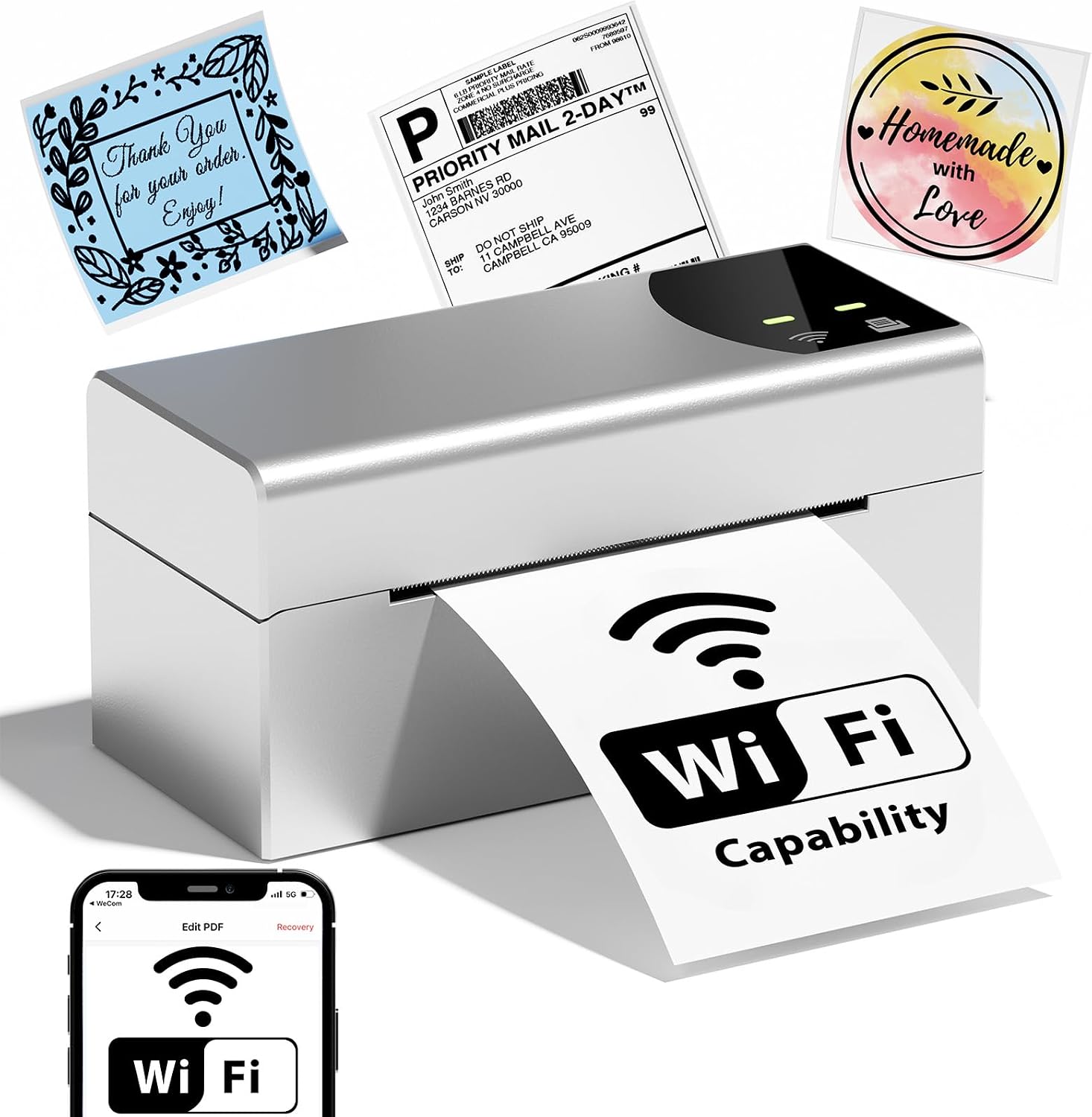
Phomemo Wi-Fi Thermal Label Printer, 4×6 Wireless Shipping Label Printer for Small Business, Barcodes Label Printer for Shipping Packages, Compatible with iPhone, Android, Mac, Amazon, Shopify, USPS
Original price was: $129.99.$99.99Current price is: $99.99.


Price: $129.99 - $99.99
(as of Jan 17, 2025 18:52:38 UTC – Details)
From the brand


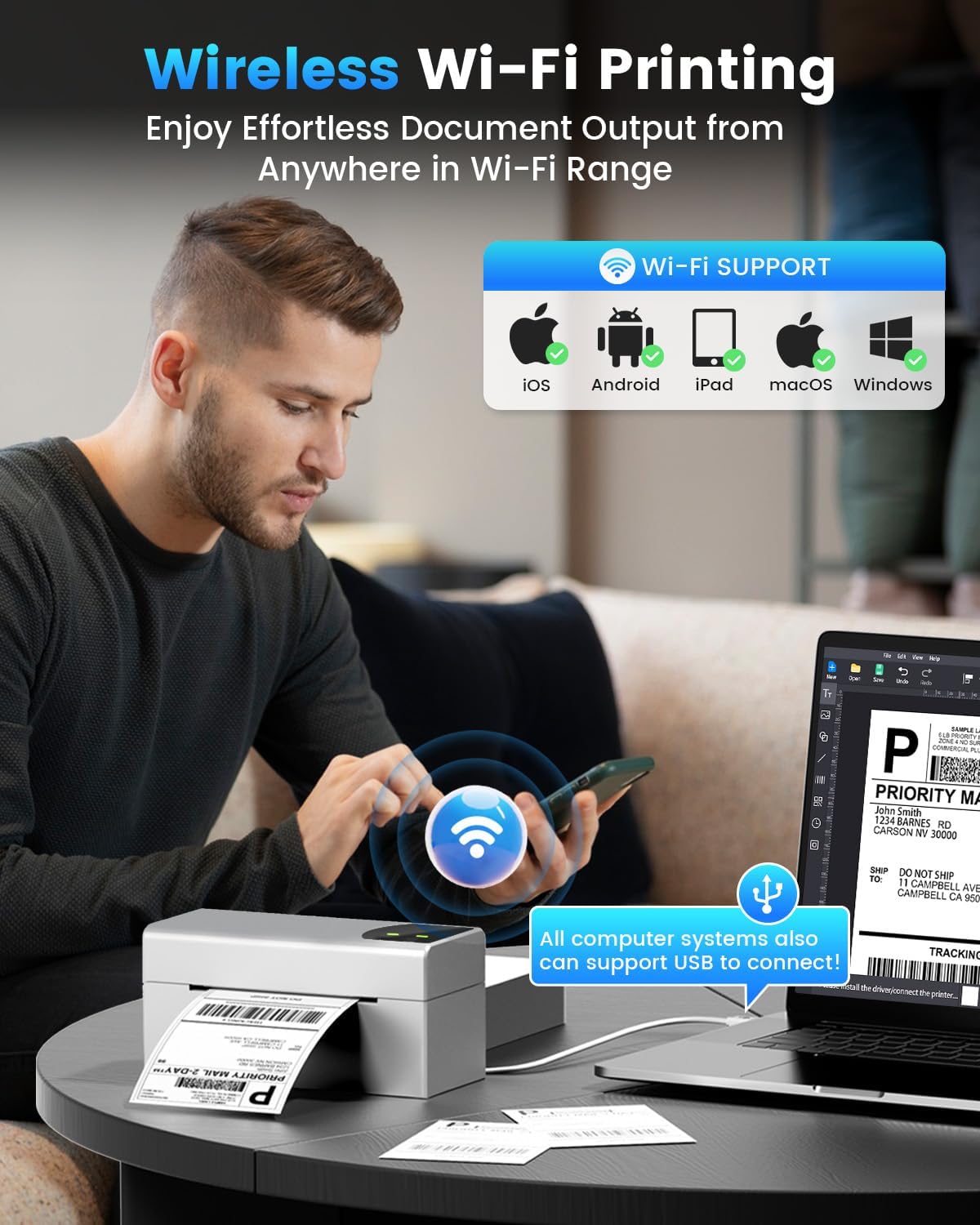
Phomemo Wireless Wi-Fi Label Printer: The 248-WF thermal shipping label printer boasts seamless Wi-Fi connectivity compatible with iOS, Android, macOS and Windows. Easy setup, fast printing, enjoy the convenience of wireless printing. This label printer for small business also offers USB connectivity, compatible with ChromeOS and Linux, supporting all computer systems
Ultra-fast & Stable 5GHz Wi-Fi: Phomemo 248-WF thermal label printer is equipped with a superior 5GHz Wi-Fi connection, surpassing the 2.4GHz and Bluetooth label printers in terms of speed and stability, three times faster than the 2.4GHz connection. In addition, this Wi-Fi label printer supports up to 5 devices connected simultaneously, allowing printing anywhere within the Wi-Fi range
Save Time and Cost, Clearer Printing: Phomemo label printer utilize advanced thermal printing technology, no ink or toner required. With a printing speed of 150 mm/s, the label maker can produce up to 72 sheets of 4×6 labels per minute. With 203 DPI resolution, your labels will be crisp and easy to read and scan. This wireless label printer is ideal for small businesses, significantly reducing label printing time and enhancing efficiency
Various Platforms Compatibility: This desktop label printers can support the width of 1 – 4.6 inches labels. One-click printing of shipping labels, barcode labels, logo labels, thanks labels, address labels and many pre-made templates for commercial and home use. The Wi-Fi thermal label printer compatible with all major sales platforms including Amazon, eBay, Temu, TK, Shopify, Etsy, Poshmark, UPS, USPS, FedEx, ShipStation, DHL, Shippo
Professional Team: Phomemo support team provides technical support, including live chat, emails and even remote desktop operation. Enjoy fast setup and easy to use
11 reviews for Phomemo Wi-Fi Thermal Label Printer, 4×6 Wireless Shipping Label Printer for Small Business, Barcodes Label Printer for Shipping Packages, Compatible with iPhone, Android, Mac, Amazon, Shopify, USPS
Add a review
Related Products


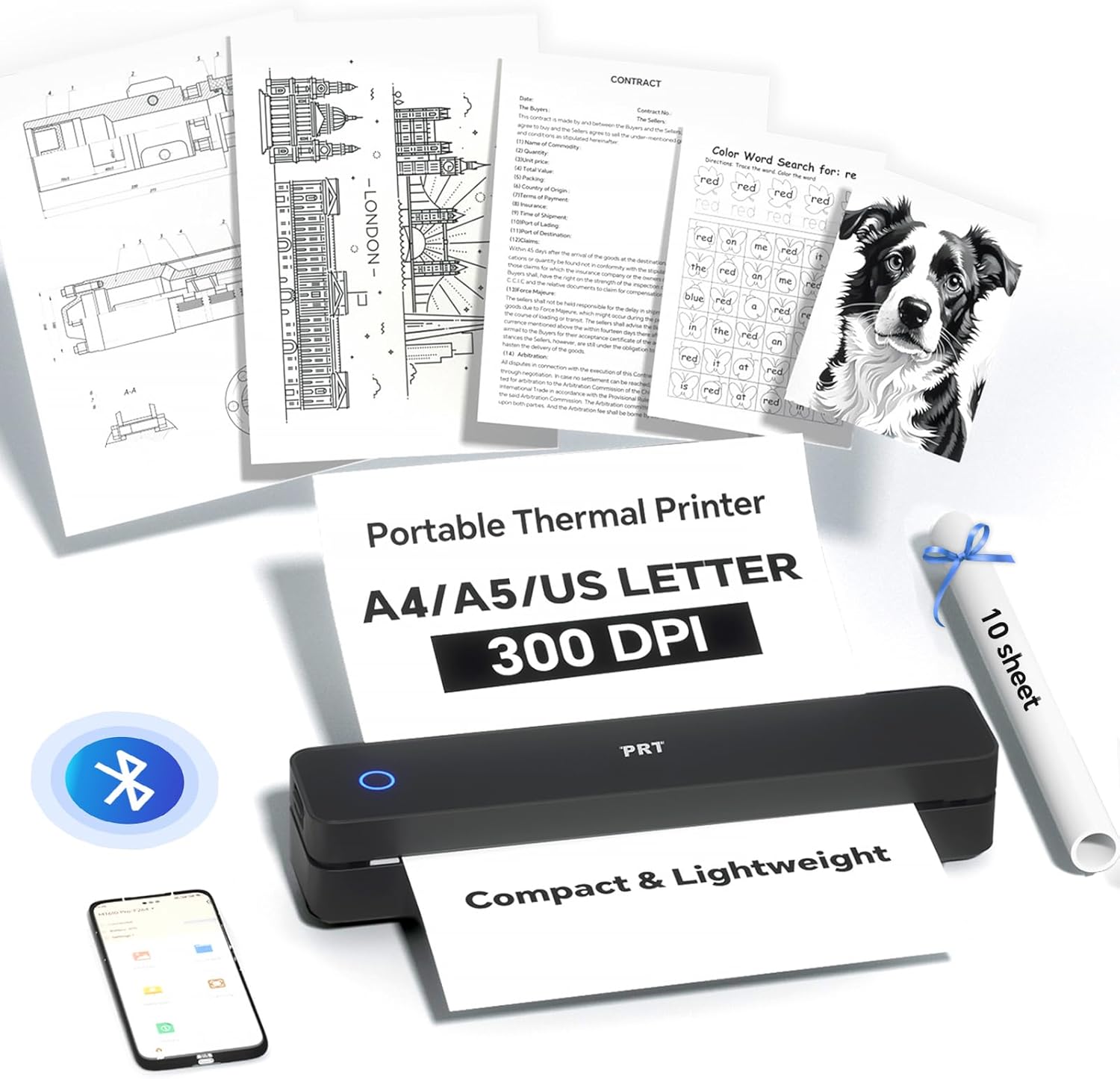


Original price was: $129.99.$99.99Current price is: $99.99.
Customer –
Fast thermal labels
I ordered this printer to be the proprietary printer for a large customer. I have the fulfillment of these orders in a seperate room for the rest of my shop and with a stand alone computer that was printing labels off the general label printer. This new labeler avoids any chance of mix-up. The labeler is well constructed and completely compatible with both the desktop and the laptop used for this account. The device uses a standard issue thermal printed label with its own adhesive so the process of shipping is never held up at a taping station. I’m happy with every aspect of this new printer and am ordering a second as a backup for our much larger and more expensive main printer in the design studio.
HECJR –
Good Shipping Label Printer But has some minor issues
I recently went to a third-party billing software for all my shipping needs. As a result, I now need to print out my own shipping labels. which allows me to get the shipping cheaper and more importantly lets me skip the long lines at the Post Office/Shipping Companies. For a while I was printing out the labels on regular paper and taping them to the boxes. There had to be an easier way and there was. Purchase a Thermal Label printer and print out labels like the shipping companies use. Upon arrival set up was somewhat easy. It has two ways to connect to your computer Wi-Fi and USB. I would have preferred Wi-Fi but could not get it to connect and after 10 attempts (the instructions including the quick guide were less than helpful and actually in some ways made it worse which is one of the reasons for the 4 stars) so I connected with the USB. The connection was fairly straight forward and worked on the first attempt. The only other issue (as you can see in my images) was I could not get the labels to print all of the information in the space on the label. I did get it close enough for the shipping companies to accept it but not perfect.
Hannah –
Great
It speeds up production process. It’s very effective and connectivity is amazing.
Daniel –
Fantastic
Makes your work easier. Definitely this is a must for shipping packages
Andrew –
Nope. Nice Try, Though.
There is absolutely no way I’m using this printer. I’ve owned many thermal label printers for printing shipping labels, and this is the ONLY one that requires potentially sensitive information that it should definitely NOT require.There are two ways to connect and print to this printer:1. Mobile app called “Labelife”2. Direct connect to computer via included USB cableIn scenario one using the Labelife app, the app requires you to give it precise location permissions (approximate location does not work) and also requires you select your wi-fi network and enter the password of your wi-fi network. Yeah, no thanks.You’d think scenario two would be the better option with a direct connection between computer and printer. Not so much. Software download is required, and then the software requires you to select your wi-fi network and enter your password… while using a direct USB cable connection! This is ridiculous, and leads me to believe the software is spyware or malware or similar. There is absolutely no good reason for the software to require information about your wi-fi network when the printer is connected to a computer with a USB cable!With a justifiably pessimistic attitude, I decided to visit the URL listed on a sticker on the top of the printer. At the landing page it says, “Labelife, all the simplicity you need.” Then it says, “No complicated drivers or setup required, just easy design and click print.” They’re trying to make this SOUND like it works like all the other thermal label printers I have used, which is that they start working immediately as soon as a USB connection to the computer is made, without any software necessary to print. They’re purposefully making you believe this, but then when you click the “Start Printing” button (still on the website) the next page of the website prompts to download the software. And the software requires you to enter your wi-fi info including password. So bizarre. Granted, there is a “driver-only” download option at the bottom of the download page. If you click the “Download Driver” link you end up on a page that shows 45 different printer models and their corresponding drivers for different operating systems. There is zero chance I’m installing any of these drivers considering the absurd requirements of the mobile app and the desktop software. At this point, for all I know, the appropriate DRIVER would require my wi-fi info and password, so I’m just not going there. I’ve already uninstalled the mobile app from my cell phone.I simply don’t trust Zhuhai Quin Technology Co., Ltd. given how they’ve designed their mobile app and software. Such a shame, because the printer device itself looks pretty decent, and it pulls in new sheets and calibrates starting sheet position well.
Rob Roberts –
Excellent
Every printer from Phomemo I have ever had has been top notch. This one is no exception! It’s perfect for printing shipping labels and it does it fast! Definitely recommended
Antrell –
A nice and compact shipping label printer, Phomemo model PM-248-WF, that is printing using industry-standard thermal print labels. It is able to print both wirelessly and through a USB connection. According to product title, it is compatible with Windows and Mac computers, but I am using a Linux Mint PC (version 21.3 Virginia) and had a slim hope to print from it. I went to Phomemo website searching for appropriate driver, but this printer model was not even in the list there. Looking around, I found Linux driver for a similar printer and decided to take a chance on it. Trying to make it work, I stumbled over some errors including “insecure permissions”, and the printer refused to print. As usual, there was some help available on Google, so couple of hours later I finally got it working.Here are the steps I took:- Locate driver downloads for PM-246-Pro printer on Phomemo website,- Download file LabelPrinter-1.2.1.tar-Linux.gz from it, unpack it into a suitable directory- Copy file rastertolabeltspl from x86_64 folder to /usr/lib/cups/filter directory (use admin privileges for pasting file into it)- Make sure root is the owner of /usr/lib/cups/filter/, if it isn’t, type in Terminal: $ sudo chown -R root /usr/lib/cups/filter/- Connect printer to USB port of your PC, it will ask to choose a driver for the new printer.- Select option “Provide PPD file”. Point the selection box to file LabelPrinter242.ppd in folder “ppds” of the unpacked download, click “Forward”, then “Apply”.Enjoy printing!
GP Joa –
First, this printer is described as a Phomemo printer, but it does not use the Phomemo software and uses the Labelife software. The printer is easy to setup and start using. I set it up on a Windows 11 desktop as well as on my Android phone. For Windows, you do need to download the drivers from the specified website. Once the printer is installed, it shows up with other printers in the Settings menu. The printer uses 4×6 stock that separates to place the printed label on a package or other item. Printing speeds are fast and the Labelife software is easy to use. You can choose the type of paper and other items such as the font and the font size you want to have on your labels. The printer comes with everything you need to get started, including a package of 4×6 sticker labels. The printer does not require any ink as it prints to thermal paper in monochrome. This is a nice little printer that works great for printing labels.
The Shaun –
I recently purchased the Phomemo Wi-Fi Shipping Label Printer and have been thoroughly impressed with its performance. Setup was a breeze, and I was able to connect the printer to my Wi-Fi network in just a few minutes.The printer itself is compact and lightweight, making it easy to place on my desk or take with me on the go. The print quality is excellent, with clear and crisp labels that look professional.One of the standout features of this printer is its ability to print directly from my phone or computer via Wi-Fi. This has saved me so much time and hassle, as I can quickly and easily print labels without having to physically connect the printer to my device.Overall, I’m extremely satisfied with the Phomemo Wi-Fi Shipping Label Printer. It’s a game-changer for anyone who needs to print shipping labels regularly. Highly recommended!
Aaron –
I recently got the Phomemo Wi-Fi Shipping Label Printer for printing my shipping labels for my small business, and it works well enough. It prints 4×6 thermal labels quickly and the wireless feature makes it easy to print right from my phone. I had a bit of trouble with the setup though as it wasnât as straightforward as Iâd hoped, especially connecting to Wi-Fi. Once it was up and running though, it does a decent job at printing the labels.
Jason Brown –
Super professional, from the unboxing to the final printed labels.I think the hardware is really solid, and there is plenty of contact info on the printer itself and the documentation, in case you need support. The instructions are pretty clear on how to load the printer and detect the label size.The software is excellent. I installed it on an Android tablet and I found it completely usable with a finger.I like that I can hook it up to one of my PCs if needed, but I do like using it with the tablet. The app is actually fun to use, it is like a cut down page publishing app.For photos — yes I realize no one buys these things to print photos– if you crank up the contrast, exposure etc, the printer will print out a decent representation.