

UGREEN 20Gbps M.2 NVMe SATA SSD Enclosure Compatible with 10Gbps USB C External NVMe M.2 Enclosure USB 3.2 Gen2 Support UASP Trim for M/B+M Key NVMe and SATA SSD in Size of 2230/2242/2260/2280
$39.99

Price: $22.99 - $39.99
(as of Jan 18, 2025 00:14:56 UTC – Details)
Product Description
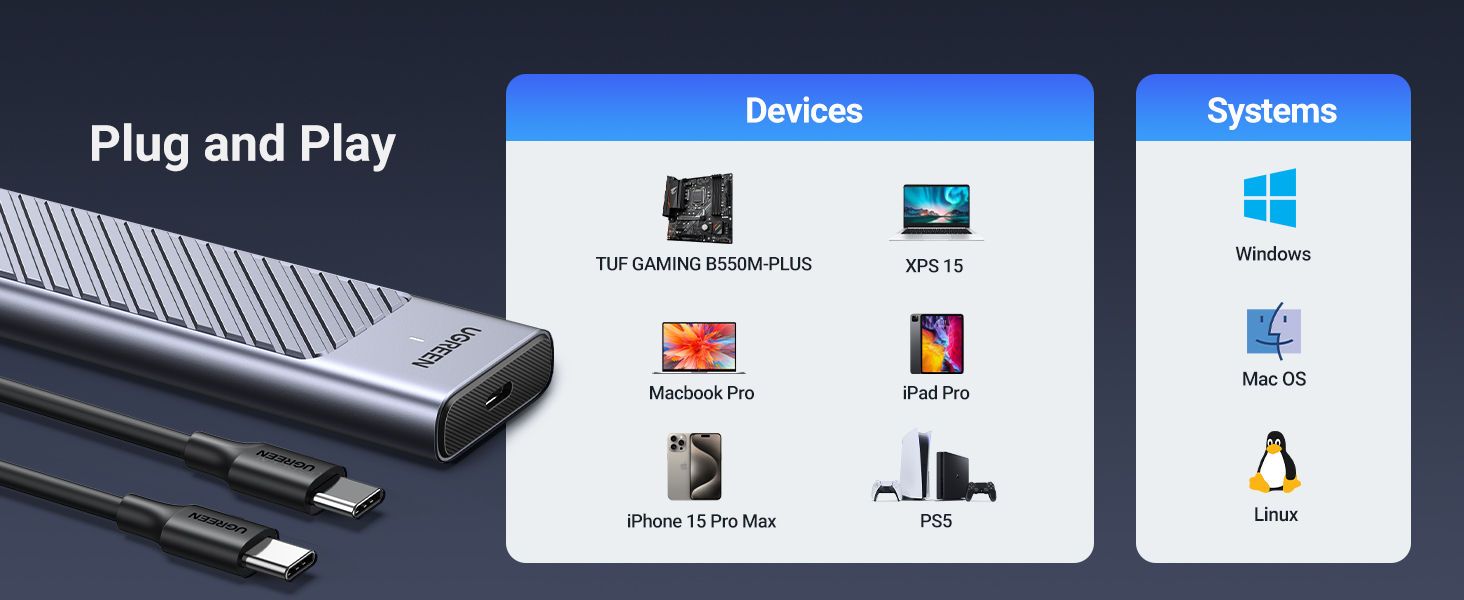
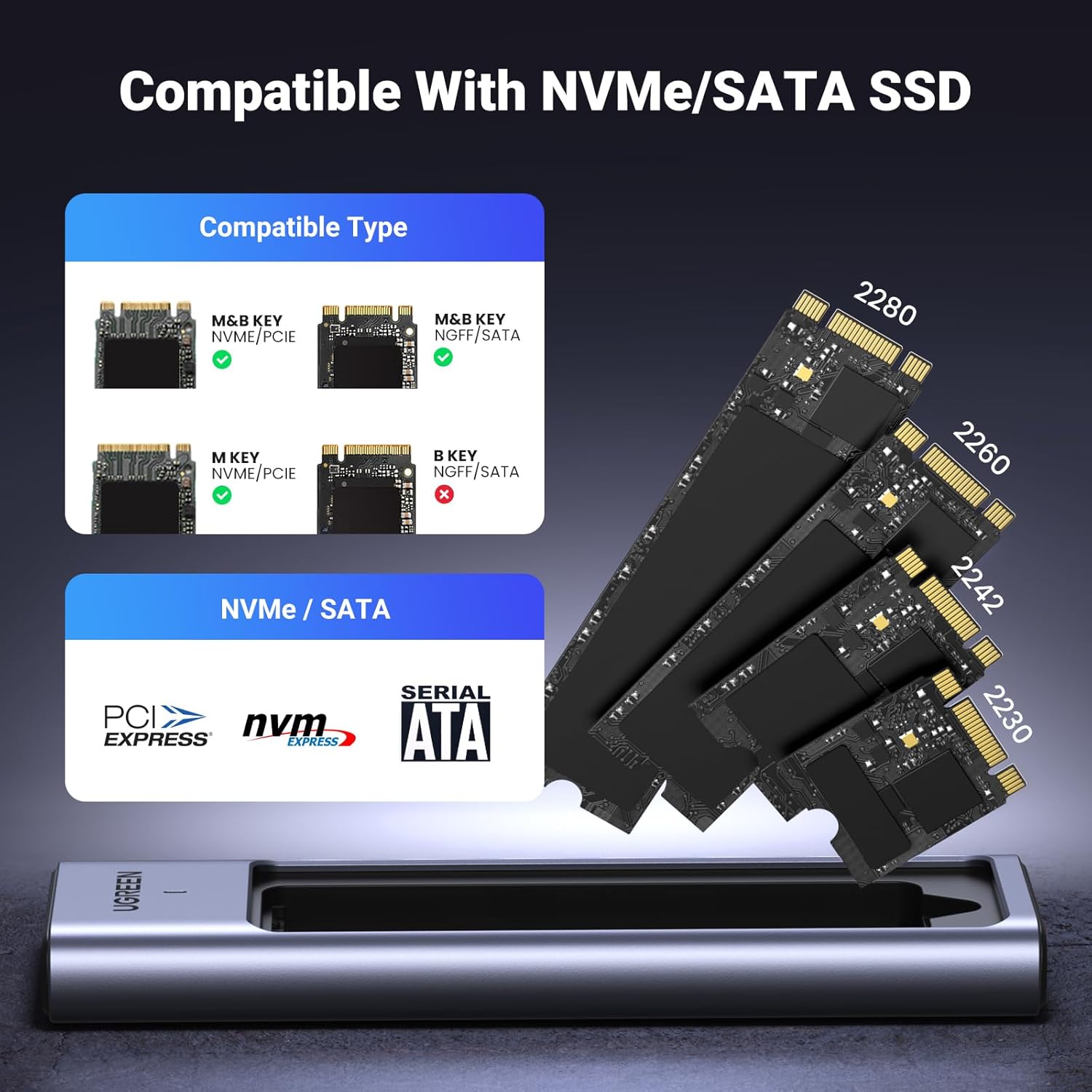
1 Compatible Devices
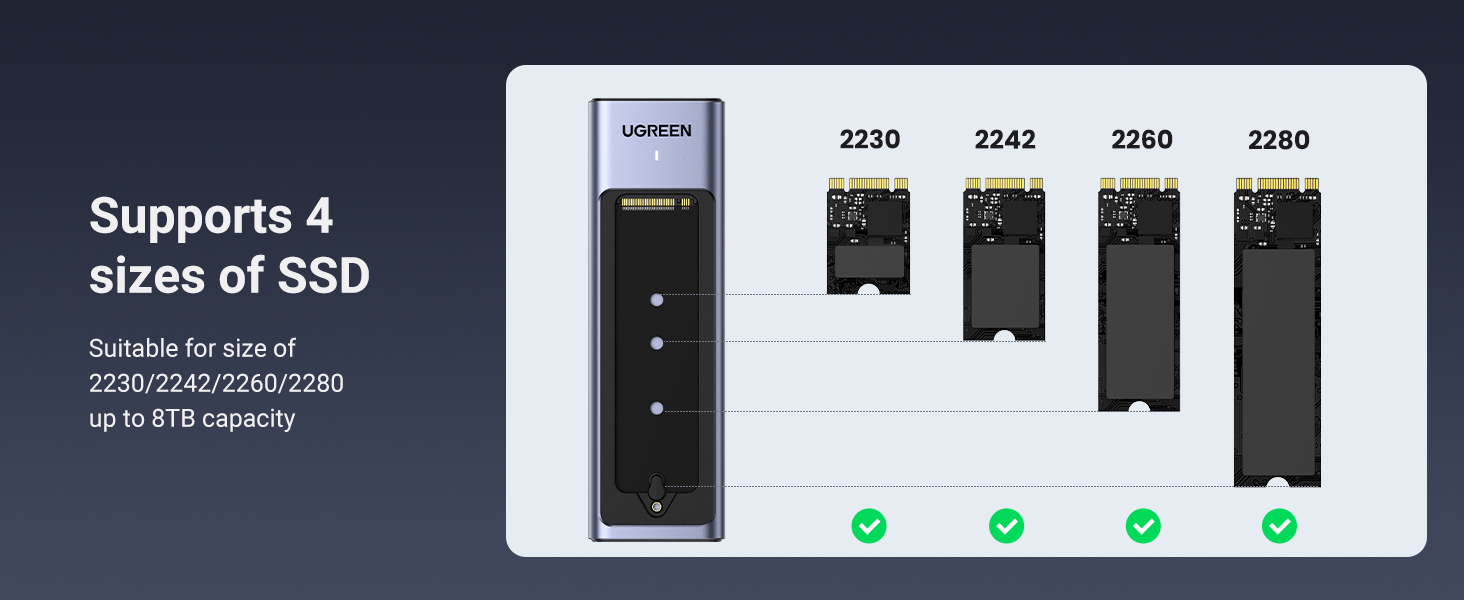
2 Compatible SSD Sizes
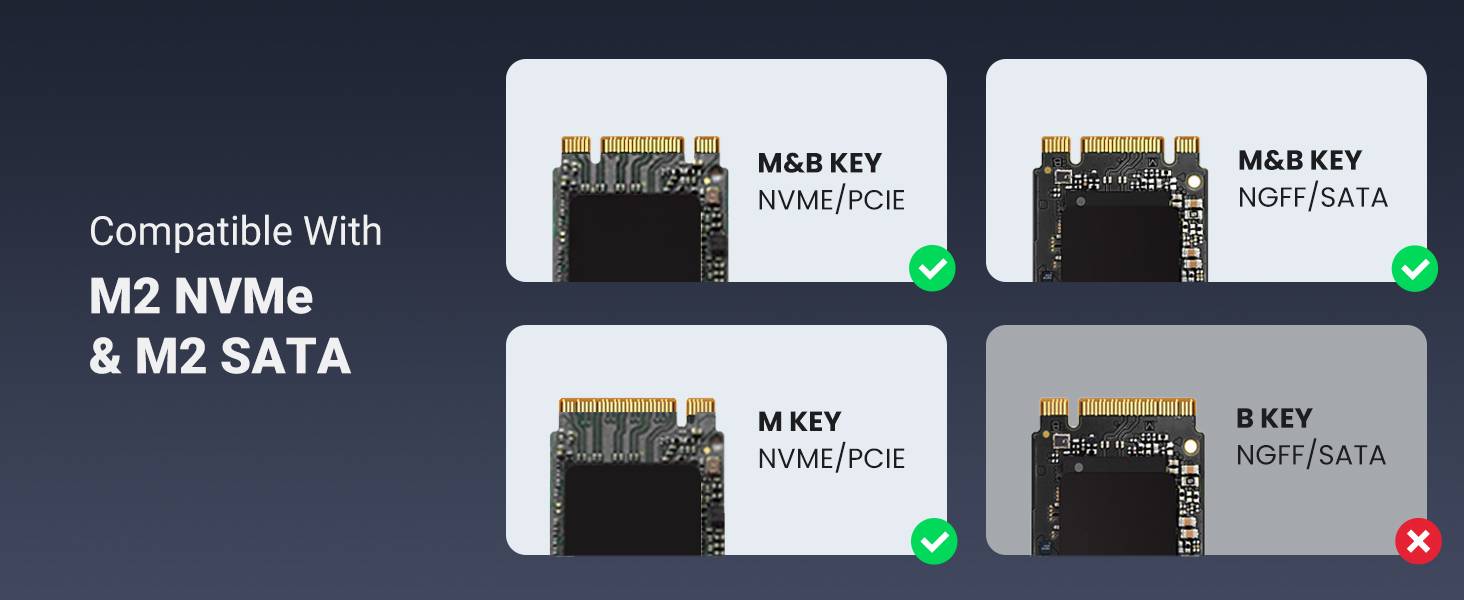
3 Compatible Types
UGREEN M2 Enclosures
Add to Cart
Add to Cart
Add to Cart
Add to Cart
Add to Cart
Add to Cart
Add to Cart
Customer Reviews
4.2 out of 5 stars
120
3.9 out of 5 stars
184
4.6 out of 5 stars
3,923
4.6 out of 5 stars
3,374
4.0 out of 5 stars
532
4.6 out of 5 stars
3,923
4.5 out of 5 stars
8,569
Price
$39.99$39.99
$89.99$89.99
$29.99$29.99
$29.99$29.99
$109.99$109.99
$26.99$26.99
$15.99$15.99
Compatibility
NVMe & SATA SSDs
NVMe SSDs
NVMe & SATA SSDs
NVMe & SATA SSDs
NVMe SSDs
NVMe SSDs
NVMe SSDs
Max Transfer Speed
20 Gbps
40 Gbps
10 Gbps
10 Gbps
40 Gbps
10 Gbps
10 Gbps
USB Interface
USB C 3.2 Gen 2*2
USB 4.0
USB C 3.2 Gen 2
USB C 3.2 Gen 2
USB 4.0
USB C 3.2 Gen 2
USB C 3.2 Gen 2
Material
Aluminum
Aluminum
Aluminum
Aluminum
Aluminum
Aluminum
Aluminum
Max Capacity
8TB
8TB
8TB
8TB
8TB
8TB
8TB
Chipset
RTL9220
ASM2464PD
RTL9210B
RTL9210B
ASM2464PD
JMS583
RTL9210
Supports SSD Sizes
2230/ 2242/ 2260/2280
2230/ 2242/ 2260/2280
2230/ 2242/ 2260/2280
2230/ 2242/ 2260/2280
2230/ 2242/ 2260/2280
2230/ 2242/ 2260/2280
2230/ 2242/ 2260/2280
Cable Included
C to C
C to C + C to A
C to C + C to A
C to C + C to A
C to C + C to A
C to C + C to A
C to C + C to A
Silicone Case
✔
✔
✔
✔
✔
✔
✔
Plug&Play
✔
✔
✔
✔
✔
✔
✔
1. Why can’t the enclosure reach 20Gbps?
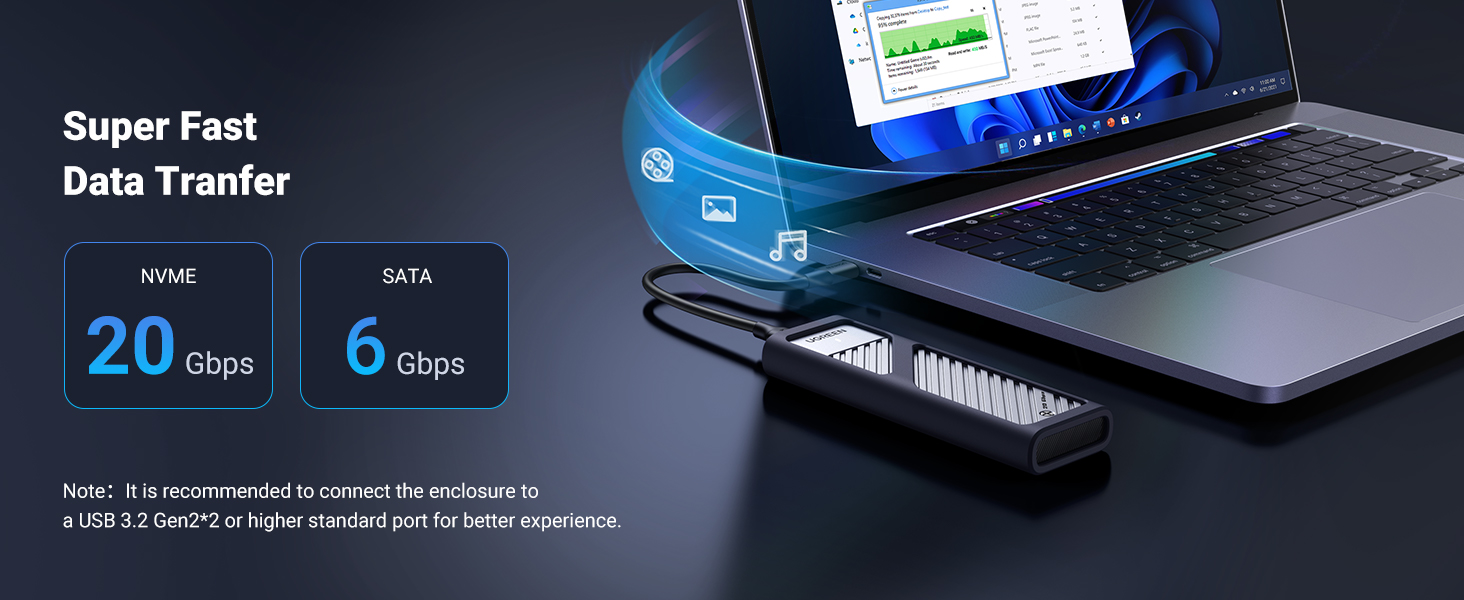
This M.2 enclosure can only reach up to 20Gbps transfer speeds with USB 3.2 Gen 2×2 (20Gbps) ports. Other ports including Thunderbolt 3 and Thunderbolt 4 can only run 10Gbps at max due to the limitation on data communication protocols.
2. Can this M2 enclosure support 20Gbps with MacBook?
No, the item can only reach 10Gbps on MacBooks since MacBooks generally have Thunderbolt 3 or Thunderbolt 4 ports, which do not support 20Gbps when negotiated with the enclosure.
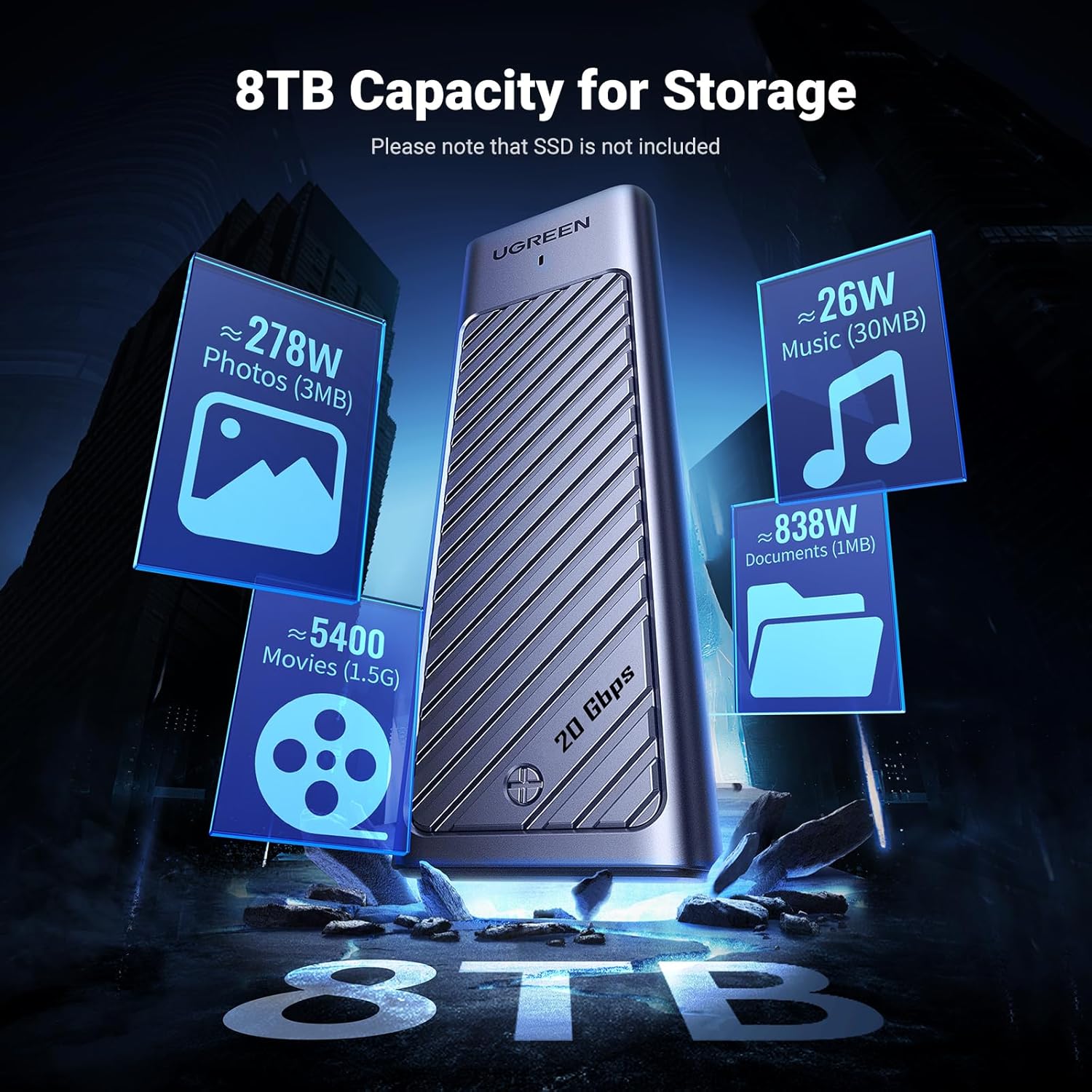
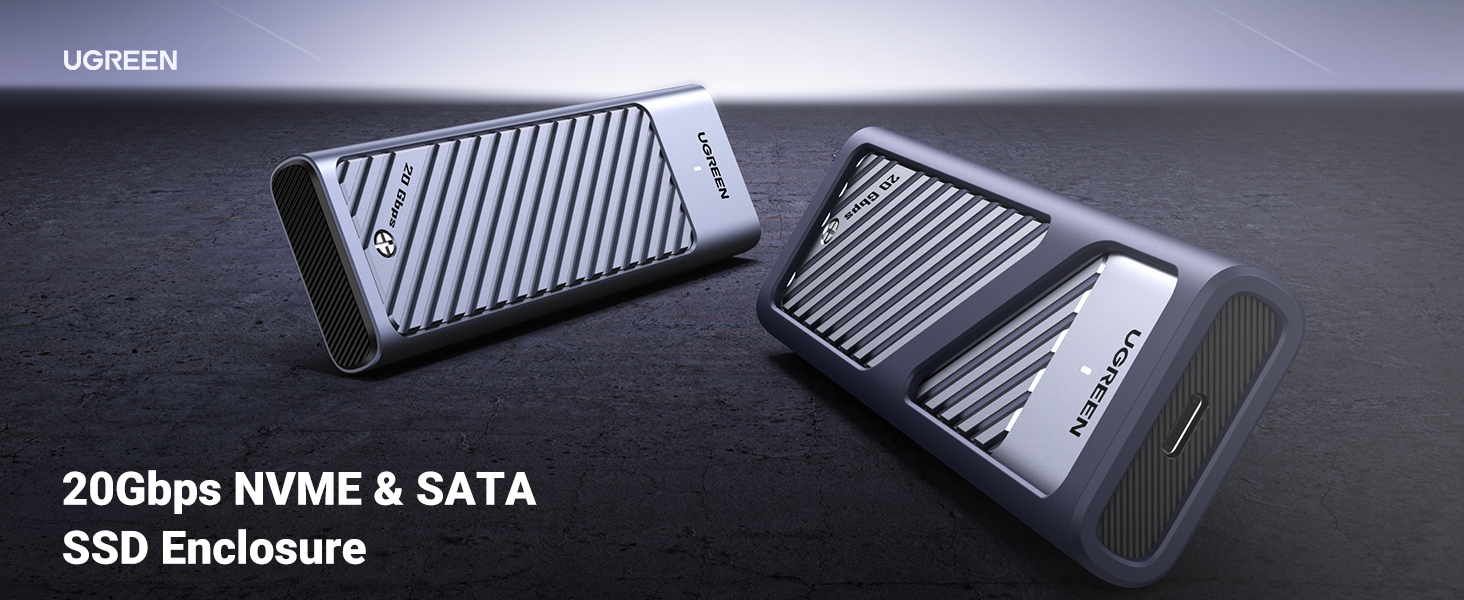
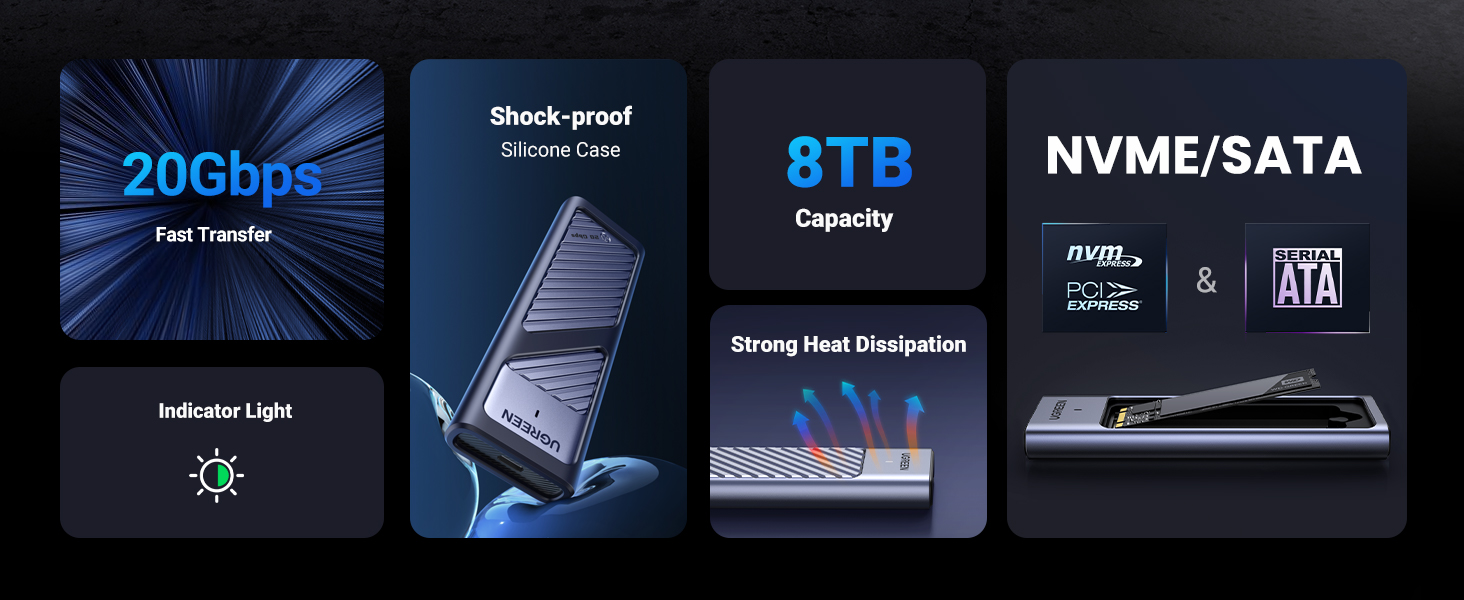
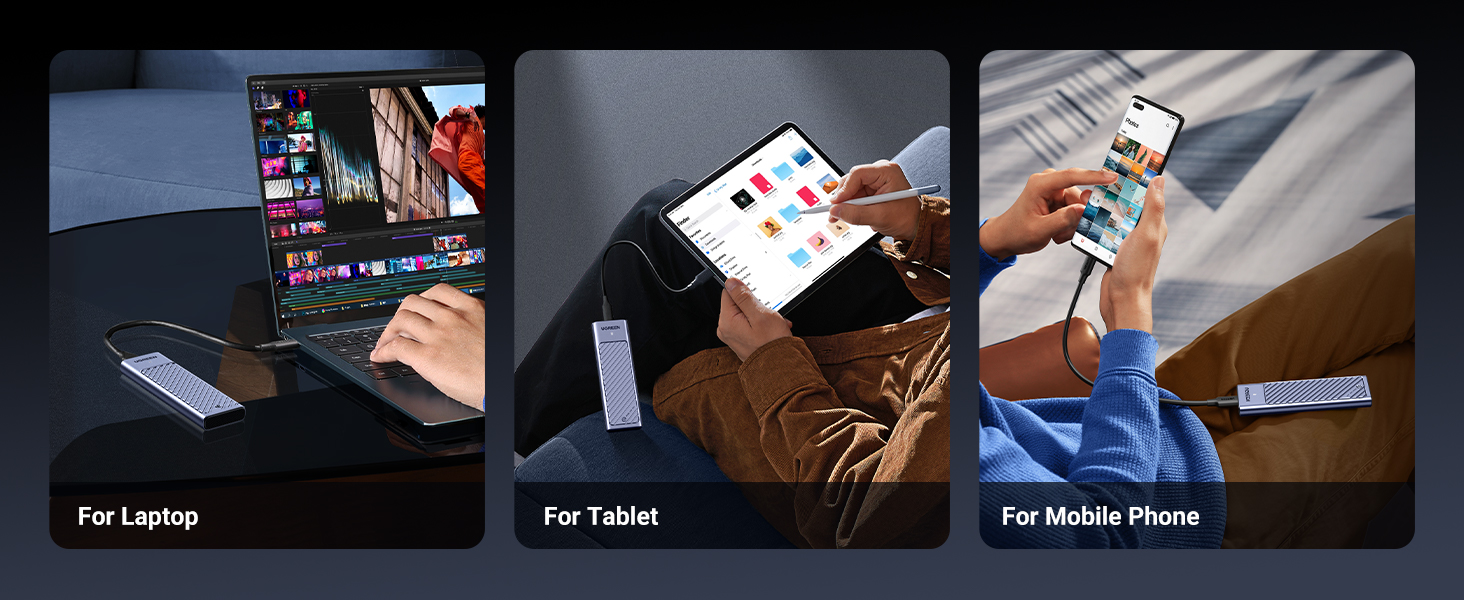
Designed for NVMe and SATA SSD:This M.2 enclosure supports PCIe NVMe or SATA NGFF SSD up to 8TB in 2230/2242/2260/2280 size. Applicable for Windows, Mac OS, Linux, Android, IOS systems. (Note: m-SATA is not supported)
20Gbps Lightning-Fast Transfers: This M2 enclosure delivers up to 20Gbps transfer speeds over USB 3.2 Gen 2×2 (20Gbps) connections. Other interfaces, including Thunderbolt 4, run at 10Gbps,Note: Please make sure your usb interface protocol is USB3.2 Gen2*2 in order to reach 20G transfer speed
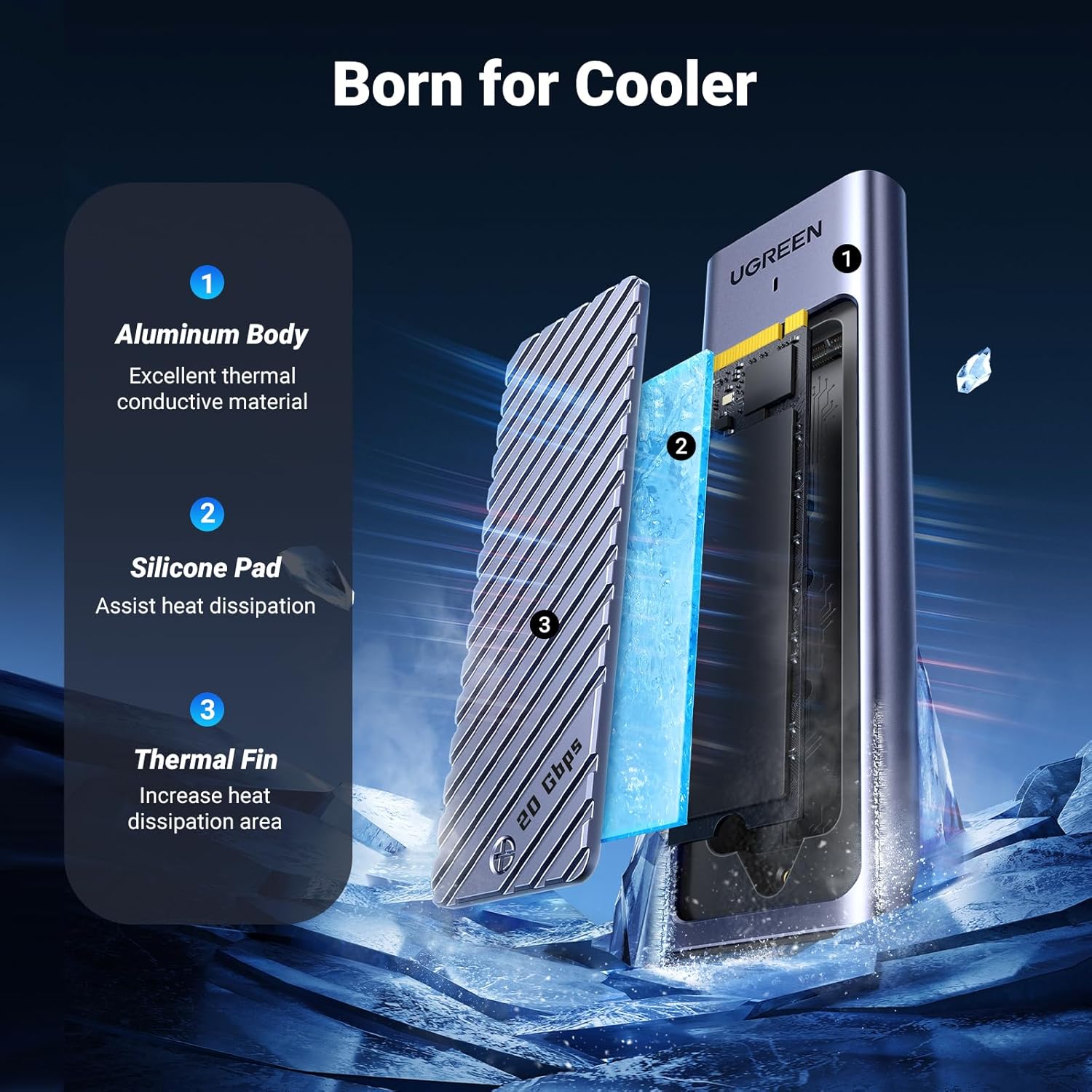
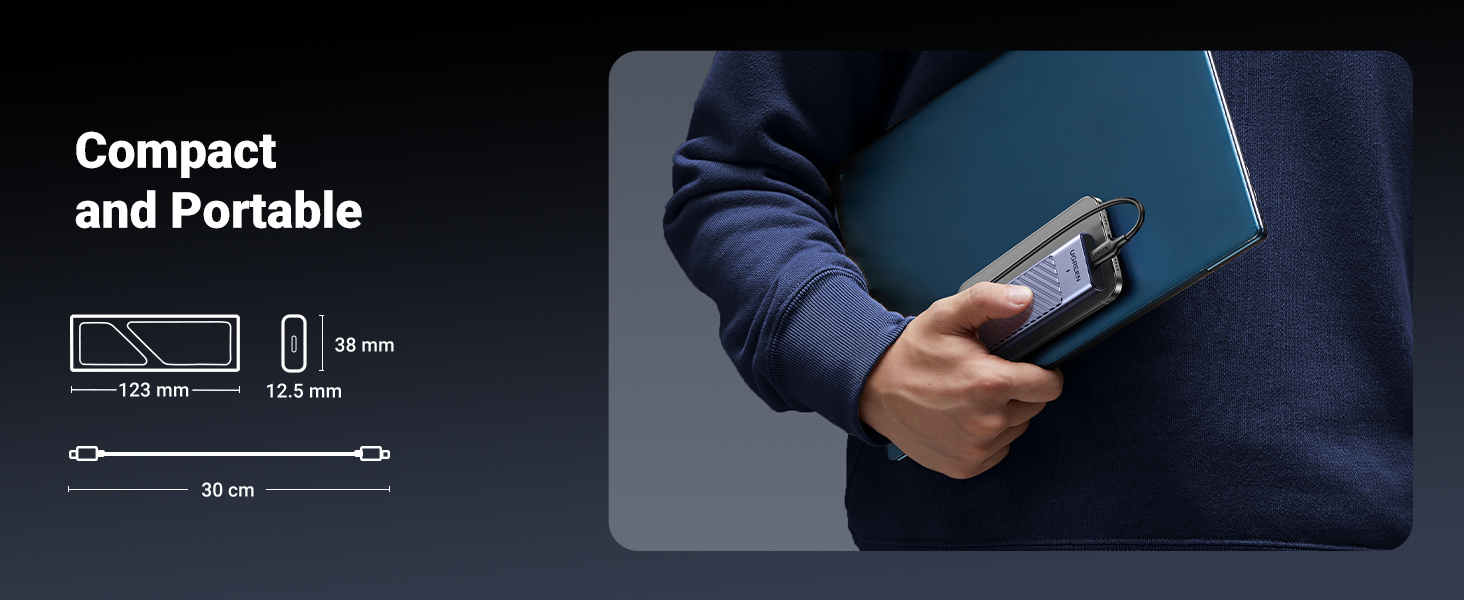
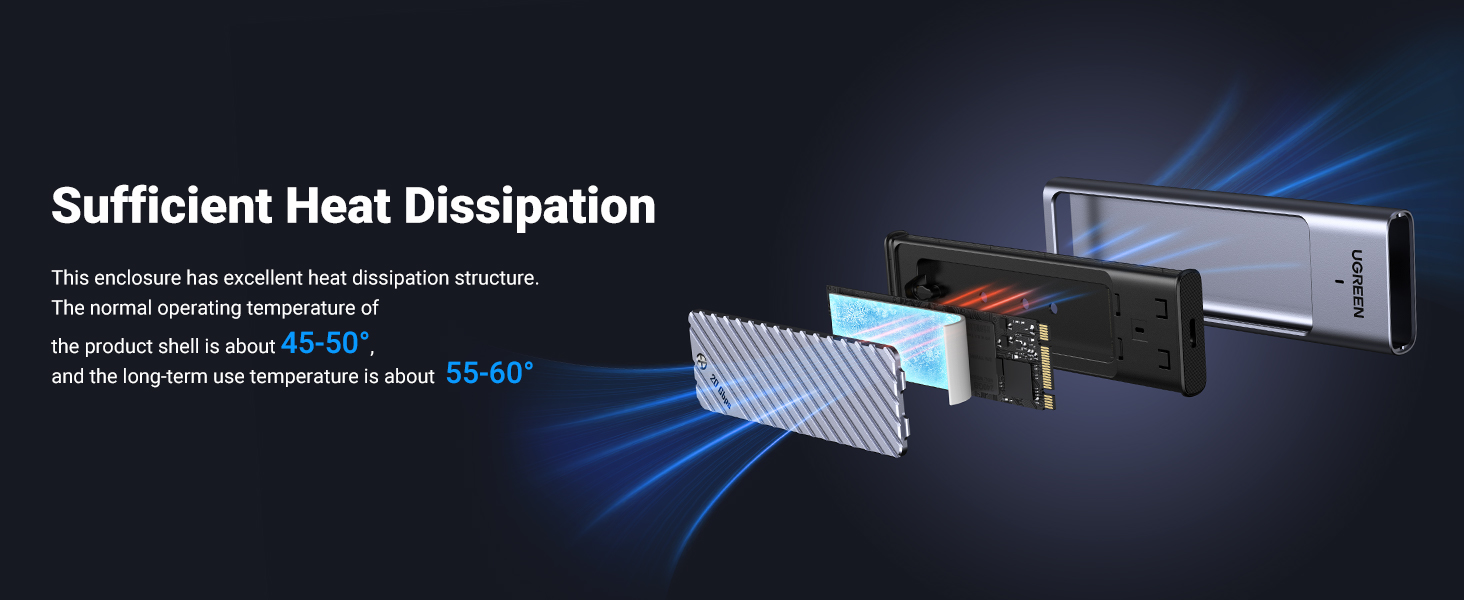
Effective Heat Dissipation: This portable SSD Enclosure USB C has a cool aluminium case with a thermal pad that maintains good contact with the grooved case, keeping it cool at high speeds and protecting data from high temperature damage
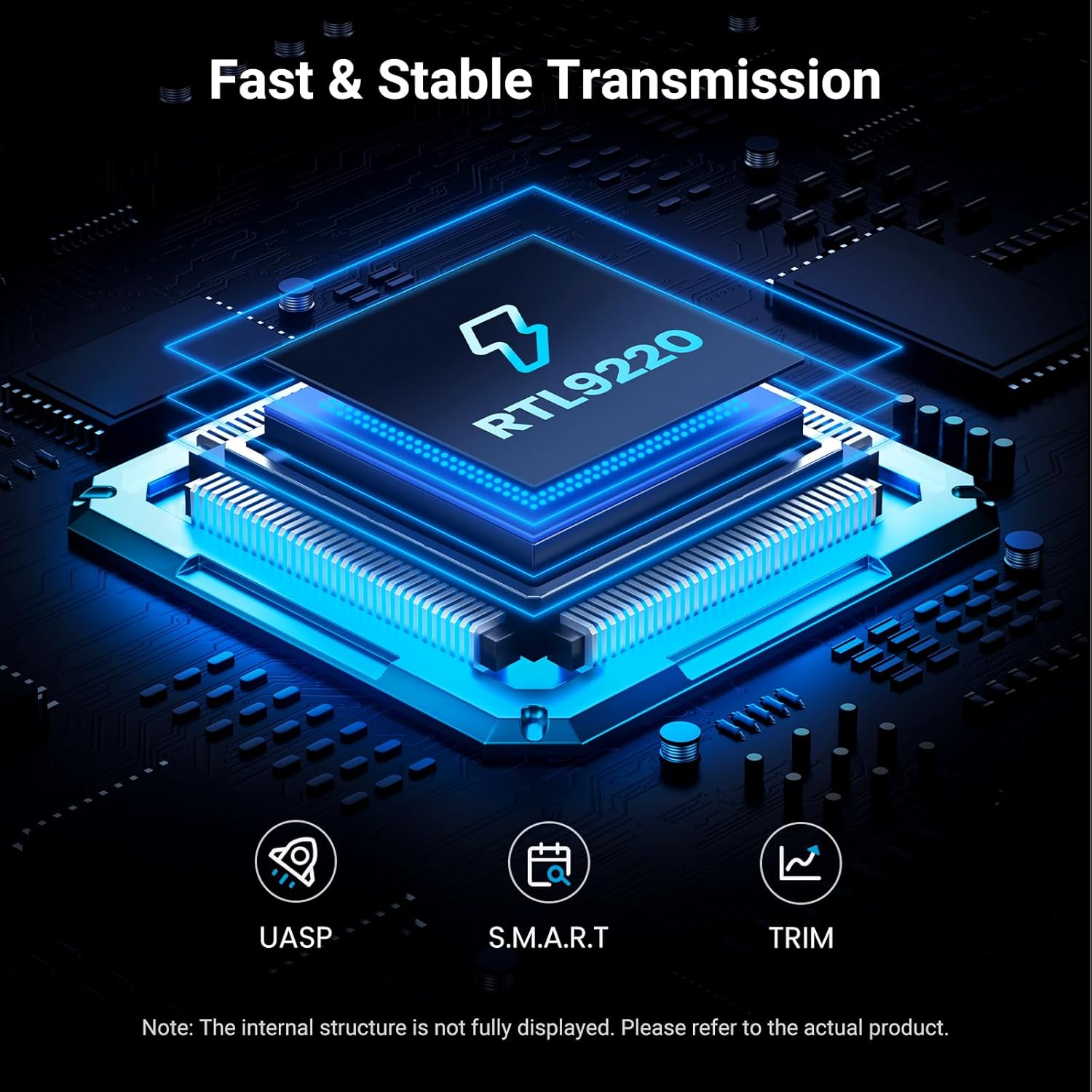
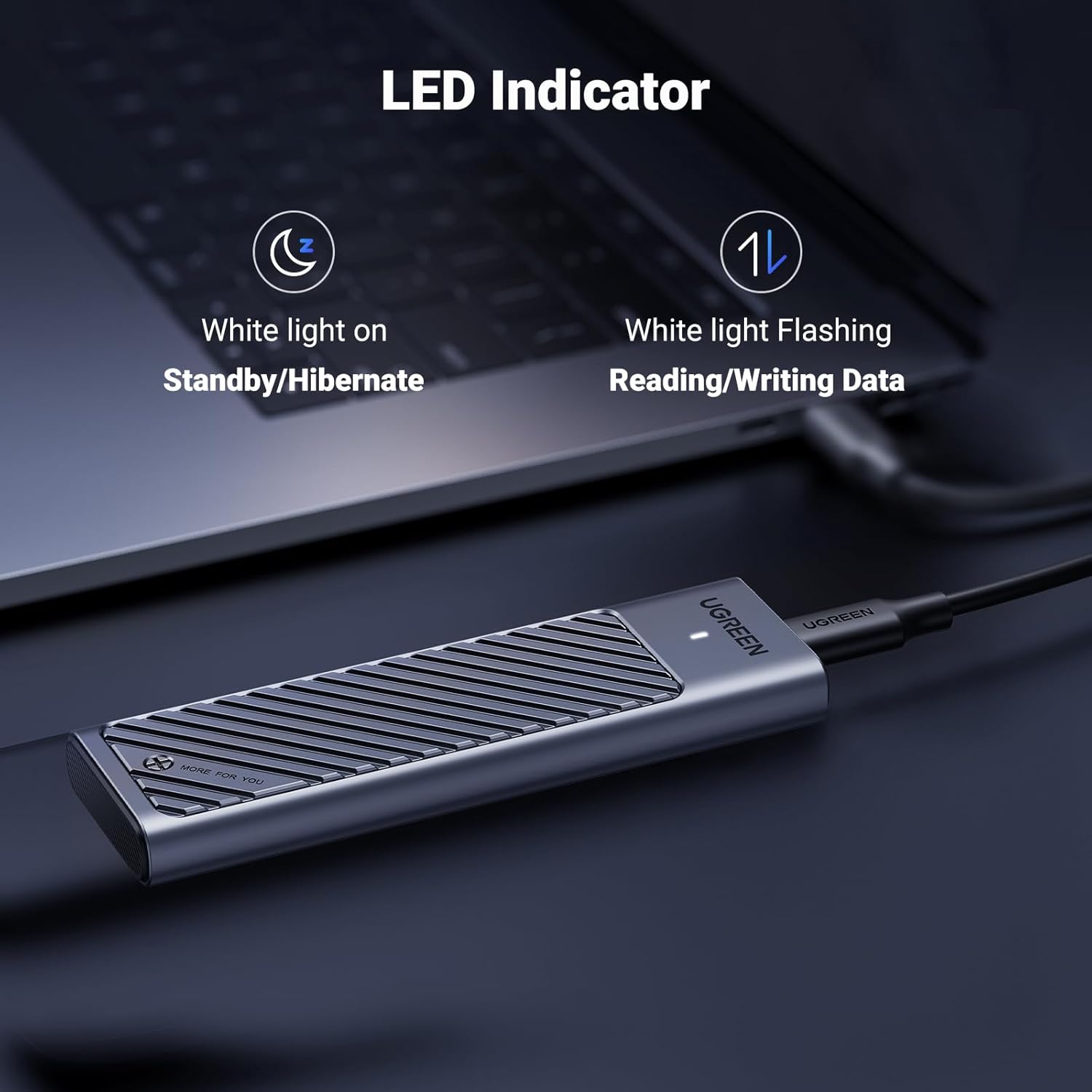
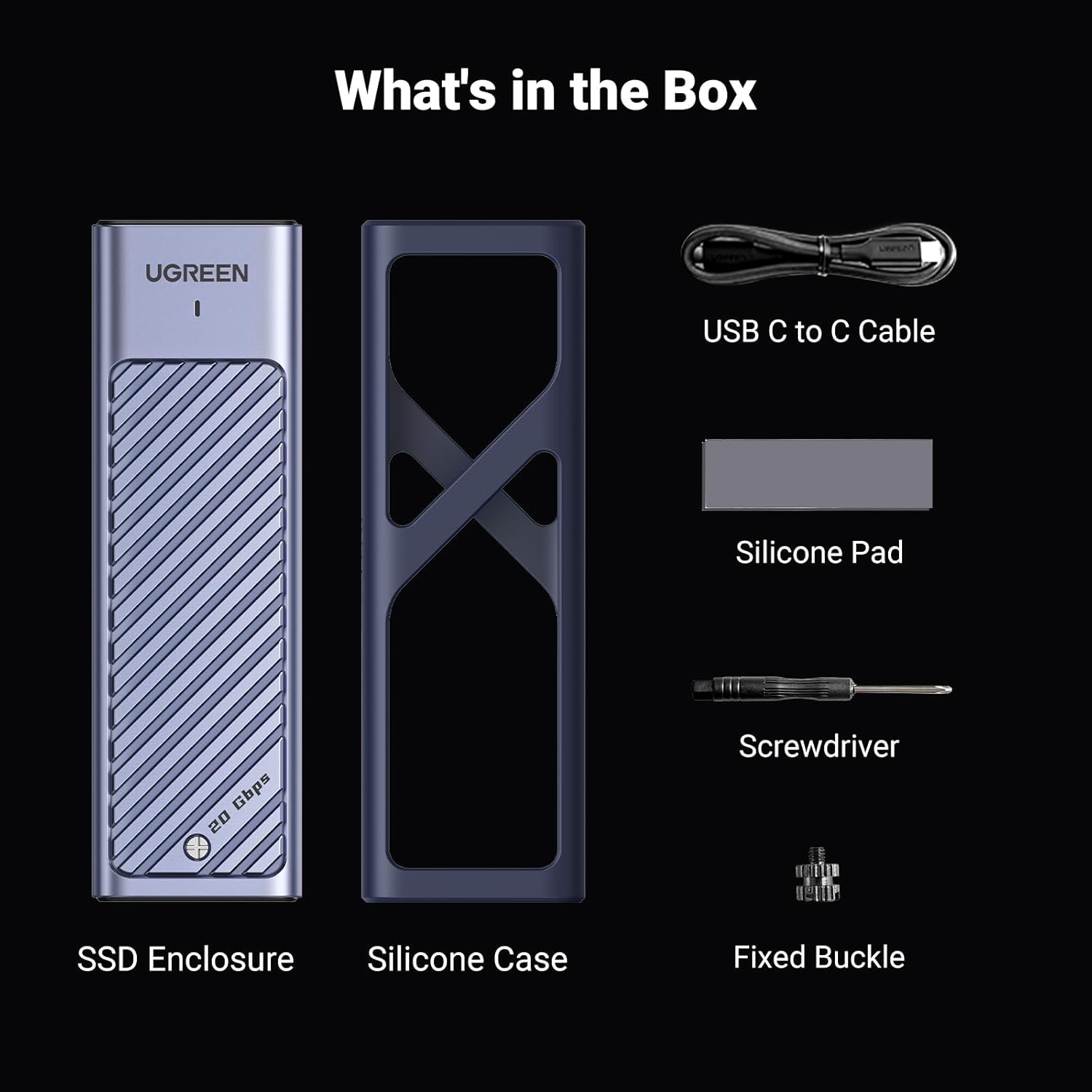
Secure & Stable Transmission: The 20Gbps nvme enclosure supports UASP and Trim, built-in advanced RTL9210B chip with short-circuit and over-current protection, which achieves the safety and stability of the data transmission. The aluminium case with surrounding silicone cover prevents damage from accidental drops
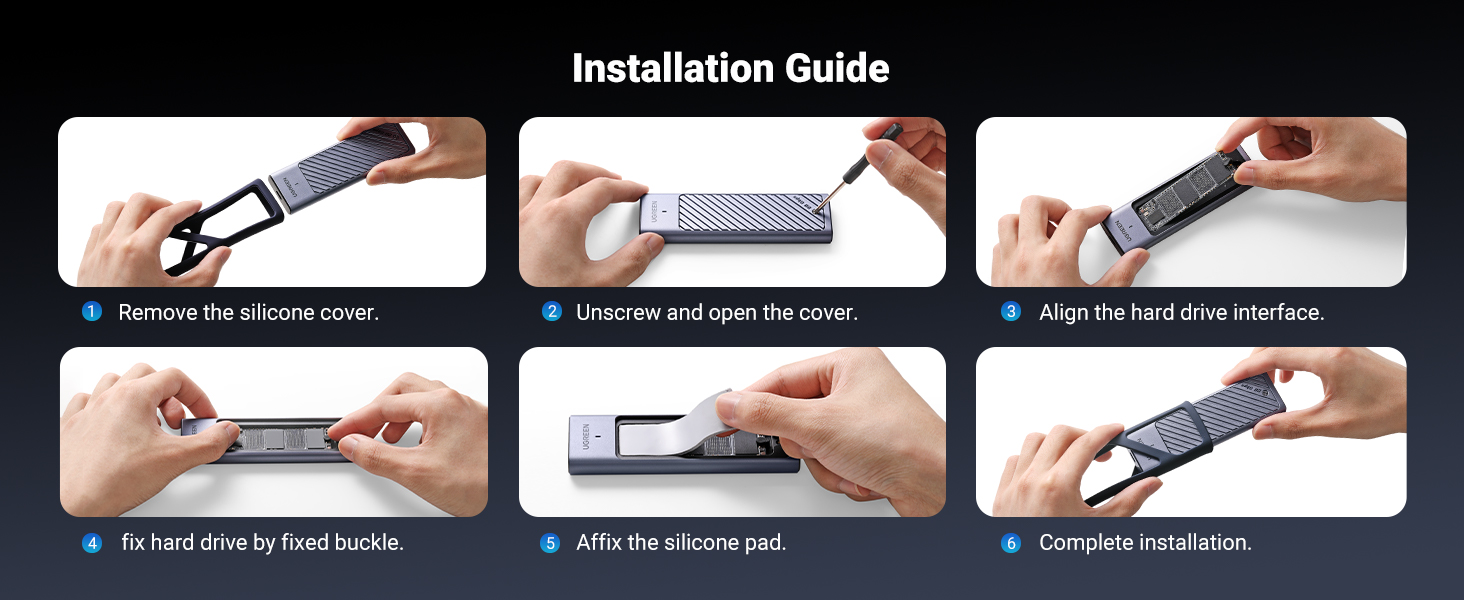
Easy to Use: Plug and play, no additional power supply required; no driver required. Only one screw is needed to fix the M.2 SSD, which is simple and convenient (Note: SSD not included)
13 reviews for UGREEN 20Gbps M.2 NVMe SATA SSD Enclosure Compatible with 10Gbps USB C External NVMe M.2 Enclosure USB 3.2 Gen2 Support UASP Trim for M/B+M Key NVMe and SATA SSD in Size of 2230/2242/2260/2280
Add a review
Related Products


$39.99
Technologist –
Runs cool compared to others
I tried a few brands that were available primarily to clone and upgrade the SSD in my laptop. I had Western Digital Black and Samsung EVO 970 drives. Most of these enclosures have a Realtek chip that makes the M.2 appear as a SCSI drive, which means you canât use the Western Digital version of Acronis to clone the drive as it does not recognize the SCSI emulated disk as WD. To be honest, I forget if this one worked with WD or not, but once I got an enclose that Acronis recognized I started the clone process that was very fast. However half way through Acronis blue screened, windows rebooted into Repair mode (without asking permission) and then to my horror the system wouldnât reboot and windows reported it couldnât repair my source drive! I checked from the repairs rescue contact prompt and C: was gone. Thank God for Chat GPT that suggested some commands to run which rebuild and then repaired my C: drive, it reported corruptions in just 3 files, all thankfully unwanted video files. I tried again and exactly the same thing happened at the same point.In the past Iâve had great results using Samsung SSDâs so I switched to that and Samsung Magician swiftly completed the clone perfectly. The enclosure didnât even get warm to the touch, despite the intensive cloning. It had a clamshell type lid which is superior to the sliding design of several other enclosures and the extra size of the lid and fins make s huge difference. Very happy. The WD got hot in other enclosures, but this Samsung SSD lowered the temperature of my laptop drive from typically 55 degrees down to 39. So even though the WD has a slight edge on performance, it comes at the cost of extra heat and maybe long term reliability.Itâs not quite tool free, and the supporting screw takes a few seconds to figure out (the SSD is supported by the groove in the screw head, the instructions can leave you thinking it screws down in the SSD board).This enclosure worked as fast as my 3 year old Dell Precision Thunderbolt ports could go, but if you have the latest Thunderbolt 5 ports, you can get an enclosure that will go faster. However, for my needs , cloning 2TB in about 30 mins is much faster than I feared it might be.
Matt MacPherson –
Very fast, very consistent
I use this to backup 3 other PC and Mac computers. Put a Samsung 4TB in it. I get consistent high data rates and have had no connectivity problems.
Jose G. –
Does work at 20Gbps
This product is great. It is one of the smallest USB 3.2 Gen 2×2 enclosures you can get. It worked at full 20Gbps speeds, about 2000MBps in real world multi tread sequential reads and about 1750MBps in writes. It gets hot but withing spec of the SSD. Max temperature I saw was about 62 degrees C with constant writes. Again normal for most ssd’s. I was using a MSI M480 Pro 2TB double sided SSD for the testing, though I would not recommend that for normal use. It works best with single sided SSD’s.
Stephen –
So far so great.
Great device that so far as worked as advertised. It makes having a portable drive with decent speeds available.
David –
500 MB/s with Samsung 990 EVO 1TB M.2SSD
I bought this to extend my Playstation 5 hard drive because you need m2.ssd in order to play games on USB drive. PS5 does support 10 Gbps on all ports. PS5 message on formatting said that it could only be used for storage. Tried to copy 30 GB game figured would take a couple seconds but after 3 minutes was only quarter done. So, I formatted it for Windows and copied a file to it and checked speeds moving 15 GB iso file and was at 500 Mbps. I have older gen on my XBOX SERIES X and transfers at 3 Gbps and super fast.DONT BUY!!
Wolfgangmob –
Worked at full speed in benchmarks
Tested with a desktop with a 20 Gbps port and an NvME drive capable of maxing out the rated speed, got true 20 Gbps speeds in benchmarks.
R. Johnston –
Easy to assemble
I like the top loading screw
Richard Galati –
Good construction, poor speed
The metal case is very solid, secure, and compact. I like the rubber casing that goes around it too.The speed is the same as a 10 Gbps enclosure, as you can see. 900/900 read/write is WEAK. The whole point of this enclosure is to double the 10 Gbps offerings from UGREEN, and it doesn’t.2 stars for construction, 0 stars for providing advertised speed.
Giver –
Z Mac mini M4 tylko 10Gbps.
Fortier –
J’ai transféré 500gb ssd sur une autre ssd en 25 min. Fonctionne nickel. Contient un tourne vise une vise supplémentaire pour maintenir la carte ssd et une pâte cooling, le câble est deux sortie usb c.
Denolf nick –
Good and fast drive enclosureHeatsink makes good contact, dropping temperatures from peak 93°C to absolute max 70°C.
JayKay –
Dieses Gehäuse erreicht die Höchstgeschwindigkeiten von USB 3.2 Gen2x2 voll und ganz. Mehr als 2100 MB/S kann man nun wirklich nicht erwarten. Bild habe ich beigefügt. Zugegeben: Meine Komponenten sind mehr oder weniger Best Case Scenario (interne Delock PCIe Karte mit USB 3.2 Gen2x2 , hochwertiges 1M Kabel , Samsung 970 Pro SSD).Viele negative Rezensionen sind wohl von Mac Benutzern. Macs gibt es aber gar nicht mit USB 3.2 Gen2x2 und deshalb wird auf 10 Gigabit reduziert. Dafür kann das Gehäuse nichts.USB4 ist leider nur optional abwärtskompatibel zu USB 3.2 Gen2x2 und kann deshalb auch mit Pech nur 10 Gigabit liefern. USB4 20 Gigabit underscheidet sich elektrisch leider von USB 3.2 Gen2x2 , weswegen die Kompatibilität extra angegeben werden muss und nicht garantiert ist. Hier kann man wohl nur beim Hersteller nachfragen, ob diese Kompabilität besteht.Noch etwas: Wenn Sie nur 1600-1700 MB/s schaffen, dann liegt das höchstwahrscheinlich daran, dass Ihr Motherboard den USB 3.2 Gen2x2 Anschluss nur mit 2 PCIe3 Lanes angebunden hat. 1 Lane von PCIe3 schafft um die 800MB/s und deshalb reicht es bei 2 Lanes nicht für die Höchstgeschwindigkeit von 2000-2100 MB/s. Hier müssen Sie sich bei Ihrem Hersteller beschweren.Das Kühlpad macht gute Arbeit. Beim Crystaldisk Durchlauf, wurde die 970 Pro nur 46 Grad warm. Im Idle so etwa 38 Grad.Fazit: Das Gehäuse erfüllt voll und ganz die Erwartungen und recht günstig ist es ebenfalls.
Knenith –
Ne chauffe pas autant que d’autres